Advanced settings
- 134 -
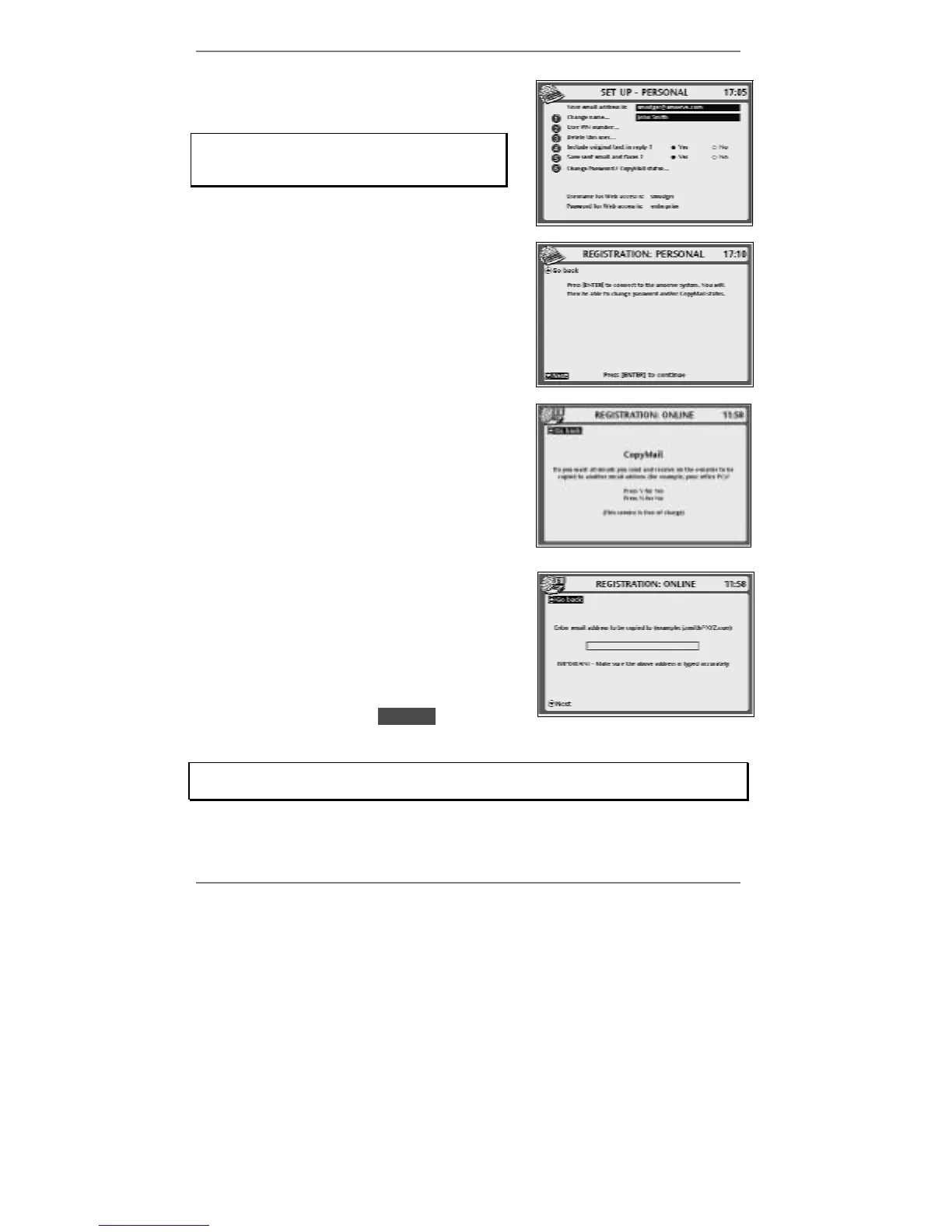
1. Press SETUP, 6 so that display top line reads
SET UP - PERSONAL:
If you've set up two or more email users,
then before you receive this display you'll be
asked to select a user.
2. Press 6 so that top line reads
REGISTRATION: PERSONAL:
3. Press ENTER to continue (the e-mailer will
connect to Amserve).
4. After a while, the following display will appear
(see right):
♦ Press Y – if you want to add CopyMail (or
change the CopyMail address), or
♦ Press N – if you don’t want CopyMail (or you
wish to remove it).
If you press Y, the following display will appear:
Carefully type in the email address to which you
want your incoming and outgoing email copied. (If
you need to delete any characters on the screen,
use the !DEL key.)
Double-check the email address you’ve typed in,
then press D to highlight lDNextl, then press
ENTER and follow the on-screen instructions.
If you get stuck at any point, go back to pages 17 - 24 and look up the screen in
question to find out what action is required by you.
5. Press STOP repeatedly to return to the standby display.



 To Next Page