Calculator
- 118 -
D
Calculator
➣
FAST TRACK: Press CALC, perform calculations. (Press STOP to close.)
Use the pull-out keyboard for all calculator functions.
& Don't use the number buttons on the e-m@iler itself.
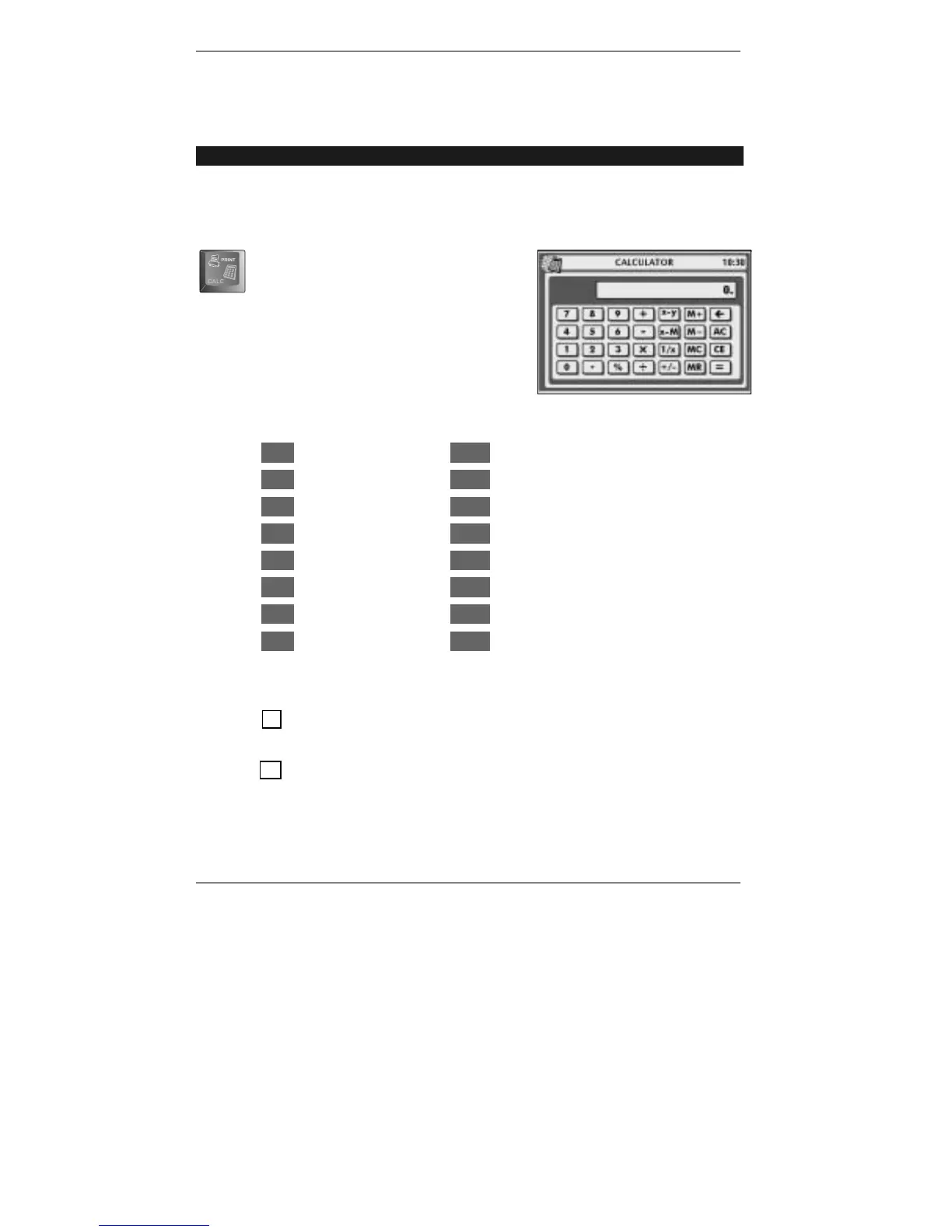
Press CALC (at bottom left corner of
keyboard). Display shows:
The following functions are available on the mauve keys:
x
Multiply
M+
Memory add
÷
Divide
M–
Memory subtract
+
Add
x–M
Exchange memory ↔ result
–
Subtract
AC
All Clear
+/–
Change sign
CE
Clear Entry
1/x
Reciprocal
x–y
Exchange operands
MC
Memory Clear
%
Percentage
MR
Memory Recall
=
Equals
& Note, you can use ENTER as =.
♦ Note IKI displayed indicates constant mode (when key x ÷ + or – is pressed
twice).
♦ Note IMI displayed indicates an item in memory.
When you've finished using the calculator, press STOP to return to the previous
display. (The current total is held and will reappear next time you use the calculator.)



 To Next Page