Email
- 63 -
Reading new email
➣
FAST TRACK: Press READ twice. (Press STOP to close message.)
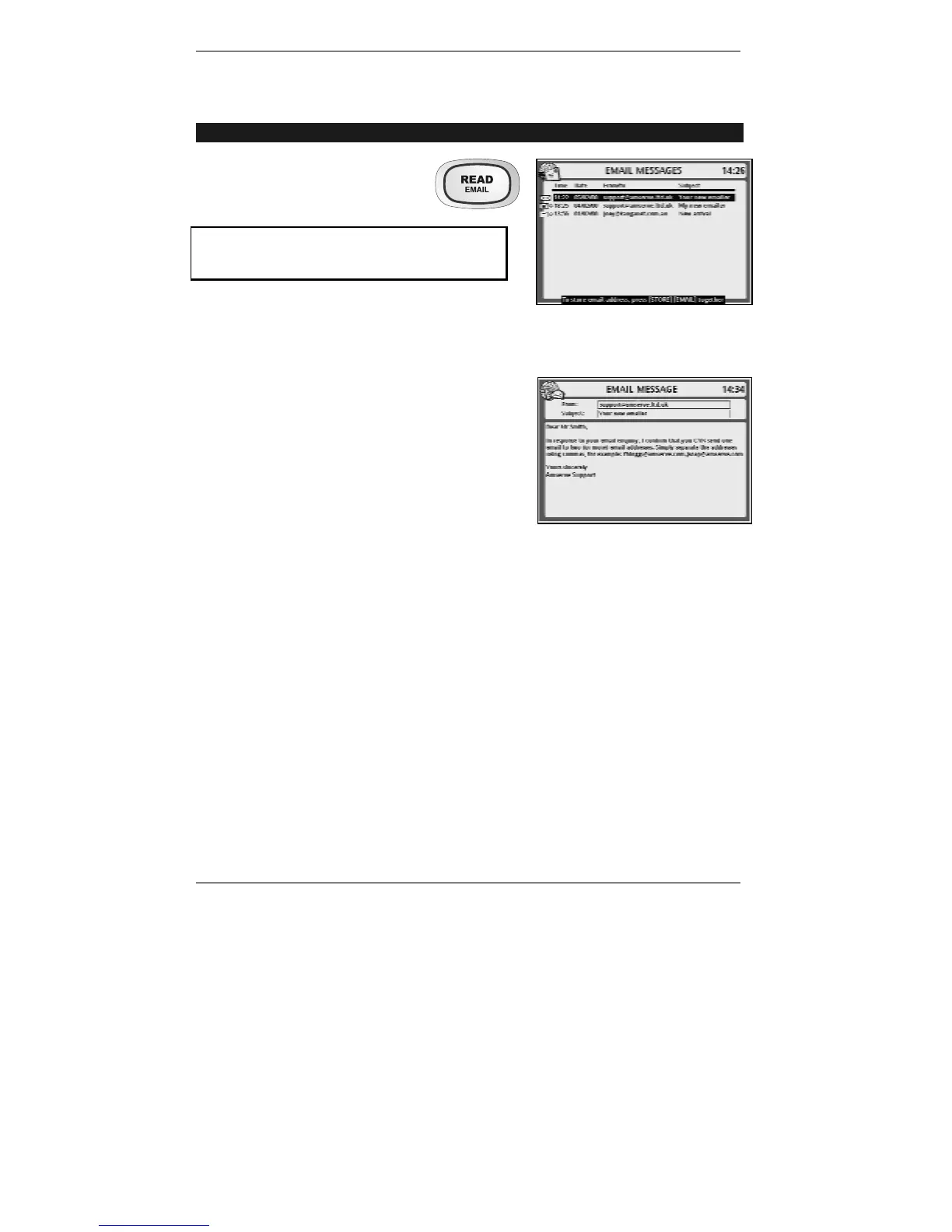
1. On the
e-m@iler press READ
to receive the following
display (right):
If you've set up two or more email users,
then before you receive this display you'll be
asked to select a user.
2. To read a new message, press READ
again (or use U D to select any other
message before pressing READ).
Example email message (right):
♦ If the message is longer than the screen, you
can scroll it up and down using
U D.
♦ If you wish to print the message, press
"SHIFT and PRINT (information on page
66).
♦ If you wish to reply to the message or forward it, see page 68 or 69.
♦ To paste the email address into the Address Book, see page 65.
3. When you've finished reading the message, press STOP to go back to the display
showing the list of messages, then press STOP again to return to the standby
display.
& Tip – instead of pressing READ, you can use the keyboard to read messages.
To do this, press "SHIFT and EMAIL together to display the message list
then press
U D to select a message and press ENTER to read it.



 To Next Page