Email
- 62 -
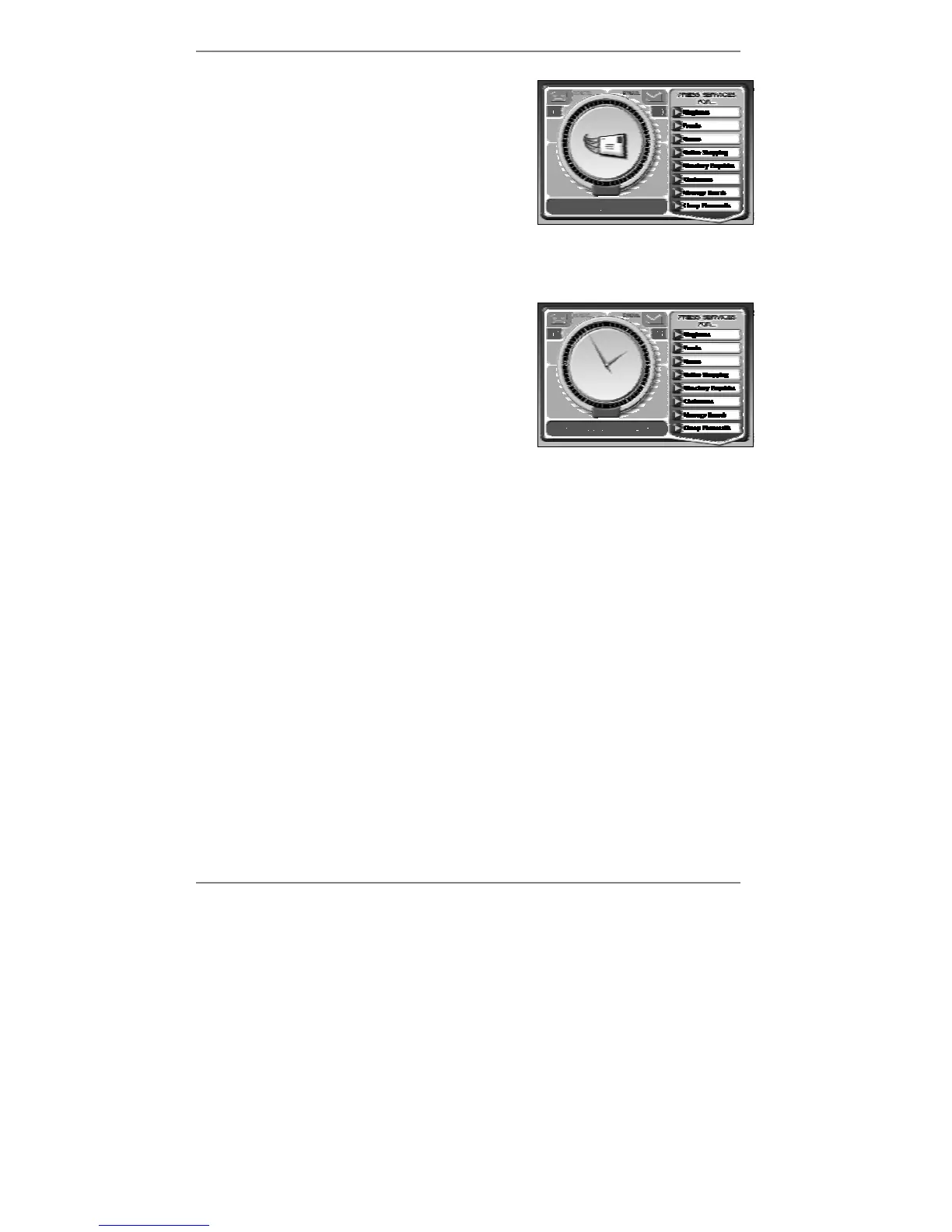
During email collection, the display will show (right):
After a while, the message Dialling for email
will change to Checking email, then to
Collecting email (if there is any).
After these messages appear, the
e-m@iler will
return to the standby display showing the date and
time.
& If you interrupt email by picking up the handset (or an extension phone), the
e-m@iler will abort dialling for email and try again later.
If you have mail, you will hear 3 beeps and the
red email light will come on. (The top of the
display will show the number of messages – see
example right.)
You can now read your new email (see next page).
& You can set the
e-m@iler not to beep when email is collected (information on
page 136).
Collection problems
The collection process should normally take about a minute or so, depending on the
size and quantity of email. If you don't get the message Checking email, this means
that the
e-m@iler hasn't managed to get through to Amserve. Make sure that nobody
has picked up an extension phone or unplugged the phone line.
Note that large messages and attachments (information on page 63) can take
several minutes to collect and use up a lot of the e-m@iler's memory. To avoid receiving
such messages you can set a limit on the size of email collected (for information see
Advanced settings page 136).



 To Next Page