Advanced settings
- 146 -
VoiceMail settings
➣
FAST TRACK: Press SETUP, 3, select/adjust required option(s), press
STORE.
♦ You can set up the answering machine so that it plays your outgoing message as
an announcement only and then ends the call. For example you may record an
outgoing message such as "…our opening hours are 9 to 5 on weekdays, 10 to 4
on Saturdays…” and want callers to hear this announcement but not be
able to leave messages.
♦ You can switch call screening on or off. When call screening is off, you will not
hear callers leaving their recorded messages. When call screening is on, you can
hear callers' messages and then lift the handset to answer those callers you want
to speak to.
♦ You can set the number of rings before VoiceMail answers. This setting will also
determine how long a ringtone plays.
♦ You can set the maximum length for VoiceMail messages. (Setting shorter
messages enables you to fit more in.)
♦ You can change (and check) the remote access code that allows you to hear
your VoiceMail messages from another location.
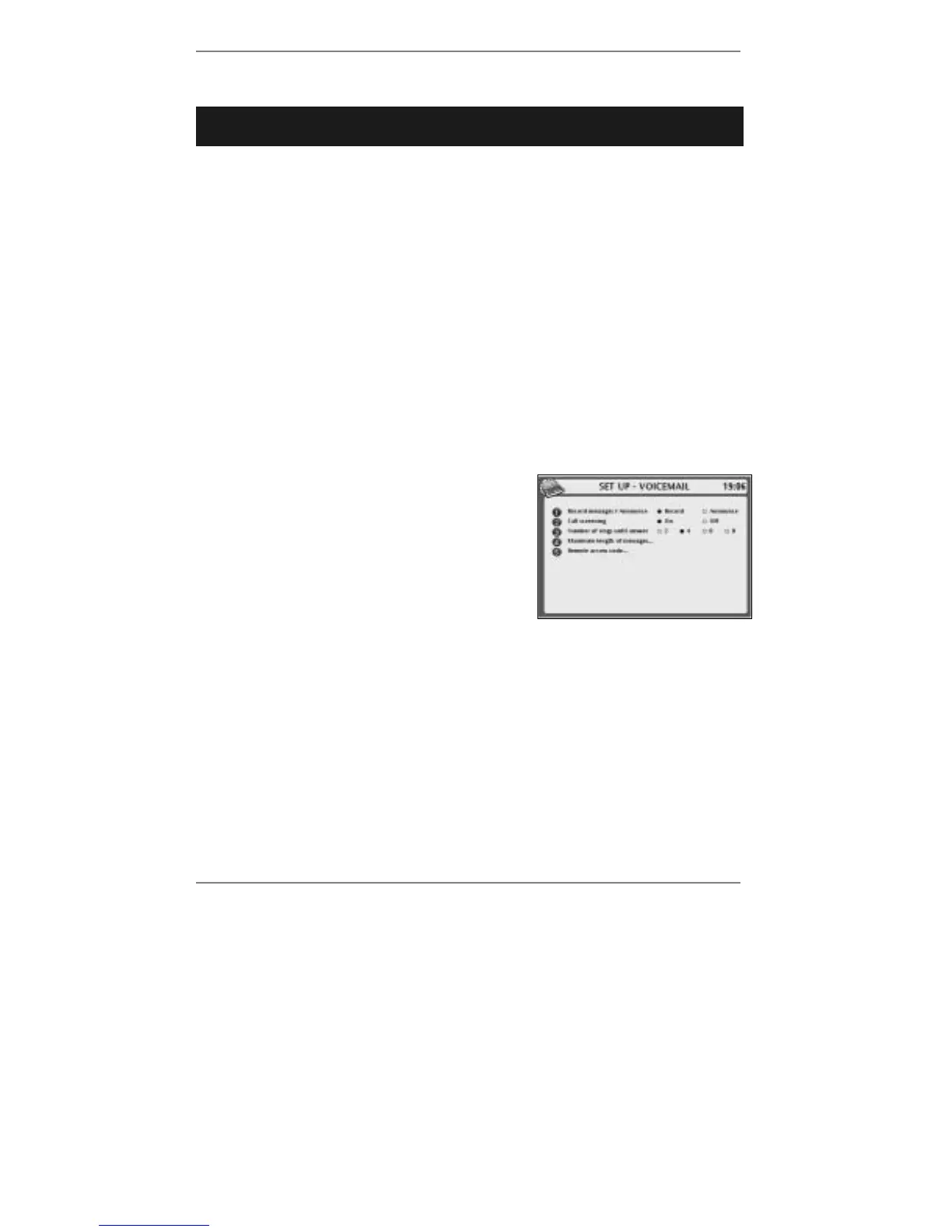
1. Press SETUP, 3 so that display top line reads
SET UP
- VOICEMAIL:
2. If you wish to change whether the answering
machine will record messages or play the
announcement only, continue to step 3. If
not, go straight to step 4.
3. Press 1 to select Record or Announce.
4. If you wish to change call screening, continue to step 5. If not, go straight to
step 6.
5. Press 2 to set call screening On or Off.
6. If you wish to change the number of rings before answering, continue to step 7. If
not, go straight to step 8.
7. Press 3 to select 2, 4, 6 or 8 rings.
8. If you wish to change the maximum length of messages, continue to step 9. If
not, go straight to step 12.



 To Next Page