Advanced settings
- 145 -
5. Use U D to highlight l lUpdatell then press SELECT to store your setting. (Press
INTERNET to return to Amsurf menu.)
Note, your selected home page will be displayed whenever you press INTERNET, 1.
(The
e-m@iler will go online if it hasn't already done so.)
Storing cookies
➣
FAST TRACK: Press INTERNET, 5, 3, 3, select required option, select
lUpdatel
.
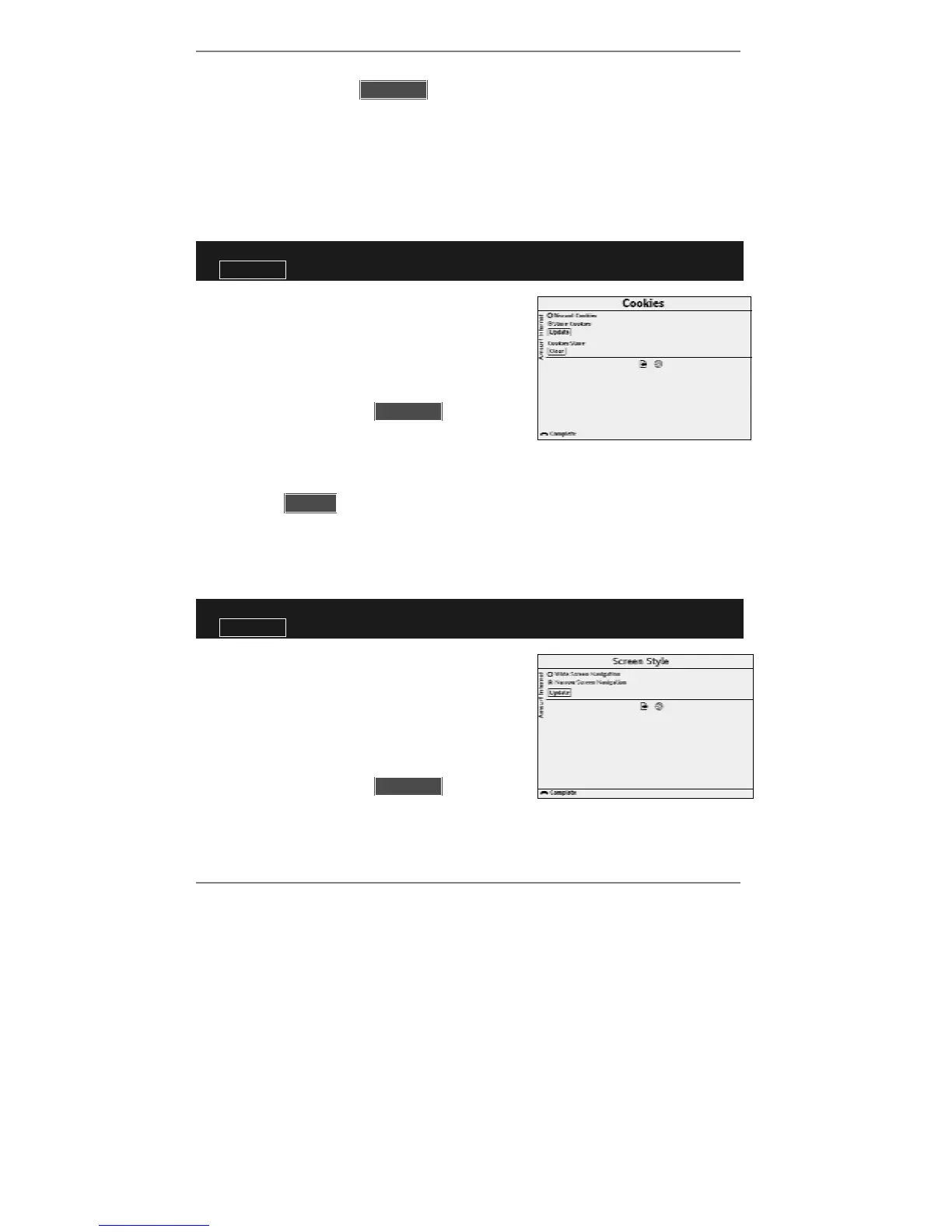
1. Press INTERNET, 5, 3, 3 so that display top
line reads Cookies:
2. Use
U D and SELECT to highlight and select
)Discard cookies or )Store cookies.
3. Use U D to highlight l lUpdatell then press
SELECT to store your setting. (Press
INTERNET to return to Amsurf menu.)
♦ To clear all previously stored cookies using the above procedure, use U D to
highlight l lClearll then press SELECT. (Press INTERNET to return to Amsurf
menu.)
Selecting screen style
➣
FAST TRACK: Press INTERNET, 5, 3, 4, select required option, select
lUpdatel
.
1. Press INTERNET, 5, 3, 4 so that display top
line reads Screen Style:
2. Use U D and SELECT to highlight and
select )Wide Screen Navigation or
)Narrow Screen Navigation.
3. Use U D to highlight l lUpdatell then press
SELECT to store your setting. (Press
INTERNET to return to Amsurf menu.)



 To Next Page