Telephone
- 33 -
Answering a call
1. When the phone rings, lift the handset to answer the call. (Alternatively, press
HANDSFREE.)
2. At the end of the call, replace the handset (or press HANDSFREE).
Ringer volume
This sets how loud the e-m@iler rings when somebody calls.
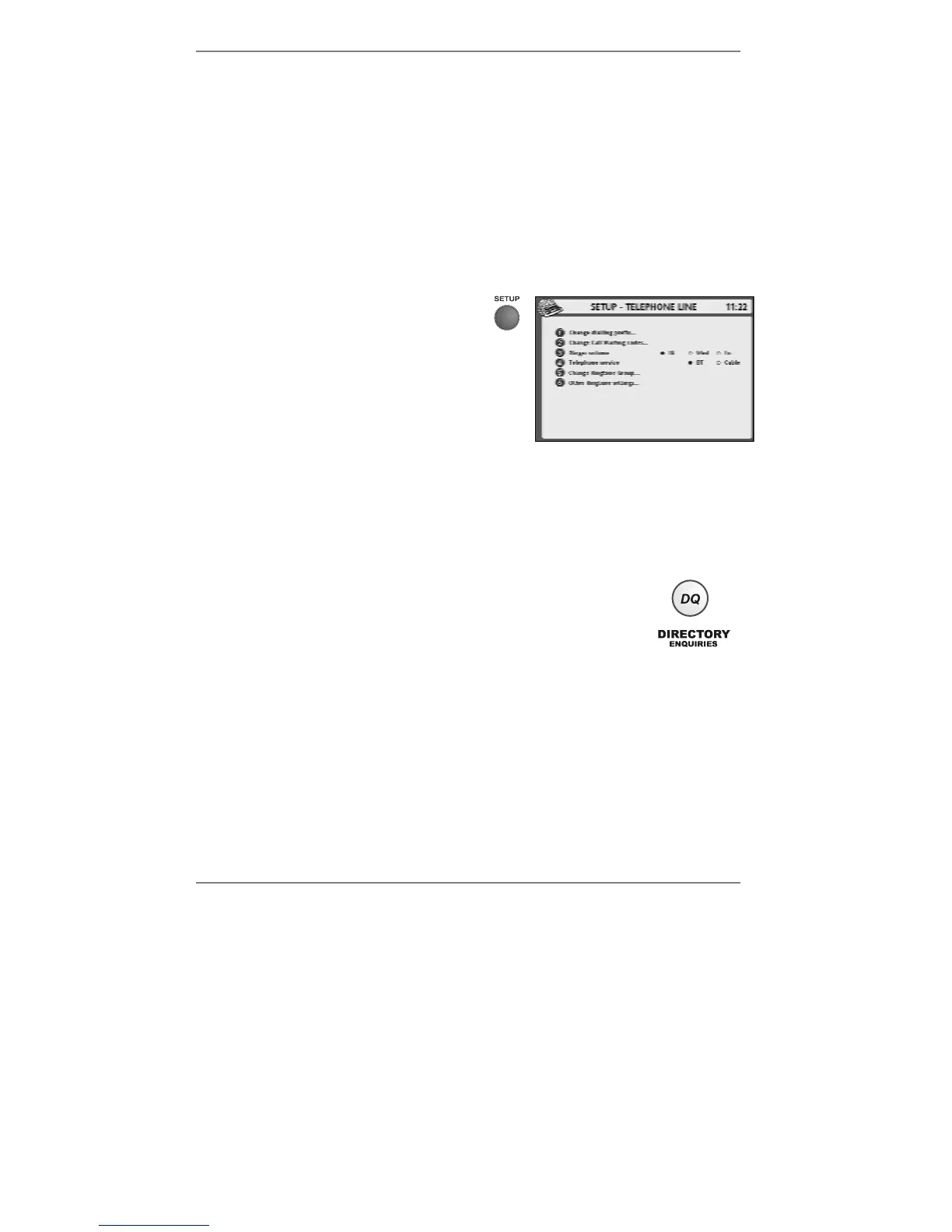
1. On the pull-out keyboard press SETUP
followed by 2 so that display top line
reads SET UP - TELEPHONE LINE
(see right):
2. Press 3 to set Ringer volume to Hi,
Med or Lo according to taste.
& The selected option is shown ●. (The un-selected options are shown #.)
3. Press STORE, then press STOP to return to the standby display.
DQ (directory enquiries)
The DQ button means you don’t need to remember a whole host of
6-digit DQ phone numbers. The
e-m@iler has a lo-cost DQ number
built-in. For one-touch directory enquiries, press DQ.
The DQ service provider and call charge are shown on the SERVICES menu
– look under
ONLINE LINKS / AMSERVE LINKS / E-MAILER SERVICE
CHARGES.
Making calls using the Address Book
This can be done once you've programmed the Address Book memory. See
pages 42 and 51.



 To Next Page