Fax
- 101 -
D
Fax
The
e-m@iler allows you to send a message (and picture attachments if required) to a
fax machine. The fax facility operates using the
e-m@iler‘s email system. In other
words, you compose a message on the display, but instead of sending it to an email
address, you send it to a fax number. At the recipient's fax machine, the message is
printed out on paper.
Note, the e-m@iler cannot receive fax messages – it is send-only. Bear in mind
that faxes may only be sent to ‘ordinary’ phone numbers; not to non-geographic
numbers such as those used for mobiles, Premium Rate or emergency services.
Sending a fax message
➣
FAST TRACK: Press FAX, type in recipient, fax number, subject and
message, press FAX again.
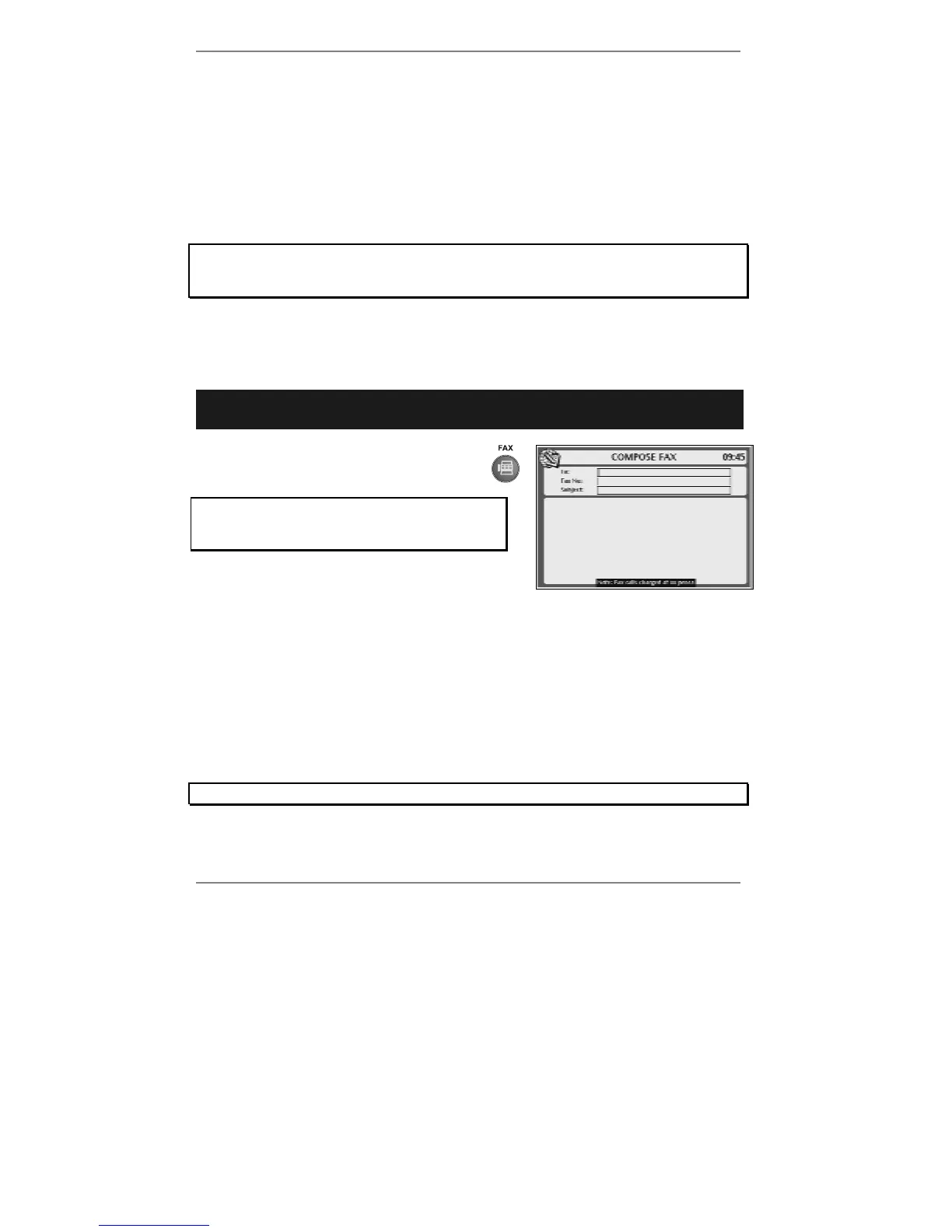
1. Press the FAX button on the keyboard
to receive the following display (right):
If you've set up two or more email users,
then before you receive this display you'll be
asked to select a user.
(Note the cursor
| is in the To: box.)
The cost of a fax message is indicated at the bottom of the COMPOSE FAX
screen.
2. Type in the name of the person to whom you wish to send this message (or see
note* below.
& *Note – to send the message to a person whose fax number you've
previously stored, press ADDRESS BOOK, start typing in the name, then
use U D and press ENTER to insert the name in the To: box.
If you're using a name from the Address Book, go straight to step 4.



 To Next Page