Adverts & Services
- 100 -
Displaying adverts
When an advert is on display, you can hold it, release it, respond to it or delete it.
(You can also step to an advert if it disappeared before you had time to read it.)
Use any of the arrow keys to step, hold and release adverts, as described below:
♦ During standby display, press arrow key to step to next advert.
♦ When advert is displayed, press arrow key to hold advert.
♦ When advert is held, press arrow key to release advert.
♦ Note you can repeat this process to display other adverts (or the same advert
again).
& Note if you leave an advert held, it will release automatically after 5 minutes.
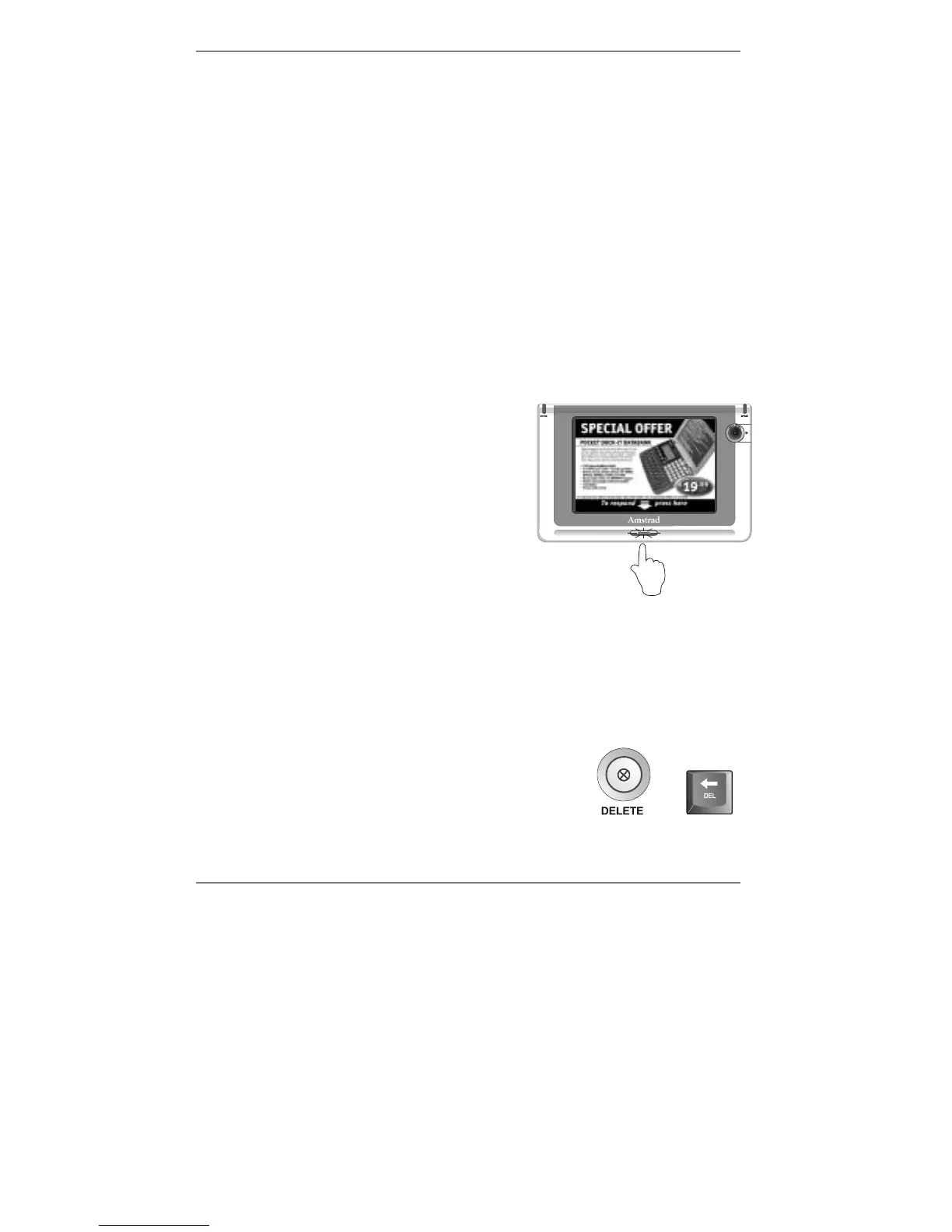
Responding to an advert
When an advert is displayed, the orange button
below the screen will light. Press this button to
respond to the advert – normally this will put you
through to the advertiser's call centre or website.
& If you've set the display backlight to switch off after 5 minutes, note that
receiving an advert will switch it on automatically until the advert expires or is
deleted.
Deleting an advert
To delete an advert (while it’s on-screen), simply press
DELETE (on the
e-m@iler) or !DEL on the keyboard.)
or



 To Next Page