VoiceMail answering machine
- 110 -
Voice memos
➣
FAST TRACK: Hold down RECORD button, press 1, record message,
press STOP twice.
You can record voice memo messages on the answering machine for later playback.
With this feature you can leave a message for someone else to pick up later, or leave
yourself a reminder.
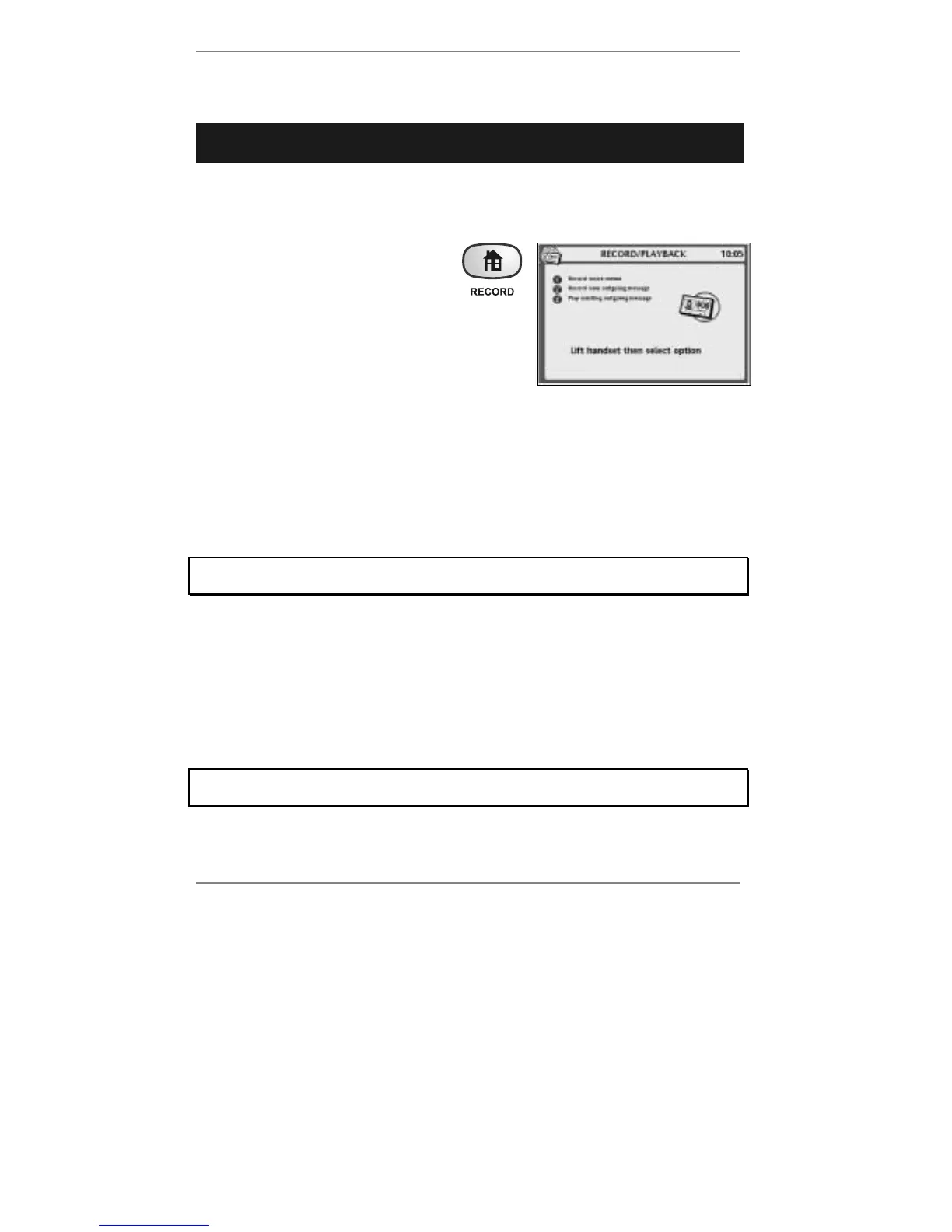
1. Hold down the RECORD button
(for approx 5 seconds) until the
display shows (right):
2. Lift the handset, press 1 and speak after the
beep. When you've finished recording
(60 seconds max), press STOP and replace
handset.
& Note when recording, you may leave the handset in place and speak into
the microphone at the front right-hand side of the
e-m@iler instead.
(Press STOP twice to finish.)
The memo will be sent immediately. The
e-m@iler will then return to the standby display
and the green voice light will come on to indicate that a new message is waiting.
♦ To playback voice memos, see Playing back messages, page 107.
Delete voice memos as soon as they are no longer required – they use up a lot of
memory.
VoiceMail playback from a remote location
In addition to playback at the machine itself (described on page 107), you can playback
messages remotely by phone* anywhere in the world.
This is done by calling your own phone number, then keying-in ✱ followed by your
remote access code.
When you receive the
e-m@iler brand new, the remote access code is factory-set
to 1234. To set up your own code, see Advanced settings page 146.
*Playback from another location can be carried out on any DTMF tone-operated
telephone system. (Note most telephone networks in the world use this system.)



 To Next Page