Advanced settings
- 119 -
D
Advanced settings
This chapter describes the optional changes you can make to the e-m@iler.
Adding a printer
If you wish to connect a printer to the e-m@iler, use one that's compatible with a PC
printer port. However, do not use a Postscript-only printer or one that requires
Windows™ to operate.
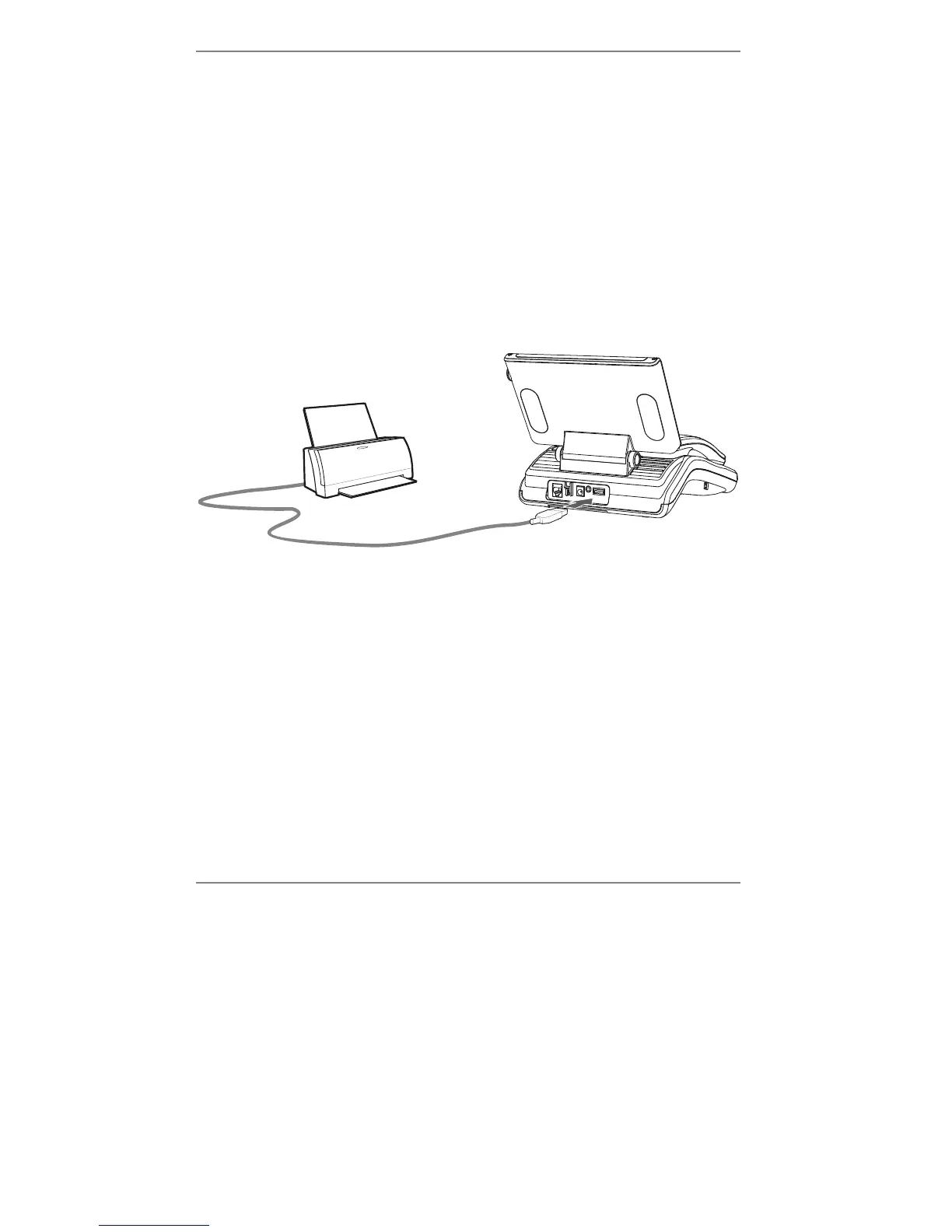
Connect your printer to the e-m@iler using a standard USB printer cable. (Use the
socket marked USB - PRINTER at the back of the
e-m@iler.)
For information on printing, see pages 66 and 152.
You can check for available printers on the SERVICES menu – look under
ONLINE LINKS / AMSERVE LINKS.
Smartcard
A new generation of bank cards, debit/credit cards, storecards and paycards are
coming into circulation. These are known as smartcards and they employ a small
electronic chip to hold the information which historically has been stored on a magnetic
strip on the back of the card. The new generation of smartcard provides much greater
security and is less susceptible to fraud. In appearance, the smartcard differs from the
traditional card in that it contains a set of gold contacts on the front.



 To Next Page