Telephone
- 31 -
Making a handsfree call
1. Dial the number.
2. Press HANDSFREE to call the number. The green light around the
button will come on and the number will be dialled.
& At any point during the call you can pick up the handset to end handsfree
operation.
3. At the end of the call, press HANDSFREE (or replace handset).
If you wish, you can make calls by pressing HANDSFREE and then
dialling the number. Note however that dialling the number first enables
you to correct it (using the DELETE button on the
e-m@iler) before the
call is made.
Speaker volume
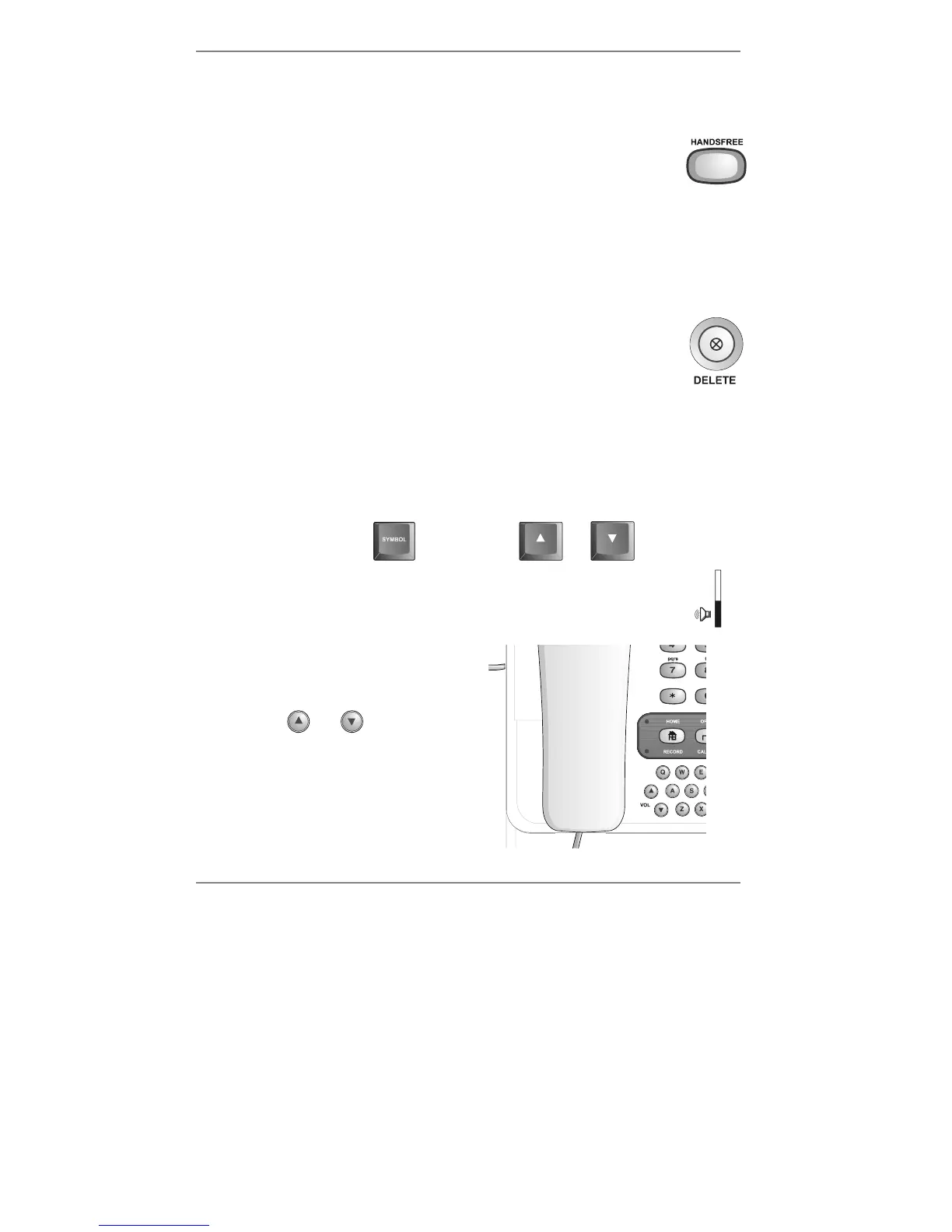
You can adjust the volume of the handsfree speakerphone using the pull-out keyboard
below the e-m@iler – hold down the yellow SYMBOL key while pressing U or D like
so:
hold down
while pressing
or
There are 16 volume levels from minimum to maximum. As you adjust the
volume you will see a volume gauge at the right of the screen.
♦ Under most conditions you can also
adjust the volume by repeatedly
pressing
and on the e-m@iler
(see right).



 To Next Page