Fax
- 102 -
3. If the fax number isn't stored in the Address Book, then move the cursor into the
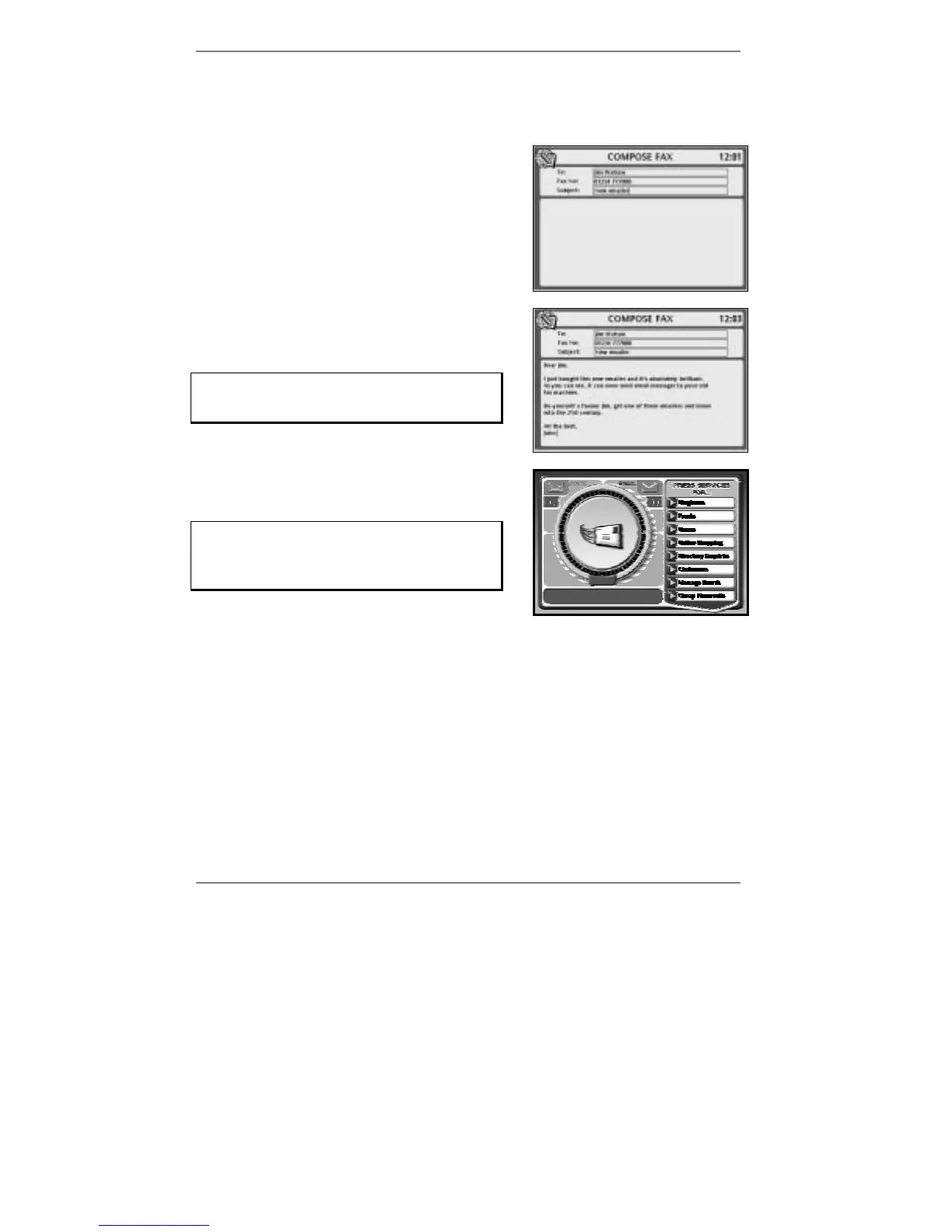
Fax No: box and type in the telephone number of the fax machine – including
the dialling code.
4. Move the cursor into the Subject: box, then
type in the title of the message (see example
right):
5. Move the cursor down to the message area of
the display, then type in the message (see
example right):
Before sending, make sure the fax number
is entered in full – including the dialling
code.
6. To send the message, press FAX. The
following display will appear:
If you don't see the display: Dialling for
email, then you've not entered a fax
number (the
e-m@iler will beep). Go back to
step 3.
(Note, the display says Dialling for email
because faxes are sent using the email system.)
Once the message has been sent, the
e-m@iler will return to the standby display
showing the date and time.
& Tip – if you've previously stored the fax number, you can type in the Address
Book entry before you press FAX to start composing.



 To Next Page