Advanced settings
- 127 -
♦ If you're using the e-m@iler in the office as a PABX switchboard extension, a prefix
number (for example 9) can be set up to be dialled automatically to access an
outside line.
♦ Call Waiting may be available on subscription from your telephone service
provider. (The service allows you to be notified of additional calls while you're
already on the phone.) When used in conjunction with email, Amsurf, games and
ringtones, certain hidden codes are used to disable and re-enable Call Waiting
before and after email or other data calls (this is to prevent any Call Waiting beep
interfering with the data being received). If, for example, you subscribe to BT's Call
Waiting service, the codes entered must be #43# (disable) and ✱43# (enable).
& Note the
e-m@iler is set for tone dialling and timed break recall. These settings
are suitable for most UK telephone exchanges. The
e-m@iler cannot be used
with the older (pulse dialling)exchanges or on overseas exchanges.
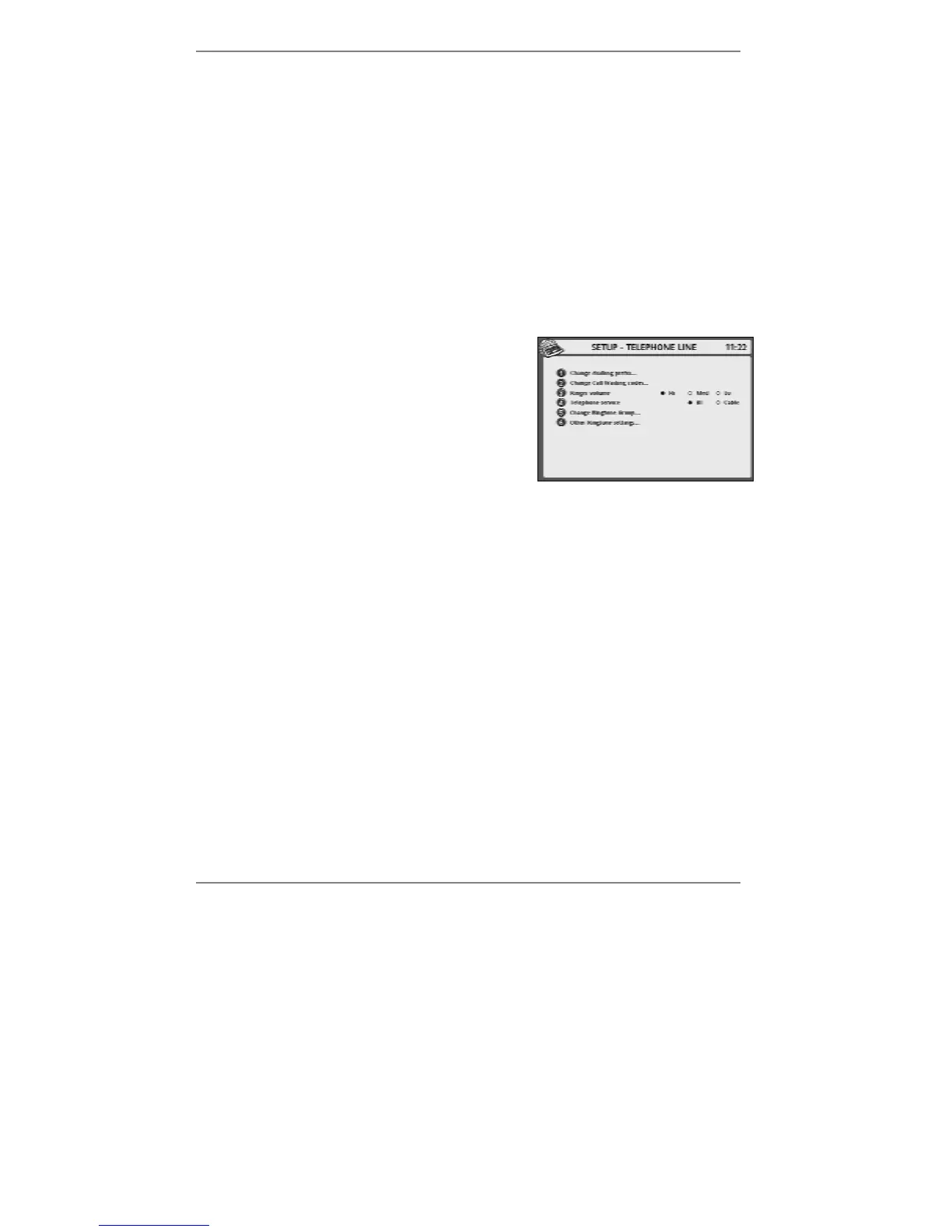
1. Press SETUP, 2 so that display top line reads
SET UP - TELEPHONE LINE:
2. If you wish to set up the cost saver prefix,
continue to step 3. If not, go straight to step 10.
& You cannot use cost saver if you're on a switchboard extension.
3. Press 1 so that top line reads SET UP - PREFIX.
4. Press 1 to select Cost Saver.
5. Press 3 so that top line reads SET UP - COST SAVER.
(If necessary, press !DEL to delete any existing digits.)
6. Type in the required digits for the cost saver tariff (for example 132), then press
STORE.
7. Press 4 so that top line reads SET UP - LOCAL CODE.
(If necessary, press !DEL to delete the existing dialling code.)
8. Type in your local dialling code (for example 01234 or 020 or 0121), then
press STORE.
The cost saver is now in operation (see 'Cost saver notes' on page 129).



 To Next Page