Advanced settings
- 153 -
♦ Option 6 changes Graphic size between Small and Large. When printing
email messages containing graphics attachments, this setting determines the print
size of the graphics.
♦ Option 7 changes Printer cartridge between B & W (for general black and
white printers) and Colour (for colour printers such as Hewlett Packard’s).
3. Press STORE when you've made your selection.
4. Press STOP repeatedly to return to standby display.
Checking system information
➣
FAST TRACK: Press SETUP, 1. (Press STOP to finish.)
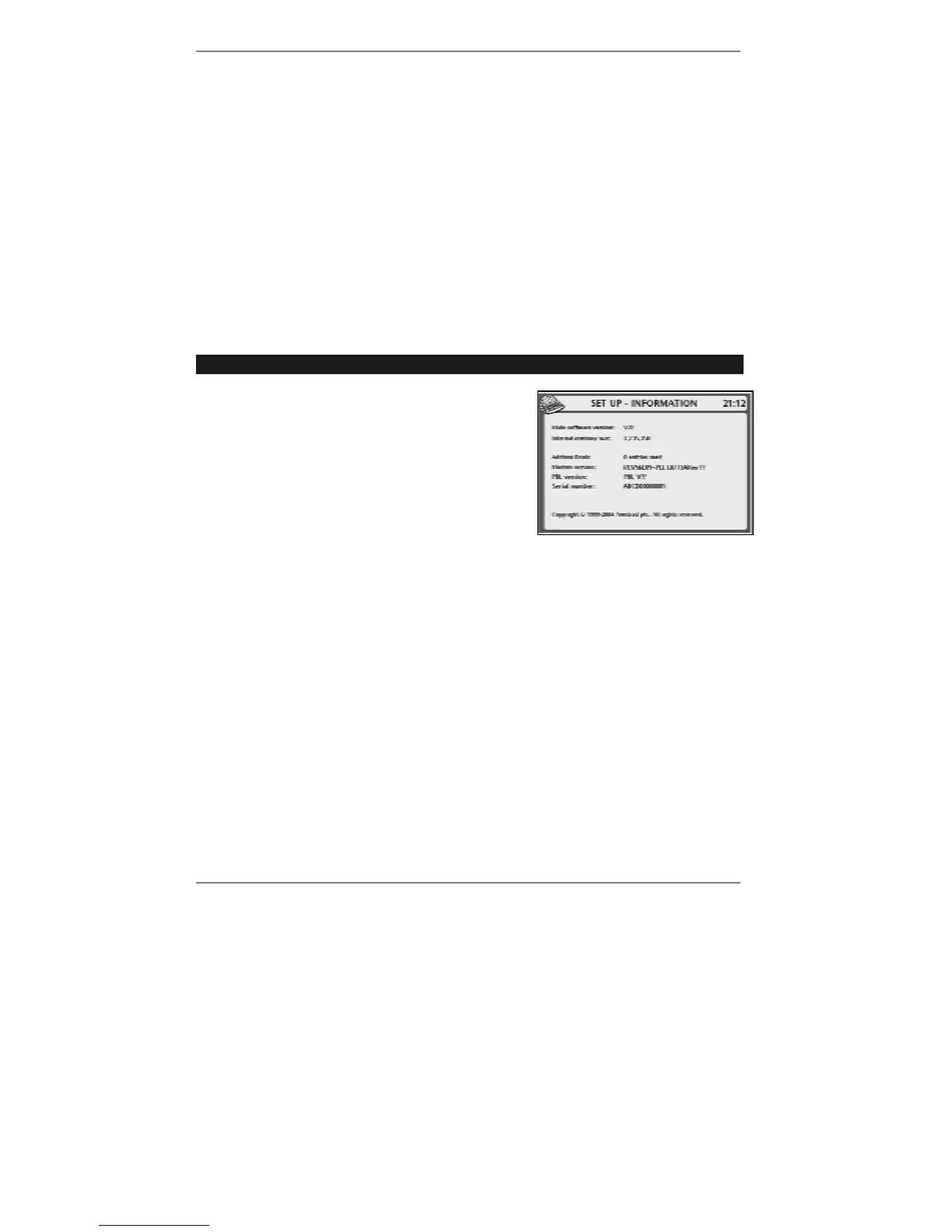
To check system information, press SETUP, 1
so that display top line reads SET UP -
INFORMATION:
The following information is provided:
Main software version: The V number
loaded in your
e-m@iler is displayed.
Internal memory size: The amount of memory is displayed (in Bytes – approx
3,400,000 maximum). If the available memory is greater than 300,000 there should be
no problem receiving all new messages; if it's less than 100,000, you will need
to create some more space in memory by deleting old email and VoiceMail messages.
Address Book: The e-m@iler can store up to 700 Address Book entries (approx).
Modem version: (and PBL version:) For factory use only – please ignore.
♦ When you've finished checking the information, press STOP twice to return to
standby display.



 To Next Page