Page 62
Points to remember about Animas’ IOB feature on the 2020
• A curvilinear algorithm is used, which more closely mimics the way drugs decay in
the body versus a straight line decay
• With BG below target, IOB amount is displayed and is subtracted from carb bolus
• With BG within target, IOB amount is displayed for reference but not subtracted
from bolus total
• With BG above target, IOB amount is displayed and is subtracted from BG bolus
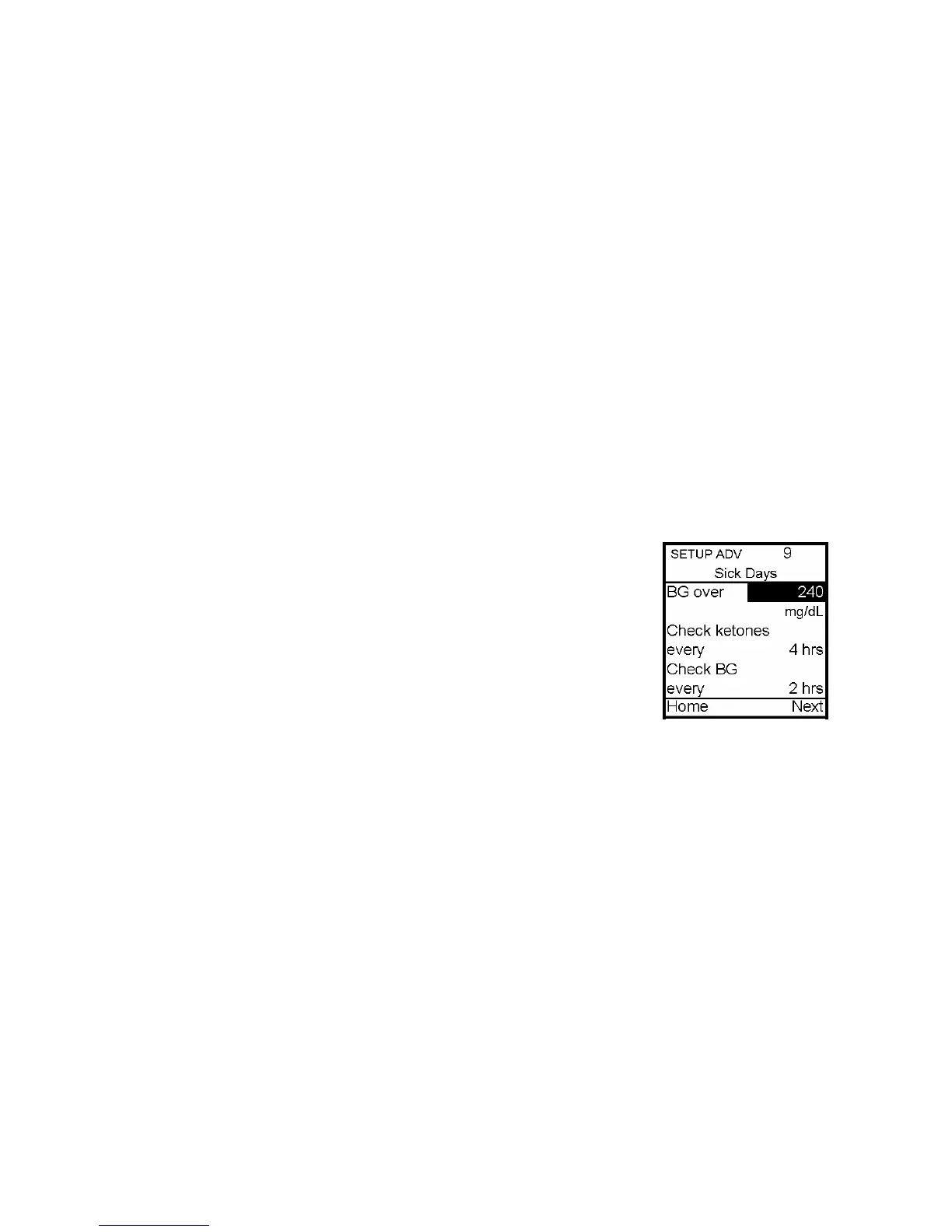
Setup Advanced 9 – Sick Day Guidelines
During your pump training, your diabetes educator will discuss guidelines to use when
you’re sick. This is a convenient way to store your basic sick day guidelines as
recommended by your healthcare team. For more information on sick day guidelines, refer
to Chapter 16, Sick Day Guidelines, and contact your healthcare team.
This screen allows you to:
• Set a BG limit as a reminder for testing when sick
• Set the frequency of checking for ketones when sick
• Set the frequency of checking your BG when sick
To move to the next Setup Advanced screen, scroll to the bottom of
the screen and highlight Next. Press OK.
To return to the Home screen, scroll to Home and press OK.
Note: This screen is intended as a reference only. Alerts are NOT
triggered based on values displayed on this screen.
11



 To Next Page