Page 65
ezBolus
If you do not have your Audio Bolus feature turned on, the button
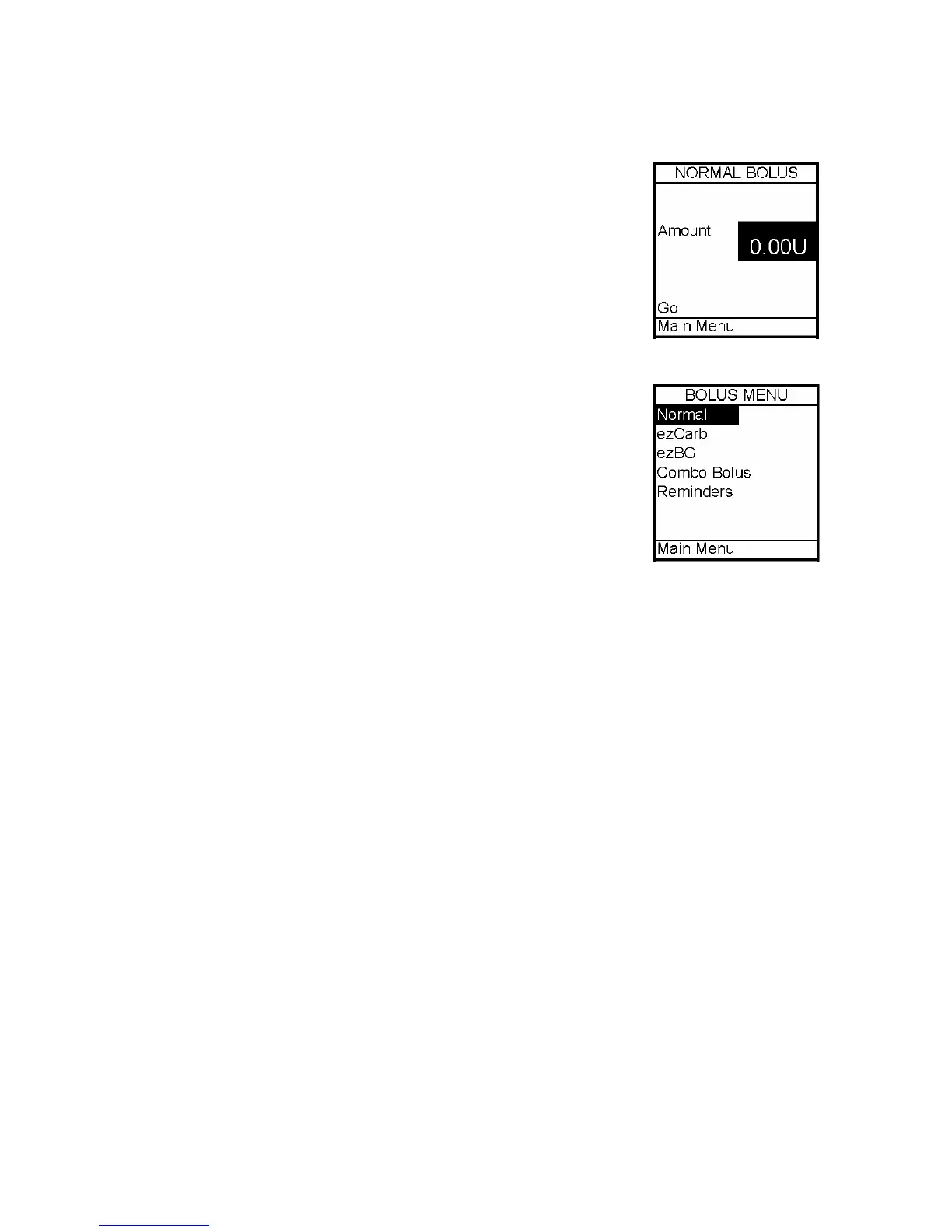
on the end of the pump will function as a short cut to the Normal
Bolus screen.
1. Press the button on the end once. The Normal Bolus screen is
displayed. Program a Normal Bolus as usual.
Advanced Bolus Features
• ezCarb
• ezBG
• Combo Bolus
• Reminders
All Advanced Bolus features are activated in the Setup Advanced
Menu. See Chapter 11, Advanced Features. When the Advanced
Bolus features and Reminders are activated, the full Bolus Menu is
displayed.
ezCarb
This feature allows you to enter the number of carbs eaten either manually or by selecting
an item or items from the ezCarb food database.* The pump will automatically calculate
your bolus dose, based on the insulin to carb (I:C) ratio, insulin sensitivity factor (ISF) and
target BG you have entered for the current time of day. Consult your healthcare team for
your personal insulin to carb ratios, ISF’s and target BG ranges. See Chapter 11, Advanced
Features.
If the Insulin on Board (IOB) feature is activated, your pump will calculate a reduced
amount for high BG correction boluses.
*ezCarb food database available through upload from ezManager. For instructions on
uploading food database, refer to ezManager User Guide included with the software.
12



 To Next Page