Page 64
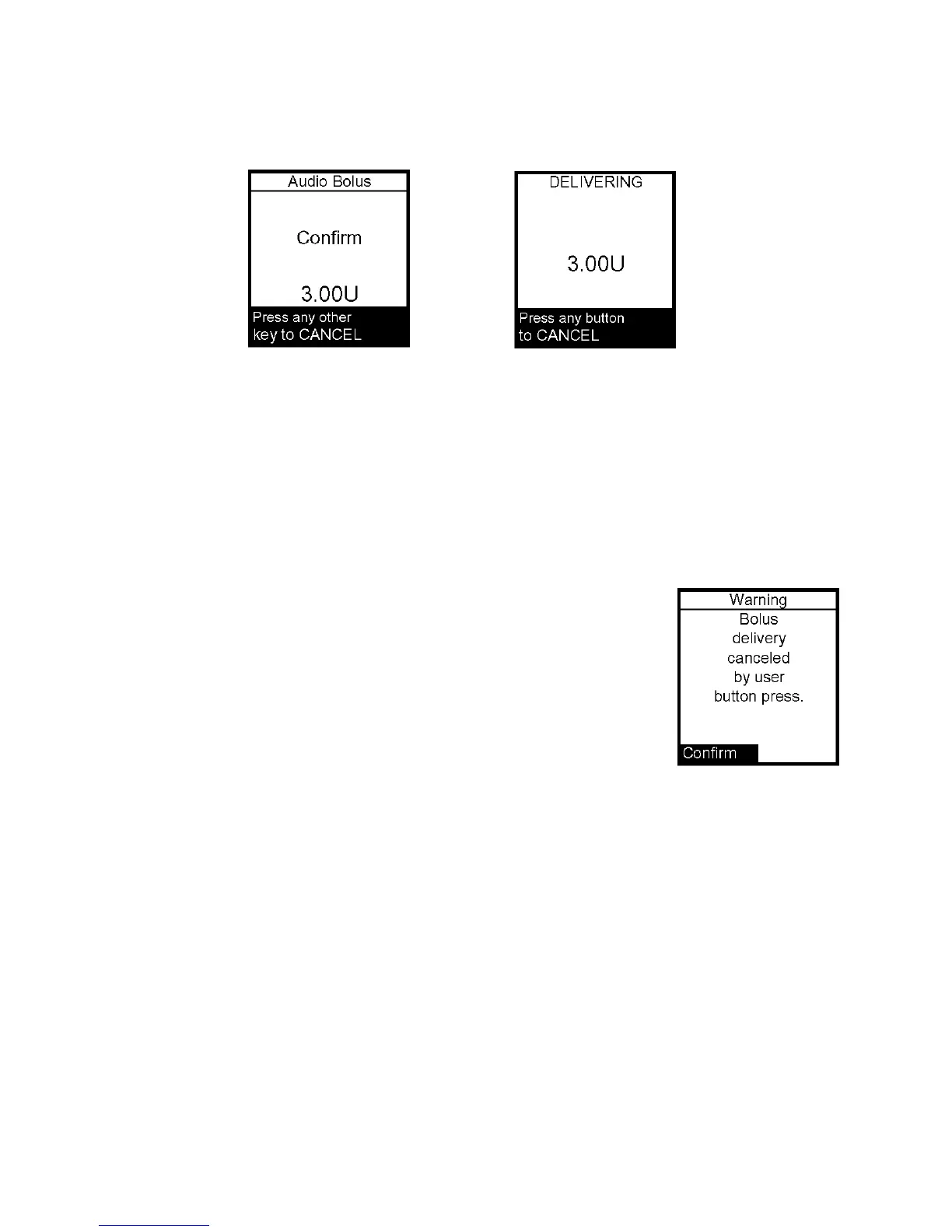
5. Within 5 seconds, the pump will beep twice to “ask” you to confirm that you wish to
activate delivery and the Confirm screen is displayed.
6. Within 5 seconds, press the button again to activate delivery. The pump will beep twice
to confirm your delivery command. The Delivering Bolus screen is displayed and your pump
will beep once to signal the start of delivery and once to signal end of delivery (if you
turned on Normal Bolus Sounds in Setup).
If you wish to cancel the Audio Bolus, press any button. The bolus will be canceled (as
in the case of a Normal bolus).
If you cancel a bolus delivery after you’ve activated it, the screen
at right will be displayed.
If during a bolus delivery, your low cartridge level is reached,
the pump will not display the warning until after the bolus is
completed. So you could possibly have less insulin available
than your low cartridge setting.
Example: Your low cartridge warning is set to 10 (units). You have 20 units of insulin
remaining and you deliver a 15 unit bolus. The Low cartridge warning appears after
bolus is completed and you have only 5 units left – not 10 units. The Wake up screen
will show the remaining insulin amount.
The maximum number of Audio Bolus button presses is 20. Therefore, if you’ve set the
step size to 0.1 U, the maximum audio bolus amount is 2 U. If you’ve set the step size at
0.5 U, the maximum audio bolus amount is 10 U and if your step size is 1.0 U, the
maximum audio bolus amount is 20 U. With a 5.0 U step size, the maximum cannot be
greater than 35 U, which is the maximum amount for any type of bolus.
12



 To Next Page