Page 71
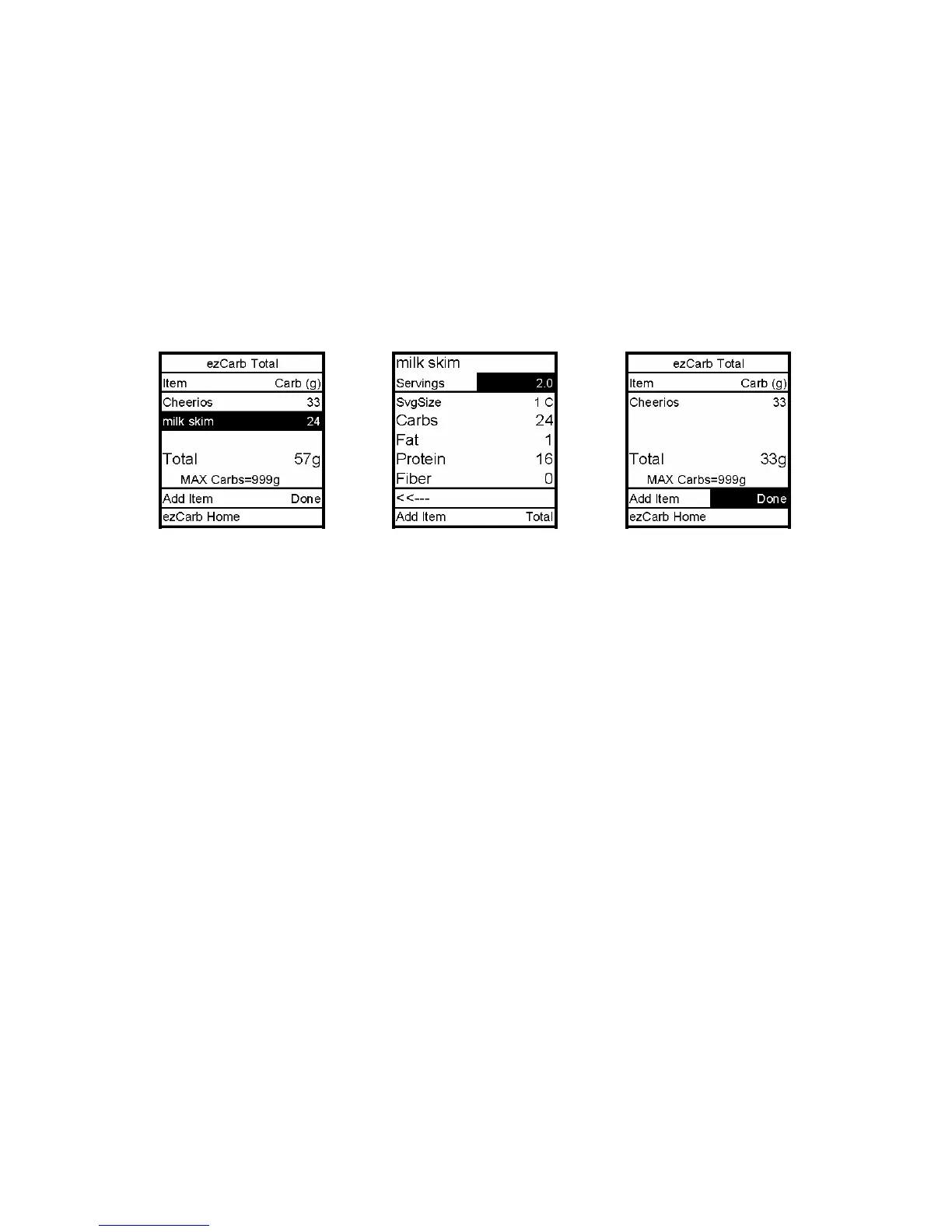
Editing ezCarb Total Entries
1. From the ezCarb Total screen, scroll up to highlight the food item you wish to edit.
Press OK.
2. The food item detail screen is displayed with the cursor flashing to indicate Edit mode.
Use the Up/Down arrows to change the Servings field to the desired amount. Scroll to
Total. Press OK. The ezCarb Total screen is displayed.
Note: To delete an item, change the serving size to 0. It will be deleted from the ezCarb Total.
3. Done is highlighted. Press OK to return to the ezCarb Total screen.
4. Proceed as outlined in the two previous sections.
12



 To Next Page