Page 43
Canceling a Temporary Basal Program
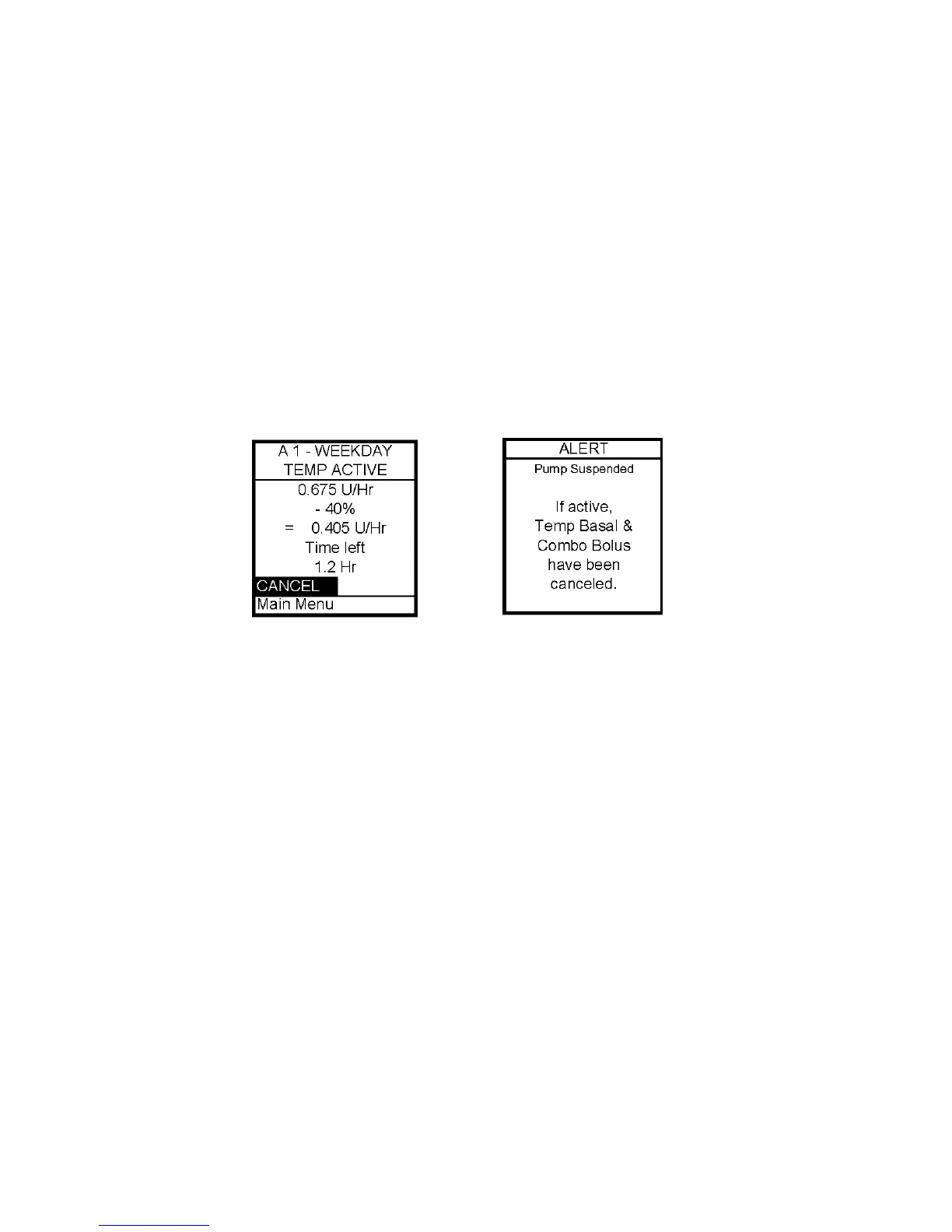
1. From Basal Menu, select Temp Basal. Press OK.
2. Details of the current active Temp Basal program will be displayed. Scroll up to Cancel
and press OK.
Your previously active basal program will be activated and the Home screen will be
displayed to show the current rate per hour of the active basal program.
Note: If you Suspend your pump while a Temp Basal program is active, the Temp Basal
program will be canceled and an Alert screen will notify you that the Temp Basal program has
been canceled. This Alert is displayed once and gives an audible tone once (if you turned on
Alert sounds in Setup). Temp Basal is also canceled when you change the battery and/or
prime.
7



 To Next Page