2-7 GUI Overview Instrument Overview
2-16 PN: 10580-00444 Rev. U MS2090A UG
A physical keyboard connected via USB can also be used to enter values in a similar manner and the keyboard
ENTER key used to accept the new value.
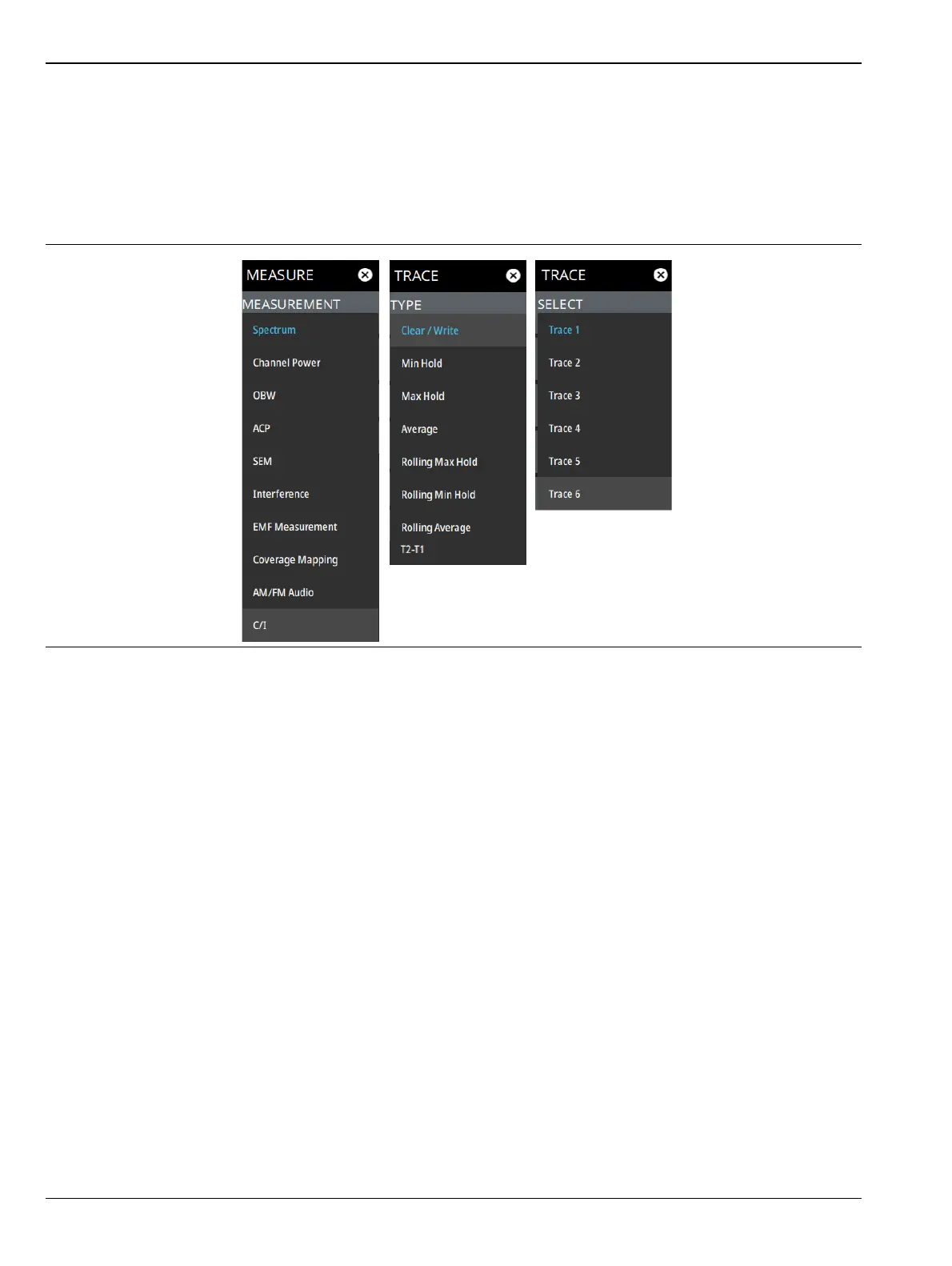
Selection Lists
Some parameters and instrument functions are selectable from a list. These list boxes display the available
selections and value limits as applicable. Use the touch screen to scroll through the list and select the desired
entry.
To cancel the selection, touch somewhere else on the display or close the menu.
Figure 2-11. Selections Lits













 To Next Page