A-8 UDP Discovery Tool Firewall Settings Instrument Notifications and Troubleshooting
A-24 PN: 10580-00444 Rev. U MS2090A UG
A-8 UDP Discovery Tool Firewall Settings
Follow the instructions below if the Discovery tool is not responding:
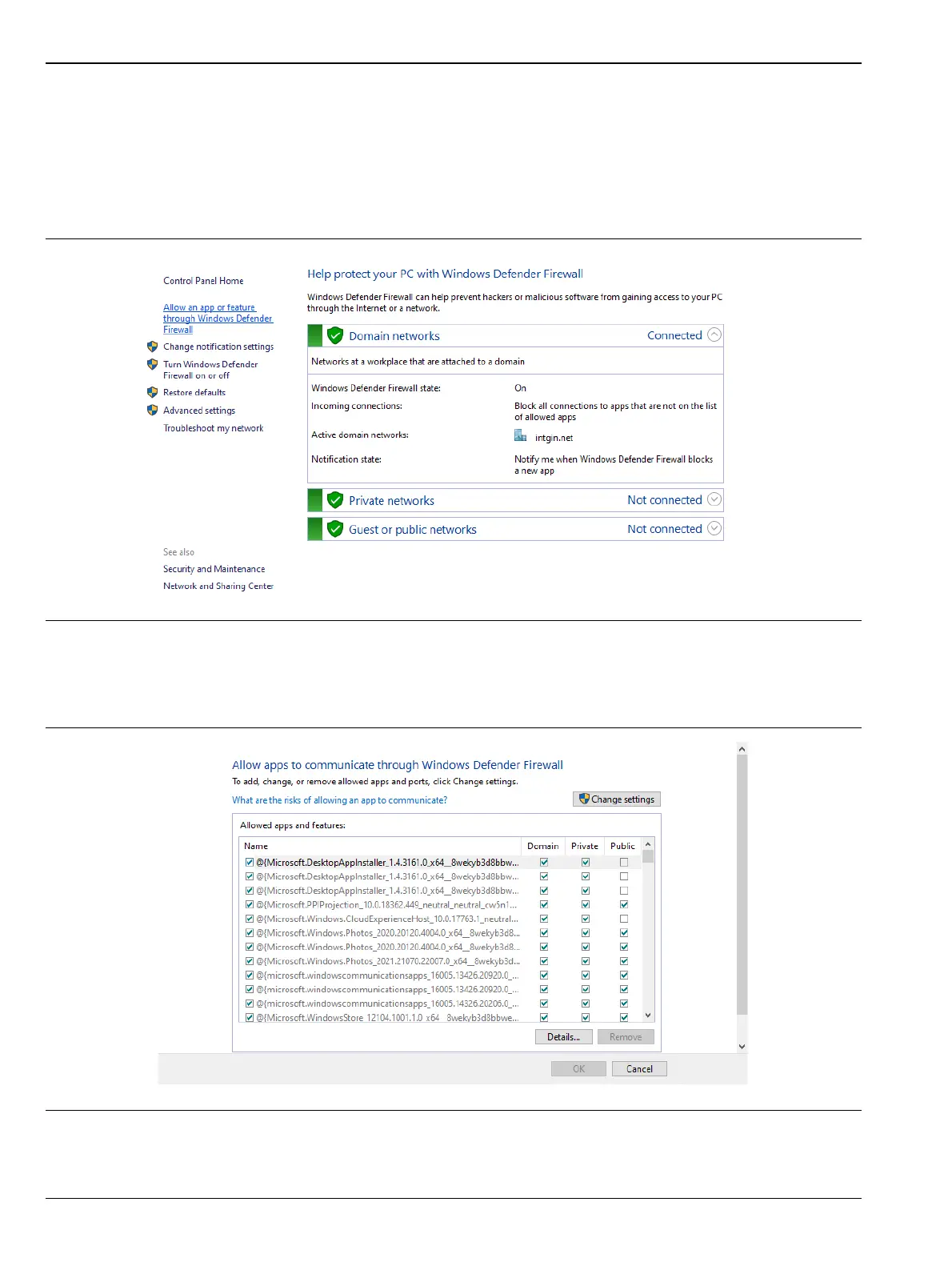
1. Go to Control Panel and open Windows Defender Firewall settings.
2. Click Allow an app or feature through Windows Defender Firewall.
3. Click Change Settings button.
Figure A-5. Windows Defender Firewall window
Figure A-6. Allow apps to communicate through Windows Defender Firewall window














 To Next Page