Instrument Overview 2-10 Settings Menu
MS2090A UG PN: 10580-00444 Rev. U 2-45
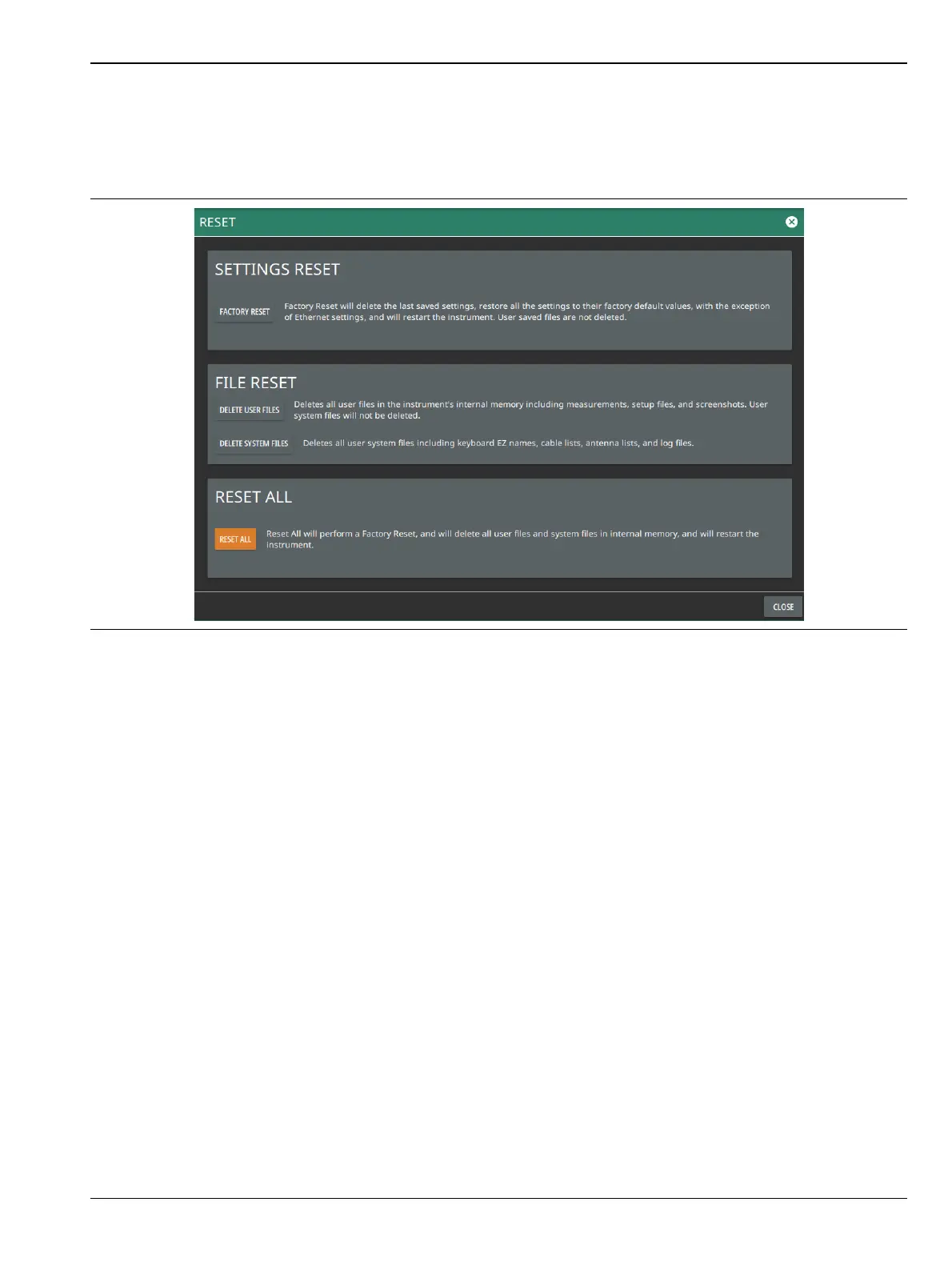
Reset Settings
1. Access the System menu (3-line icon in the upper left corner).
2. Select SETTINGS to access the instrument settings menu.
3. Select RESET to open the Reset menu.
The following reset options are available:
SETTINGS RESET
• FACTORY RESET: Restores the instrument to the factory default settings for all measurement modes
and system settings, including language and the display and audio settings. Ethernet settings and user
files are not affected. The instrument will automatically restart.
FILE RESET
• DELETE USER FILES: Deletes all user files from the instrument’s internal memory, including
measurement, setup, and screenshot files. System files are not affected.
• DELETE SYSTEM FILES: Deletes all user system files from the instrument’s internal memory,
including keyboard EZ names, cable and antenna lists, and log files. Other user files are not affected.
RESET ALL
• RESET ALL: Performs a Factory Reset as described above and deletes all user files and system files from
the instrument’s internal memory. The instrument will automatically restart.
Figure 2-44. Reset Settings













 To Next Page