2-10 Settings Menu Instrument Overview
2-24 PN: 10580-00444 Rev. U MS2090A UG
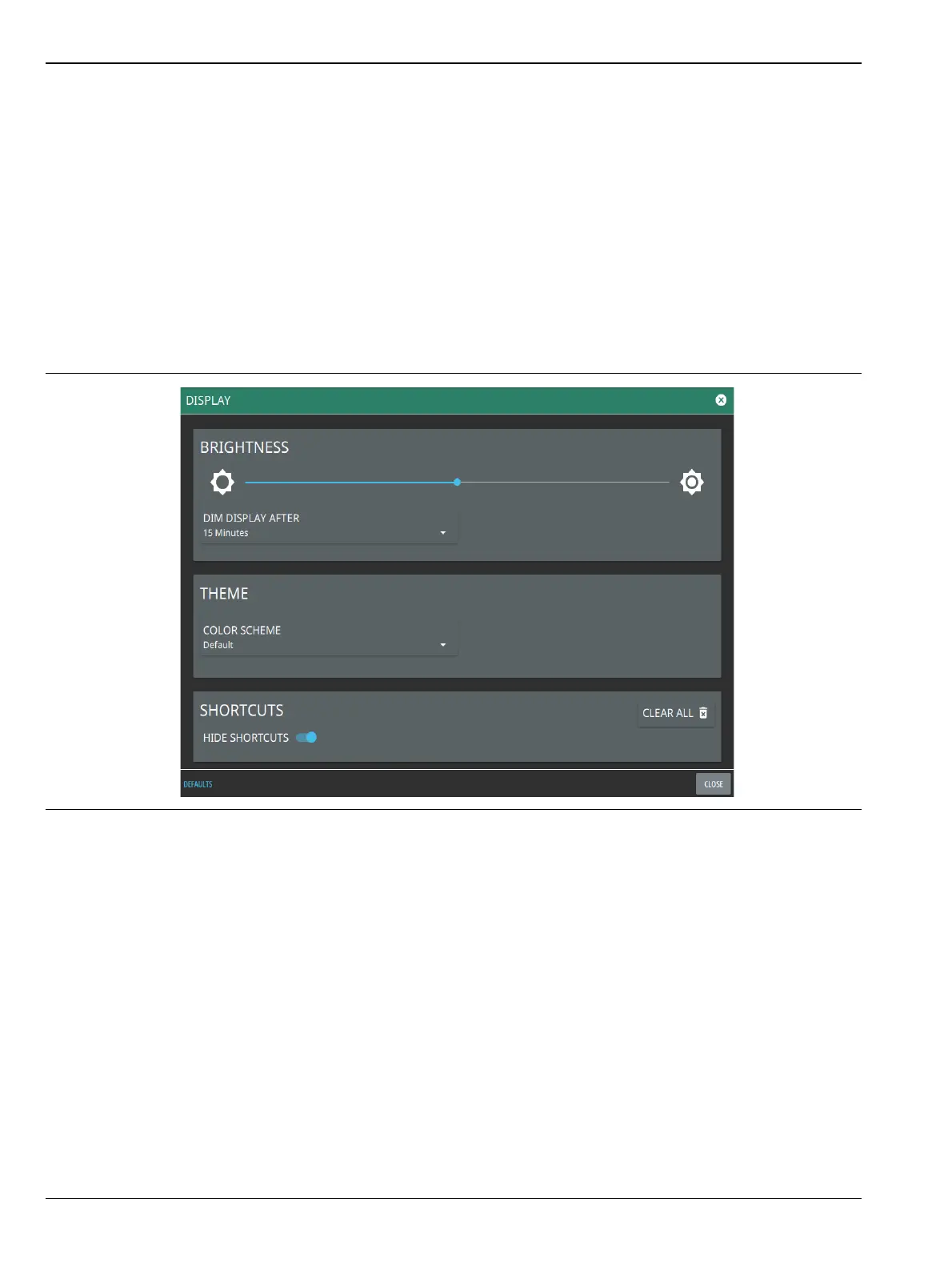
Display Settings
The DISPLAY settings allow you to adjust the display brightness, choose the display color scheme and to view
or hide shortcuts to the saved application settings.
Brightness
The BRIGHTNESS option consists of a slider to adjust the screen brightness, in addition to selecting the
amount of idle time before the screen automatically dims to conserve battery life.
The DIM DISPLAY AFTER drop-down provides up to 15 minutes idle time settings. Or you can select NEVER
option to keep the display illuminated for as long as the instrument remains powered on.
Note that DIM DISPLAY AFTER feature will only work if the instrument is running on the battery. This
feature will not work if the unit is connected to the AC power supply.
Figure 2-22. Display Settings













 To Next Page