Instrument Overview 2-10 Settings Menu
MS2090A UG PN: 10580-00444 Rev. U 2-23
2-10 Settings Menu
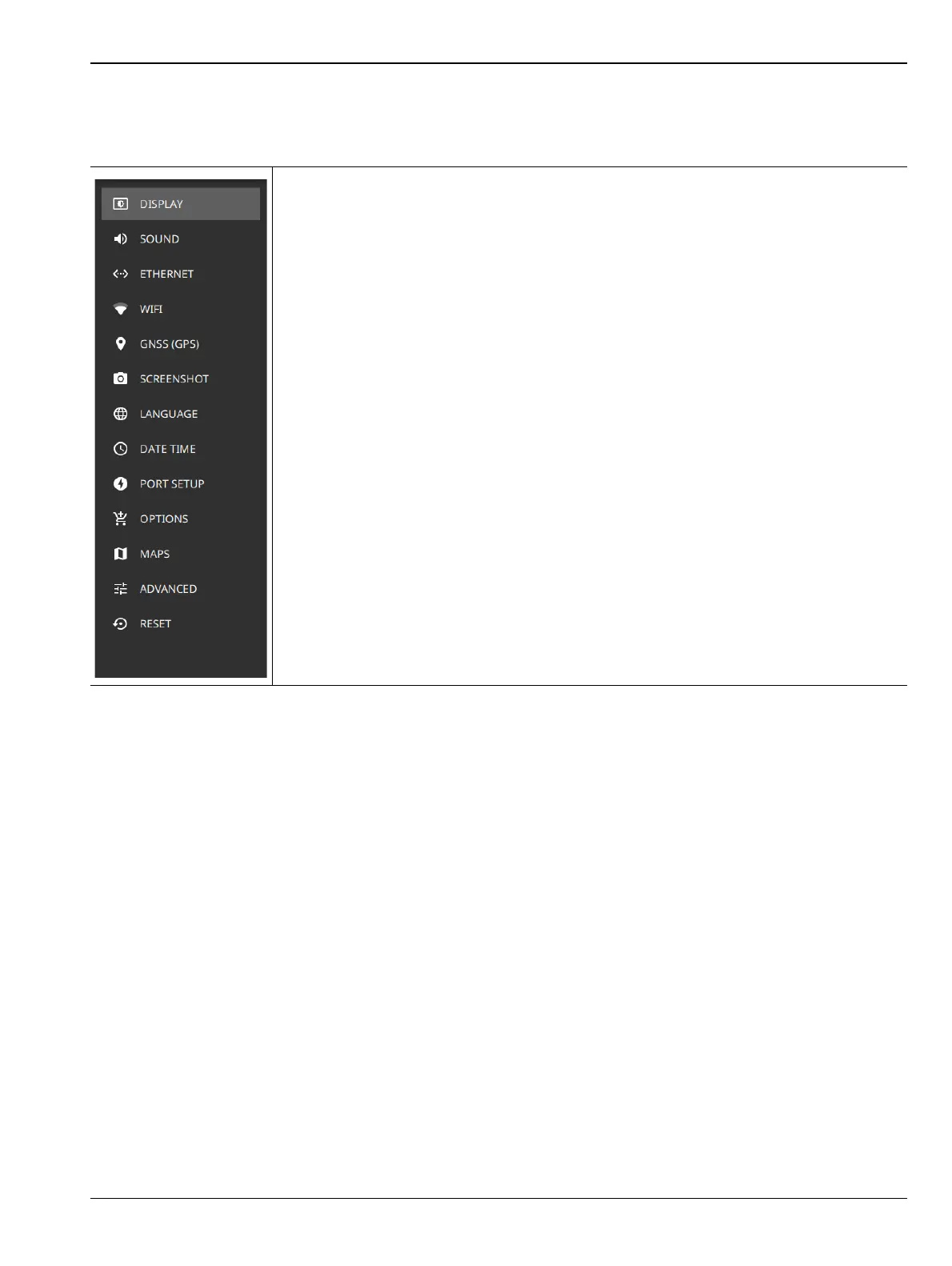
The system settings menu provides access to all instrument system-level settings such as network, GNSS/GPS,
date and time, and display.
-
DISPLAY: Opens the Display Settings.
SOUND: Opens the Sound Settings.
ETHERNET: Opens the Network Settings.
WIFI: Opens the Wi-Fi Settings.
GNSS (GPS): Opens the GNSS (GPS) Settings (Option 31).
SCREENSHOT: Opens the Date Time Settings.
LANGUAGE: Opens the Language Settings.
DATE TIME: Opens the Date Time Settings.
PORT SETUP: Opens Port Setup.
OPTIONS: Opens the Options Settings.
MAPS: Opens the Maps Settings (Option 431).
ADVANCED: Opens the Advanced Settings.
RESET: Opens the Reset Settings.
Figure 2-21. Settings Menu













 To Next Page