2-10 Settings Menu Instrument Overview
2-44 PN: 10580-00444 Rev. U MS2090A UG
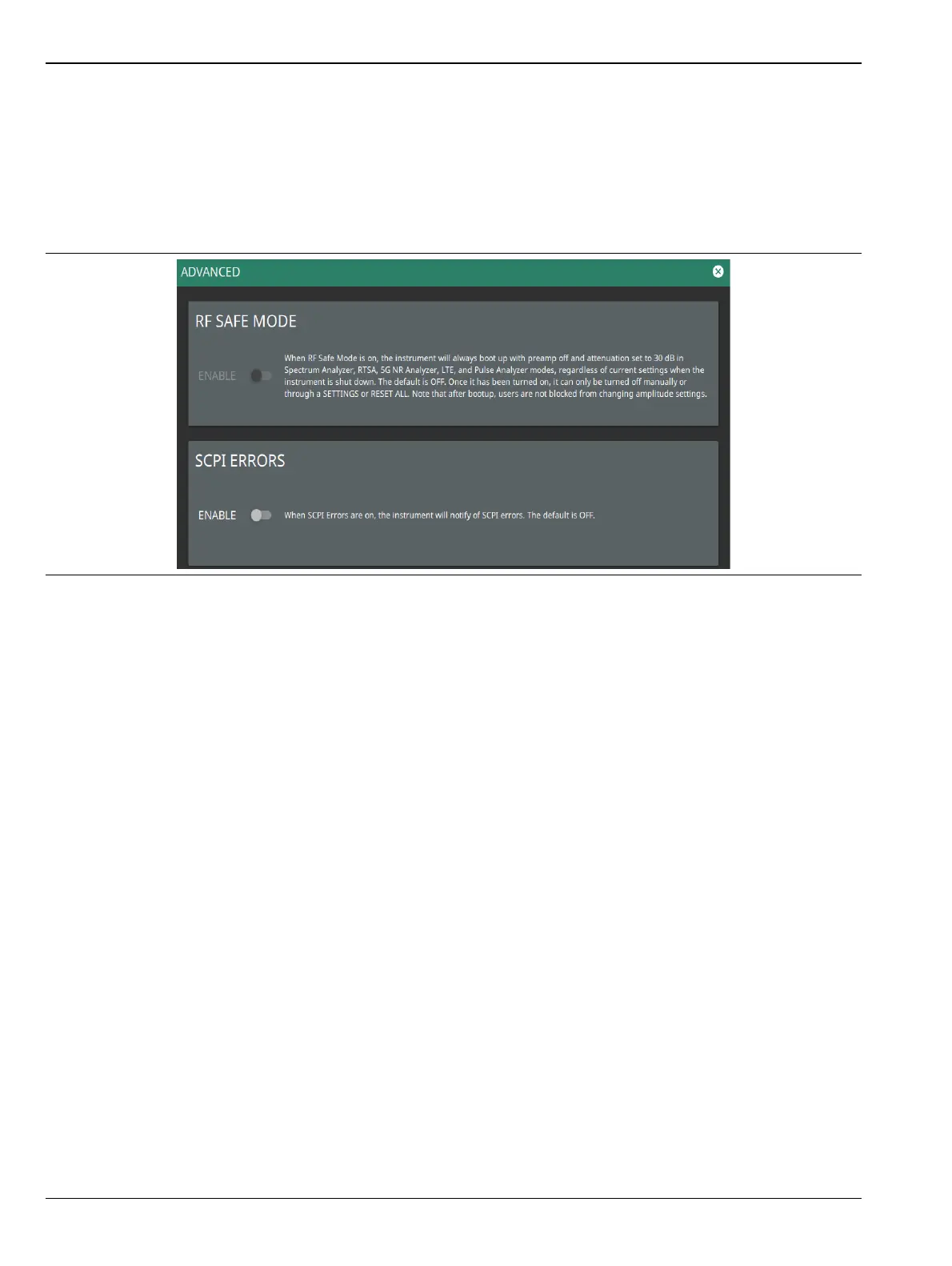
Advanced Settings
Advanced settings provides an RF SAFE MODE toggle to protect the internal detection circuitry on boot-up.
1. Access the System menu (3-line icon in the upper left corner).
2. Select SETTINGS to access the instrument settings menu.
3. Select ADVANCED to enable/disable the RF SAFE MODE and SCPI ERRORS controls.
4. Toggle RF SAFE MODE on or off.
5. Toggle SCPI ERRORS on to get notified of the errors in the SCPI commands.
Figure 2-43. Advanced Settings













 To Next Page