A-7 System Recovery Instrument Notifications and Troubleshooting
A-20 PN: 10580-00444 Rev. U MS2090A UG
A-7 System Recovery
This section can be referred to in the event the MS2090A does not boot properly and the normal attempts to
restart the instrument have failed.
Introduction
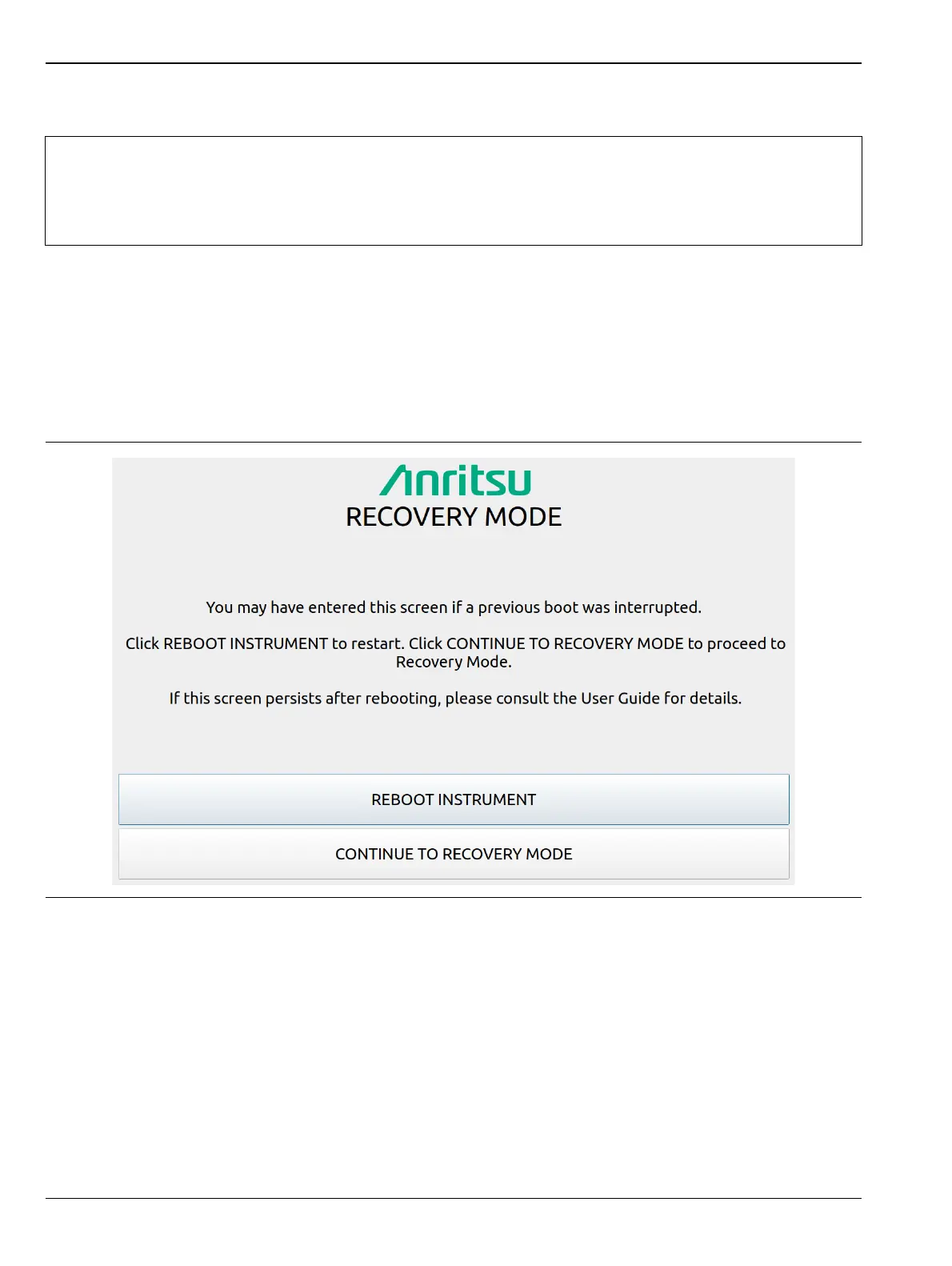
If the MS2090A fails to boot properly, a second boot attempt will load a recovery menu as shown in Figure A-1.
This menu is only displayed when the instrument fails a normal boot process. A failure to boot properly might
not indicate a problem. A boot disruption, such as removing power before the instrument can complete the boot
process, will initiate a recovery menu on the next boot.
If you see this screen:
1. Select the REBOOT INSTRUMENT button once the recovery menu loads.
2. If boot failure continues, a system recovery can be performed by pressing CONTINUE TO RECOVERY
MODE.
Note
Some features of RECOVERY MODE are not available in instruments that have been upgraded from
firmware versions prior to 2021.11.1. This affects using SLOT B as the boot position or the target for
a firmware update. These instruments must be returned to an Anritsu service center to update the
recovery image. Visit www.anritsu.com/contact-us to find your nearest Anritsu Service and Support
Center.
Figure A-1. Recovery Mode













 To Next Page