2-13 Tools Menu Instrument Overview
2-54 PN: 10580-00444 Rev. U MS2090A UG
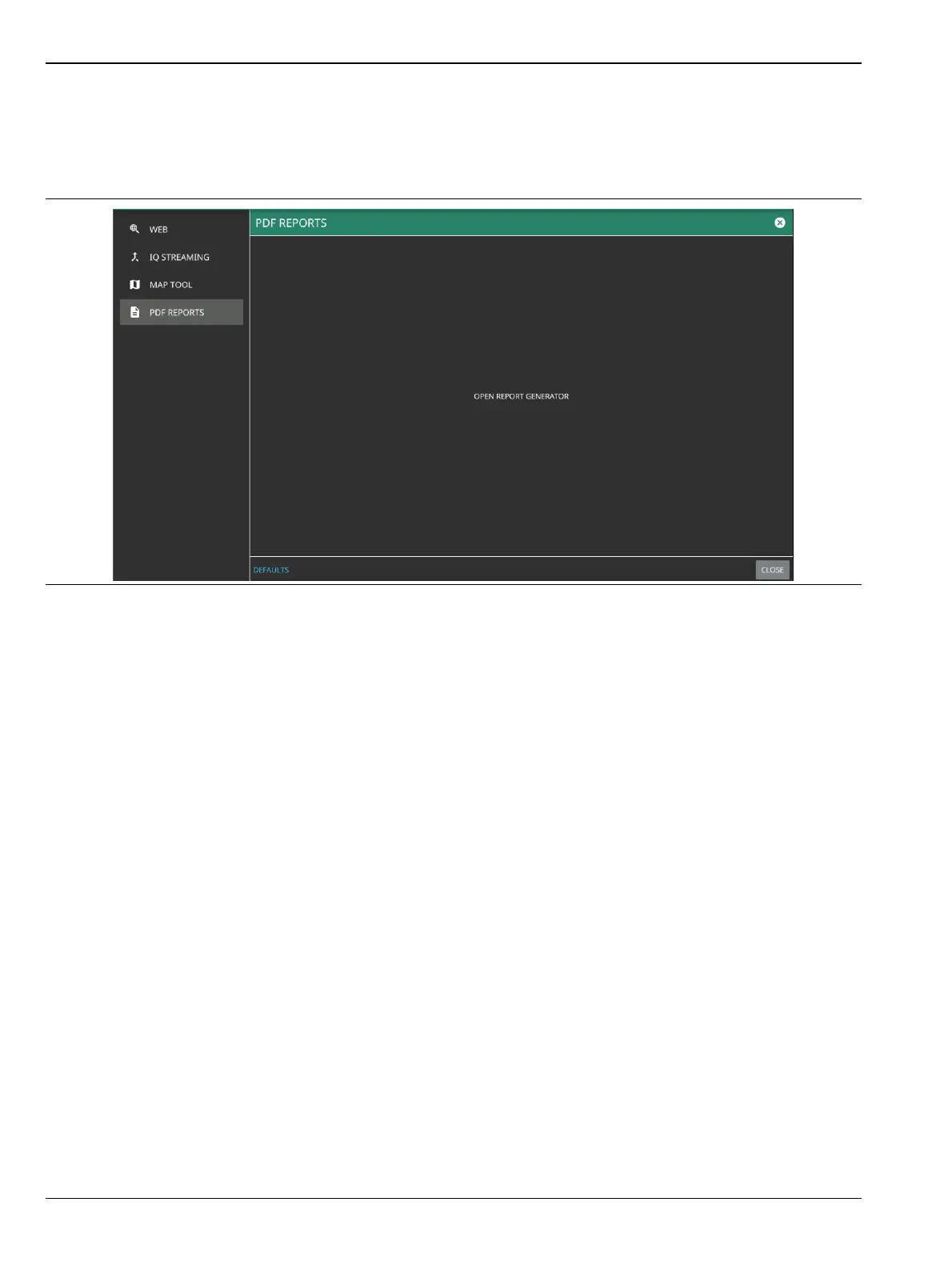
PDF REPORTS
The PDF REPORTS tool allows the user to generate a PDF report or HTML report.
1. Select OPEN REPORT GENERATOR to open REPORT GENERATOR – CONFIG window.
2. In REPORT GENERATOR – CONFIG window you can load a template to populate the given fields.
• Select LOAD TEMPLATE to use a customized template
• Select SAVE TEMPLATE to save the template.
• Select REPORT NAME to enter the name of the report.
• To have the traces in black and white, toggle on the BLACK & WHITE GRAPHS button.
• Toggle off the following buttons to exclude the information from the generated report:
• Work Order Number
• Technician ID
• Prepared By
• Approved By
• Select CLEAR TEMPLATE to delete the preloaded template.
Figure 2-56. PDF Reports Tool













 To Next Page