Instrument Overview 2-10 Settings Menu
MS2090A UG PN: 10580-00444 Rev. U 2-37
Language Settings
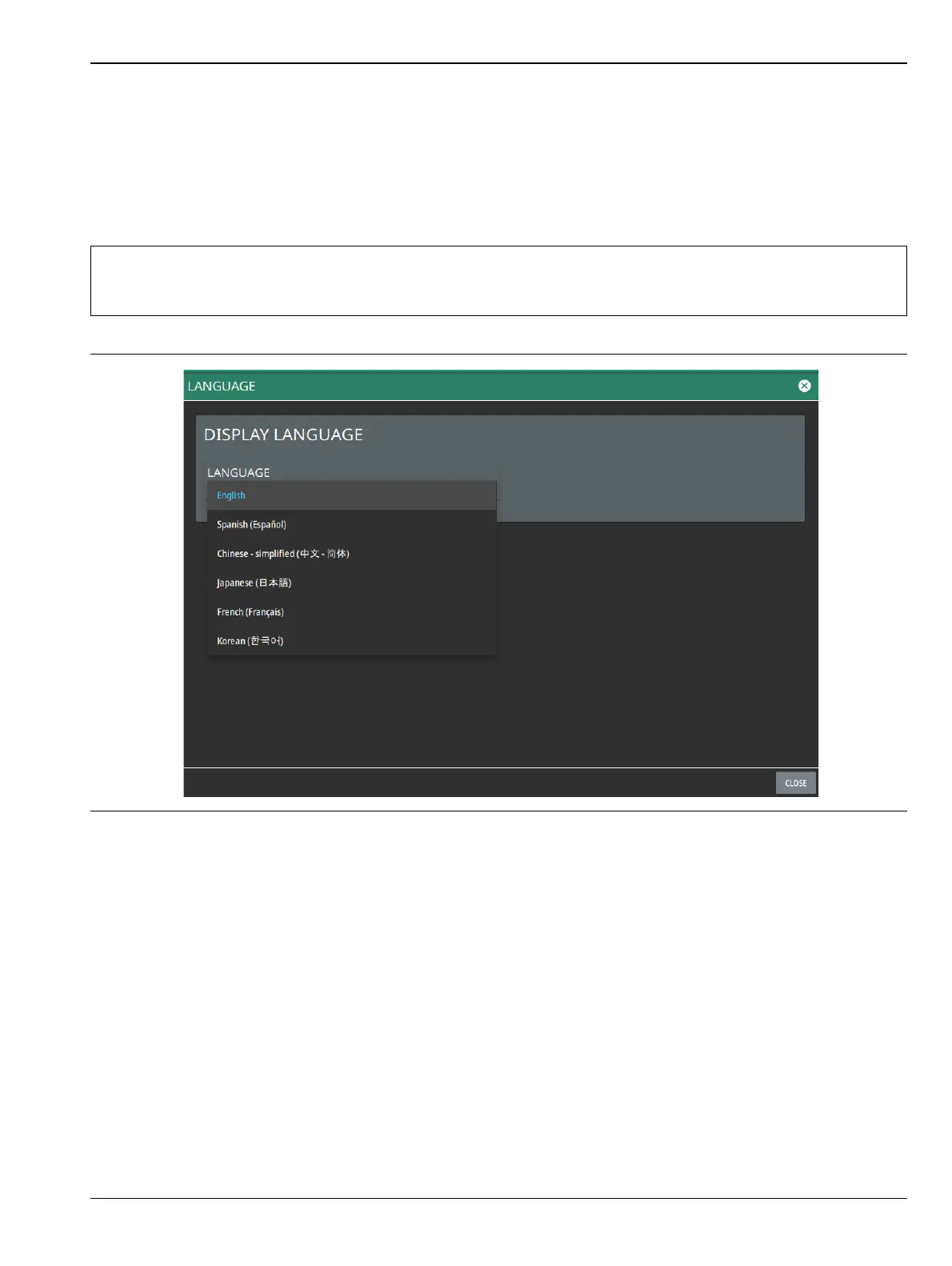
Follow the steps below to access language settings in order to change a selected display language:
1. Access the System menu (3-line icon in the upper left corner).
2. Select SETTINGS to access the instrument settings menu, then select LANGUAGE to open the language
menu.
3. Select the LANGUAGE drop-down menu and select a desired display language as shown in the
Figure 2-36.
Note
If you select a different language, the primary menus and the screen annotation gets updated, but
the keyboard used for file naming and similar tasks, notification messages and specific system menu
names remain in the English language.
Figure 2-36. Language Settings













 To Next Page