Instrument Overview 2-10 Settings Menu
MS2090A UG PN: 10580-00444 Rev. U 2-43
Maps Settings (Option 431)
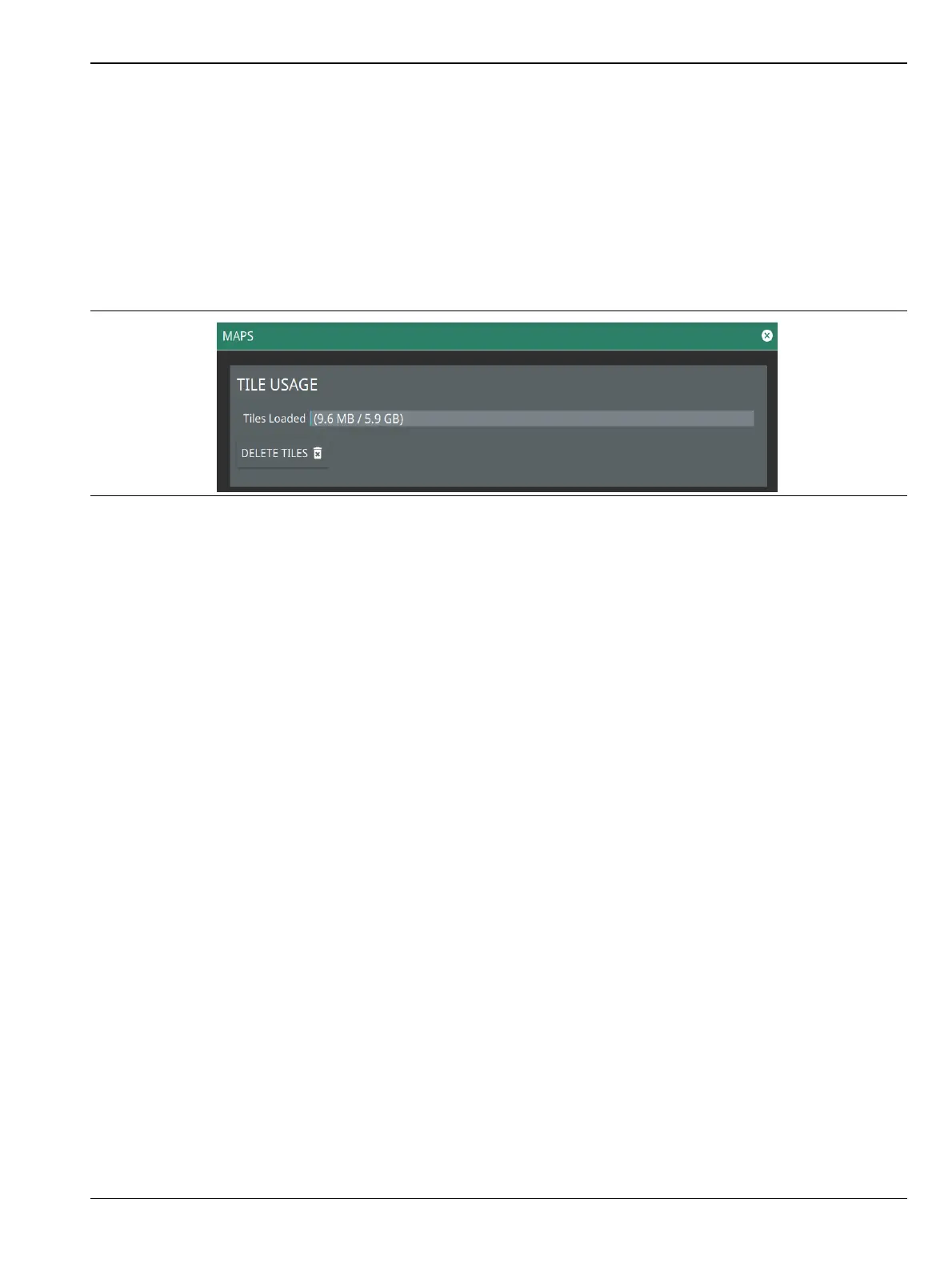
Map settings are available when Option 431, Coverage Mapping is installed. Maps settings are used to delete
map tiles from instrument memory. Refer to Coverage Mapping section in spectrum analyzer measurement
guide (10580-00447).
1. Access the System menu (3-line icon in the upper left corner).
2. Select SETTINGS to access the instrument settings menu.
3. Select MAPS to display the maps tile usage.
4. To free up internal storage space, delete loaded tiles using the DELETE TILES button. All tiles will be
deleted.
Figure 2-42. Maps Settings (Option 431)













 To Next Page