2-13 Tools Menu Instrument Overview
2-52 PN: 10580-00444 Rev. U MS2090A UG
2-13 Tools Menu
1. Access the System menu (3-line icon in the upper left corner).
2. Select TOOLS to access the instrument tools menu, then select the tool menu that you wish to open.
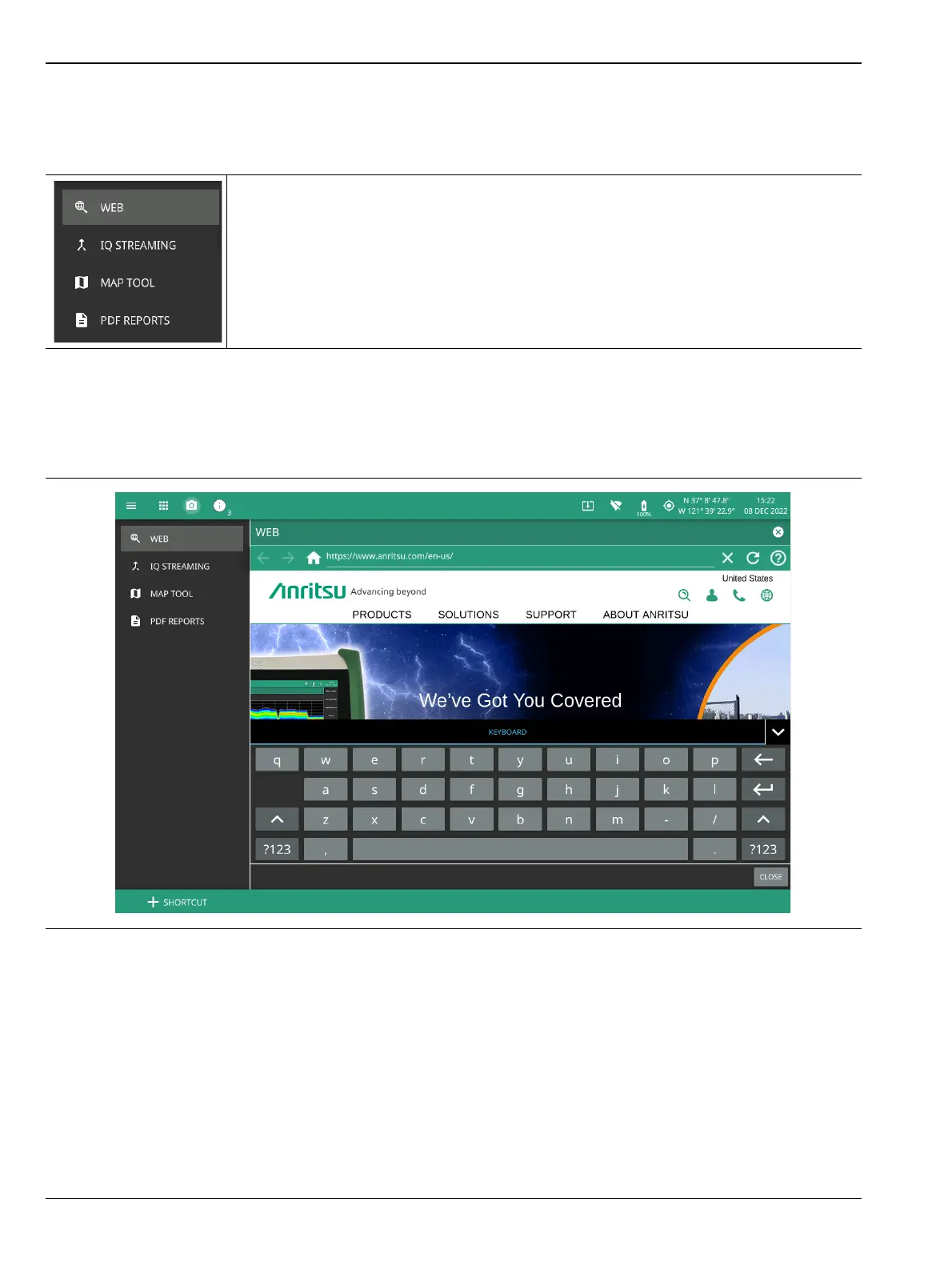
WEB
The WEB menu allows you to browse for any information related to your product, for example, training and
education.
-
WEB: Opens “WEB” tool.
IQ STREAMING: Opens “IQ Streaming” tool. Refer to IQ Capture/Streaming
Measurement Guide (10580-00490) for detailed information.
MAP TOOL: Opens Map Tool. Refer to Coverage Mapping section of the Field Master
Series Spectrum Analyzer Measurement Guide (10580-00447), for detailed information.
PDF REPORTS: Opens “PDF REPORTS” tool.
Figure 2-53. TOOLS Menu
Figure 2-54. WEB Tool













 To Next Page