2-10 Settings Menu Instrument Overview
2-38 PN: 10580-00444 Rev. U MS2090A UG
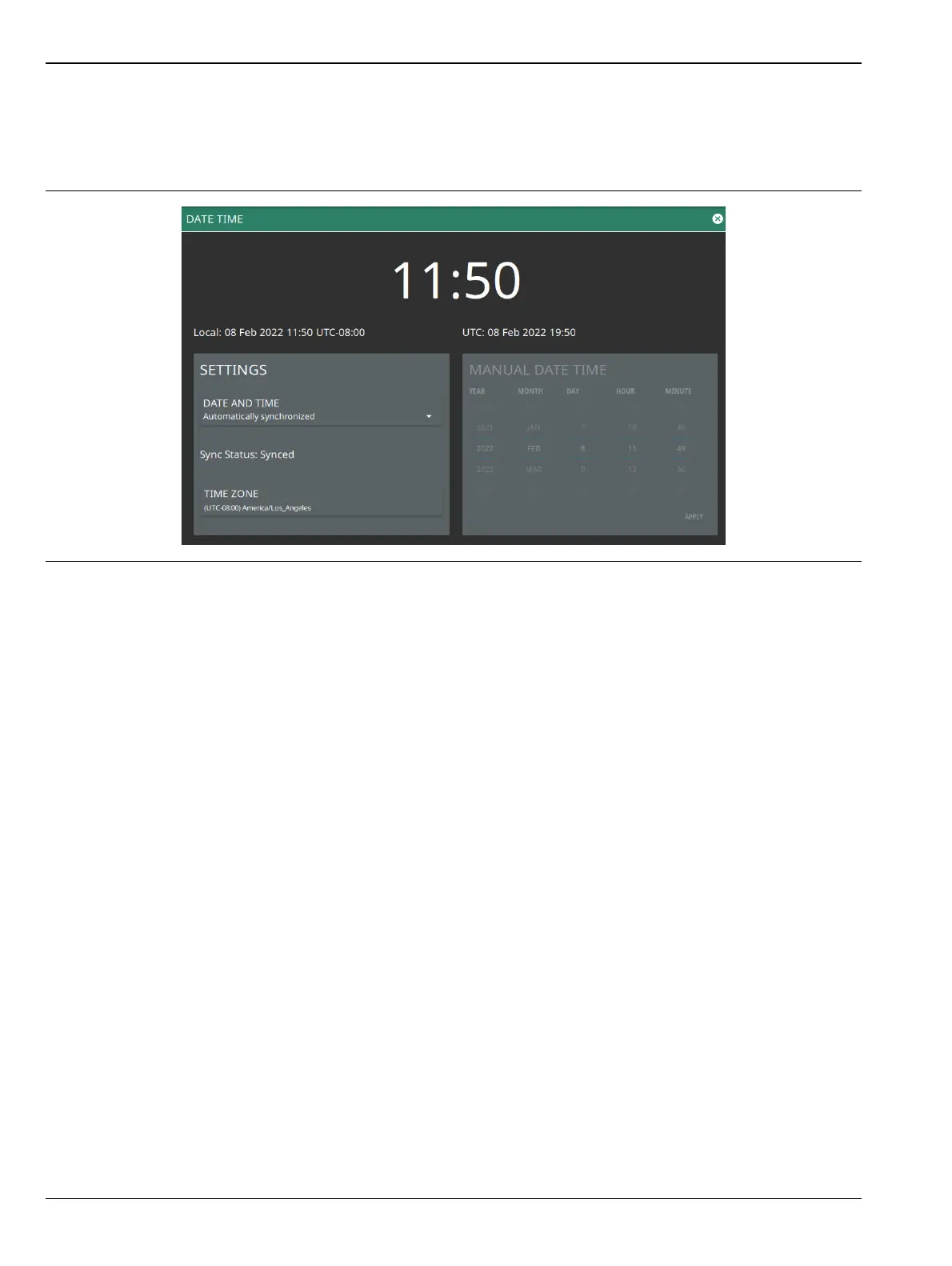
Date Time Settings
1. Access the System menu (3-line icon in the upper left corner).
2. Select SETTINGS to access the instrument settings menu, then select DATE TIME to display the
current date and time settings.
The Date Time setup lets you set the current date and time and the time zone.
• Date and Time: Manually set or automatically synchronized. When synchronized (Sync Status: Synced),
the system uses the network time; if the instrument also has a GNSS (GPS) location fix, the system will
determine and use the more accurate of the two, between network and GNSS (GPS) time. Select
Manually set to activate the MANUAL DATE TIME window. Here you can scroll to a selectable year,
month, day, hour, and minute.
• Time Zone: Lists the selectable time zones.
Figure 2-37. Date Time Settings













 To Next Page