2-10 Settings Menu Instrument Overview
2-32 PN: 10580-00444 Rev. U MS2090A UG
Ethernet Settings
Refer to “Network Settings” on page 2-29 for general network setup and information.
1. Access the System menu (3-line icon in the upper left corner).
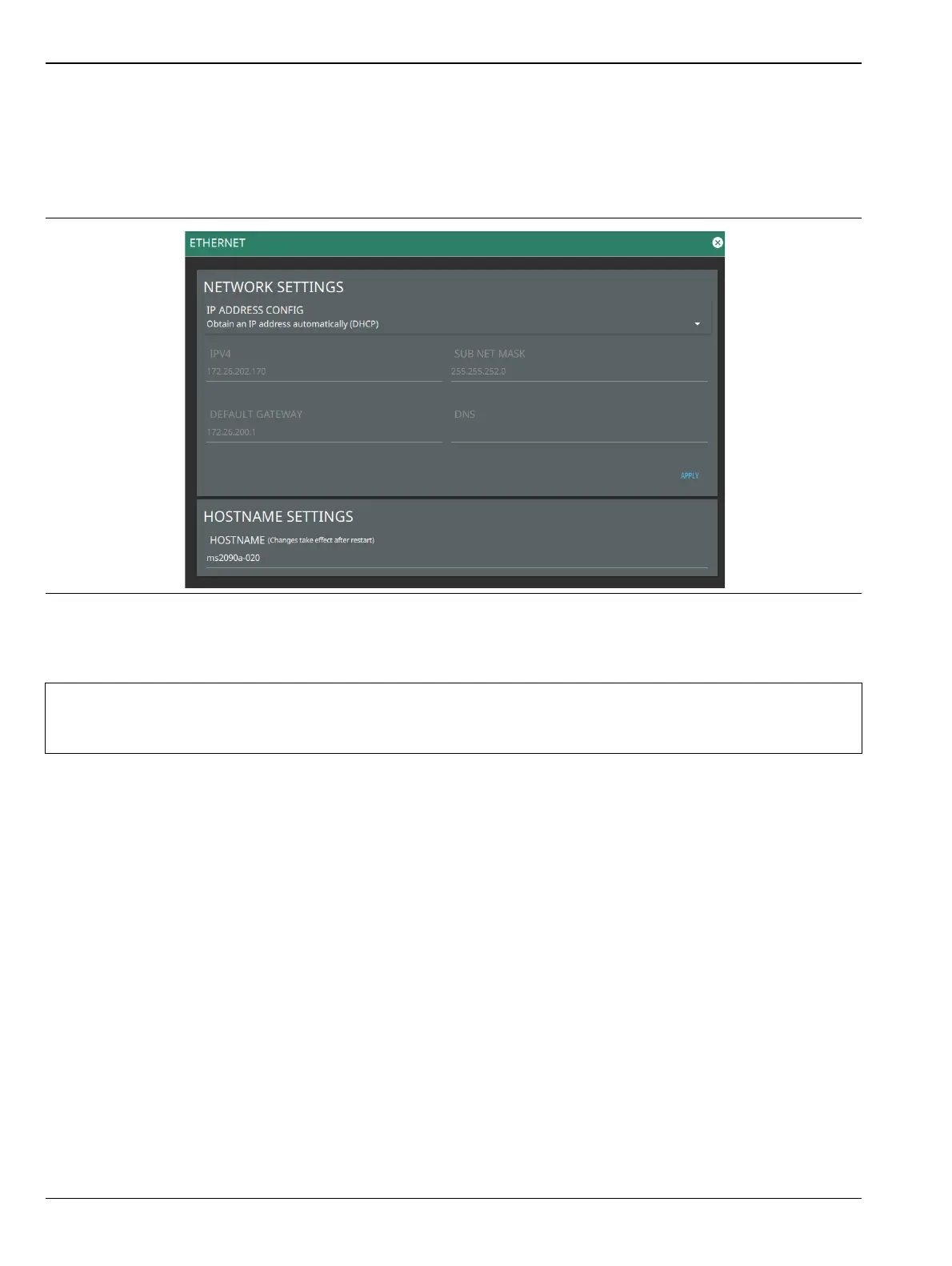
2. Select SETTINGS to access the instrument settings menu, then select ETHERNET to view the current
network settings (IP address, HOSTNAME, etc.).
The instrument IP address can be set automatically using DHCP or manually by entering the desired
IP address, gateway address, and subnet mask.
Figure 2-32. Ethernet Settings
Note
If an active Ethernet cable is connected to the instrument while it is turned on, a reboot may be
required to establish a DHCP connection. If the port becomes inactive, verify that an active Ethernet
cable is attached to the instrument, then cycle the instrument power off and on.













 To Next Page