2-8 Selecting the Analyzer Instrument Overview
2-20 PN: 10580-00444 Rev. U MS2090A UG
2-8 Selecting the Analyzer
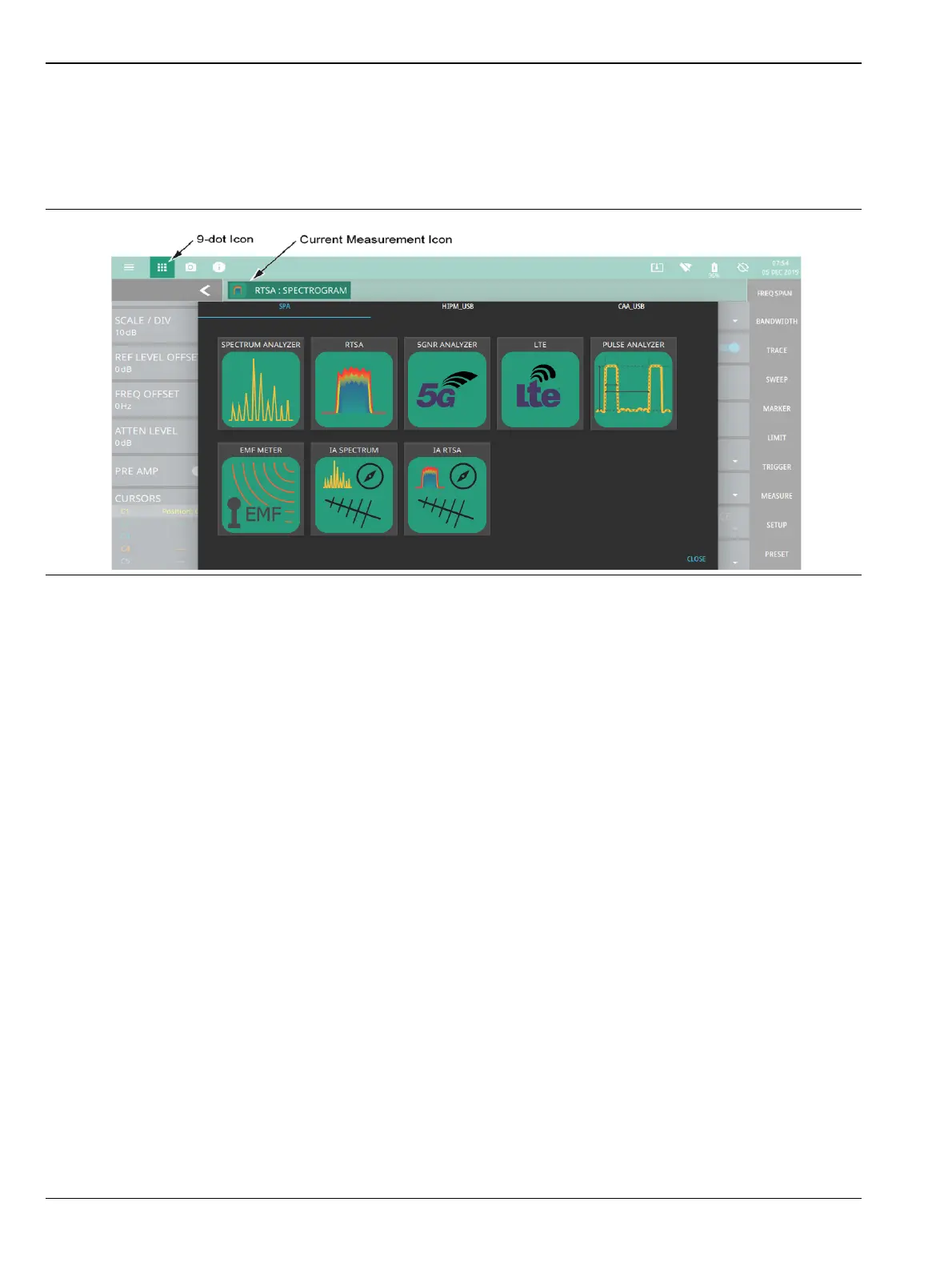
The instrument analyzers are selected from the 9-dot icon. To select an analyzer, select the 9-dot icon in the
Title bar to display the available analyzers, illustrated in Figure 2-17. Simply select the desired icon to load the
new analyzer. The analyzers available for selection depend on the options that are installed and activated on
your instrument. Some measurements and views are accessed via other measurement setup menus.
For detailed information on the selected application’s user interface and setup functions, refer to the relevant
measurement guide. See Chapter 1, “Additional Documentation” to find the list of the measurement guides.
Figure 2-17. Example Analyzers













 To Next Page