Instrument Overview 2-7 GUI Overview
MS2090A UG PN: 10580-00444 Rev. U 2-19
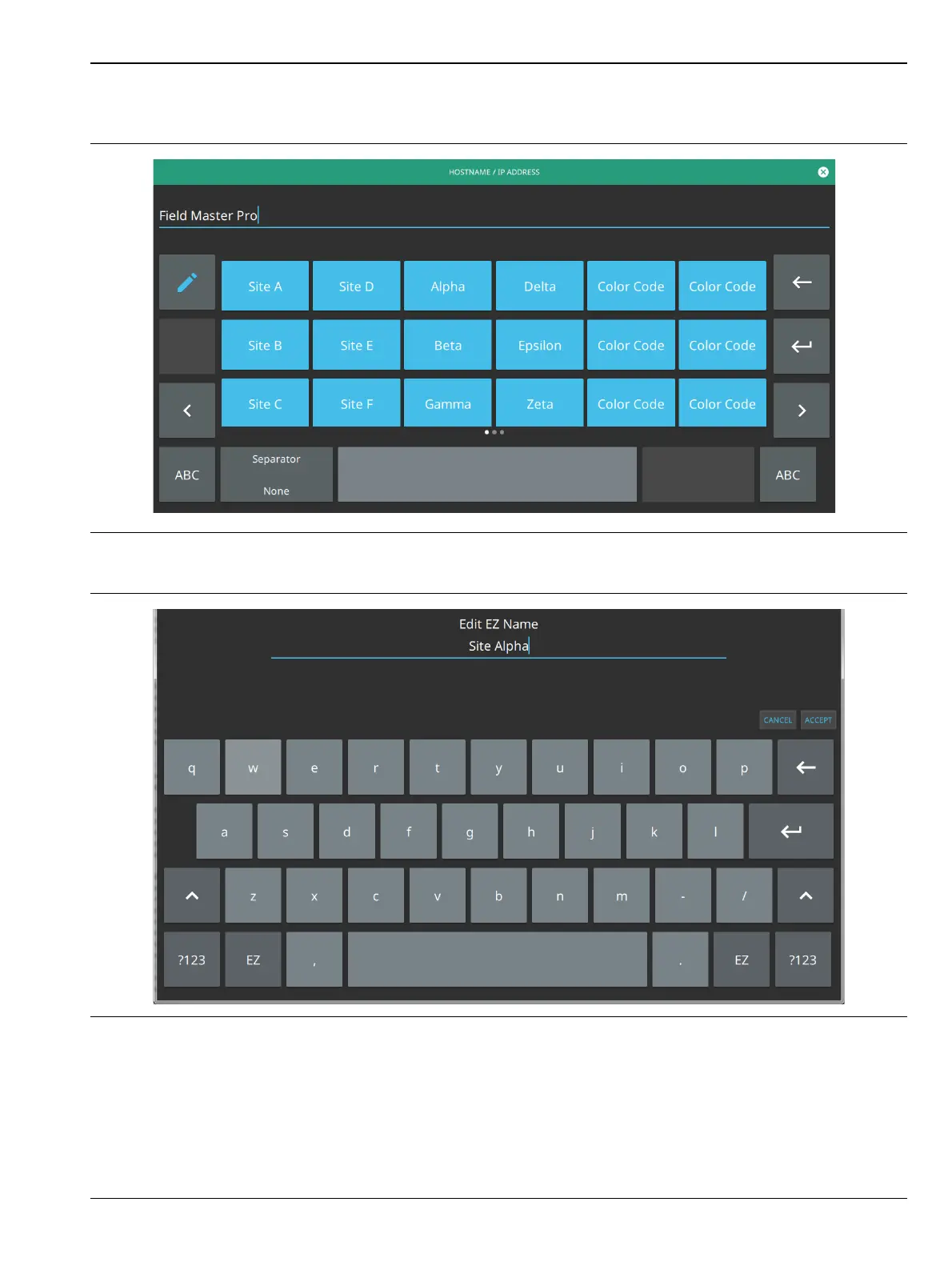
To change a key’s value:
1. Select the pencil (edit) key. The EZ keys will become highlighted.
2. Select the key to be edited. This will display the standard keyboard for entering a new EZ key value.
3. Enter the new value, then select ACCEPT to assign the new value to the EZ key, or select CANCEL.
Figure 2-15. Touch Screen EZ Keyboard
Figure 2-16. Touch Screen EZ Keyboard













 To Next Page