Instrument Overview 2-13 Tools Menu
MS2090A UG PN: 10580-00444 Rev. U 2-55
3. Select SETUP button in the bottom to add setup or trace files in REPORT GENERATOR - SETUP
window.
• Select the blue + ADD FILE (S) button in the upper right to add image files (.png. jpeg, jpg,
.fmcaausb) to the PDF report.
• To delete a file select the minus button next to the file name, alternately select CLEAR ALL.
• To include a specific note in your report, type the note into the text box located under the graph.
Note that you need the select an image file before adding a note. Select SAVE NOTE button to
save the note. Look for the green tick symbol in the lower right corner of the text box once the note
is saved successfully.
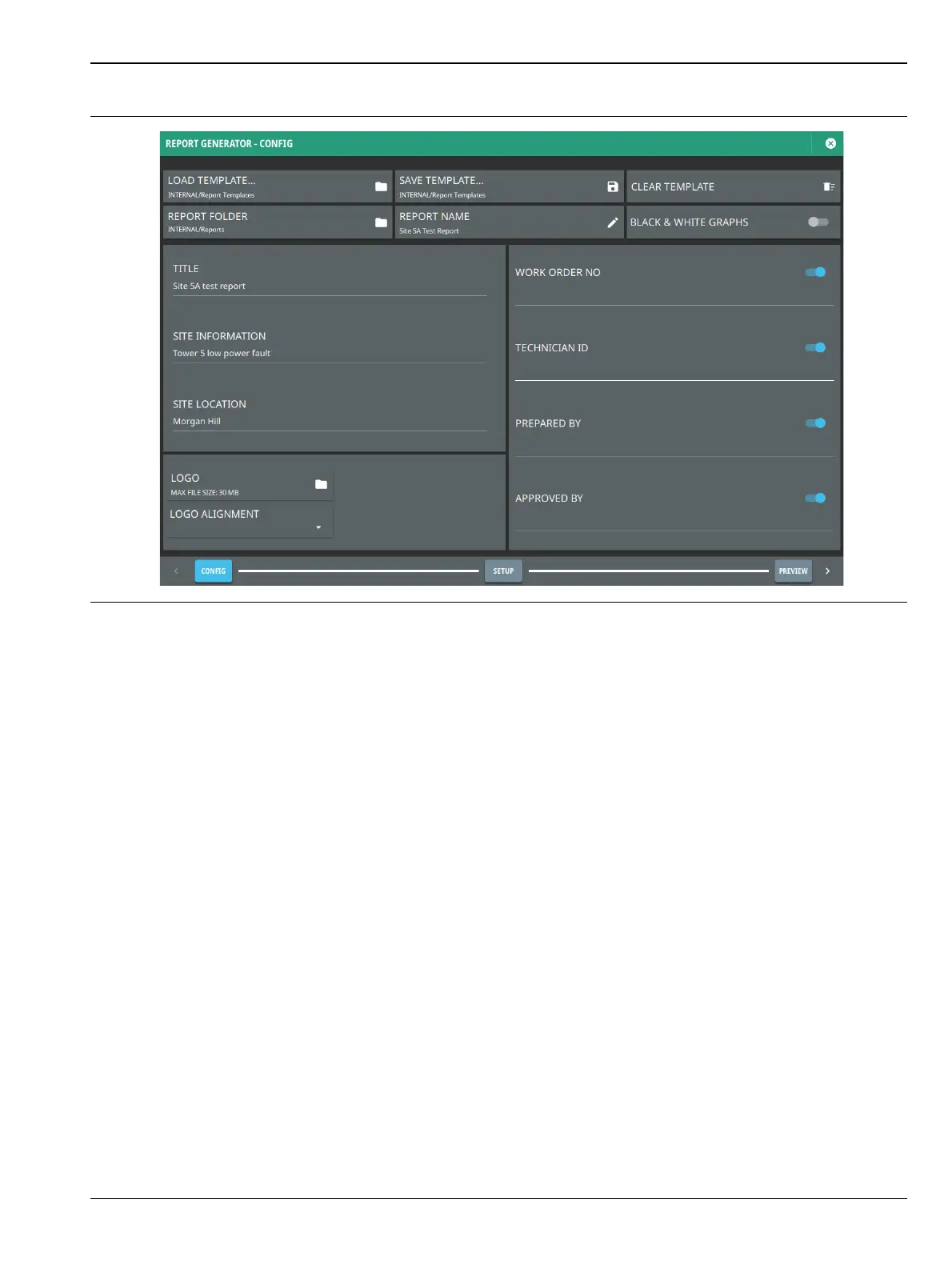
Figure 2-57. Report Generator - Config Window













 To Next Page