Instrument Overview 2-10 Settings Menu
MS2090A UG PN: 10580-00444 Rev. U 2-25
Theme
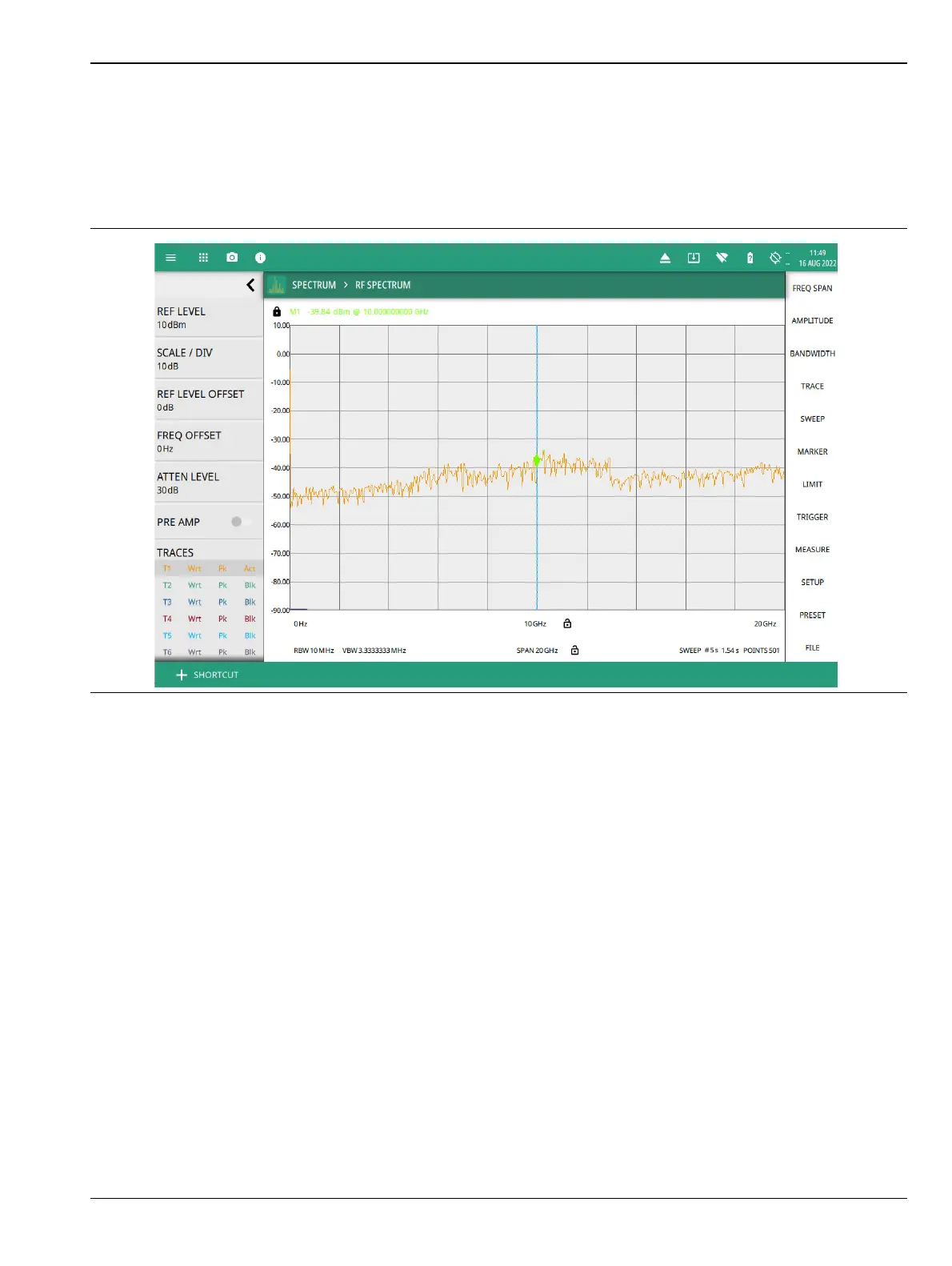
Under THEME option select COLOR SCHEME drop-down menu and select either Default, Light, Black on
White or Night Vision to set the display color scheme of your choice. If the THEME is set to Light it may be
more suitable for viewing in bright ambient conditions. But if the THEME is set to Night Vision it may be
suitable for viewing in a poorly lit night time conditions.
Figure 2-23. Light Theme Display













 To Next Page