Upgrading Software Options B-4 Software Update
MS2090A UG PN: 10580-00444 Rev. U B-3
Verify the Software Update
1. Once the software update is complete, power off the MS2090A.
2. Power on the MS2090A.
3. Select the System menu icon (3-line icon) from the MS2090A to display the System Menu.
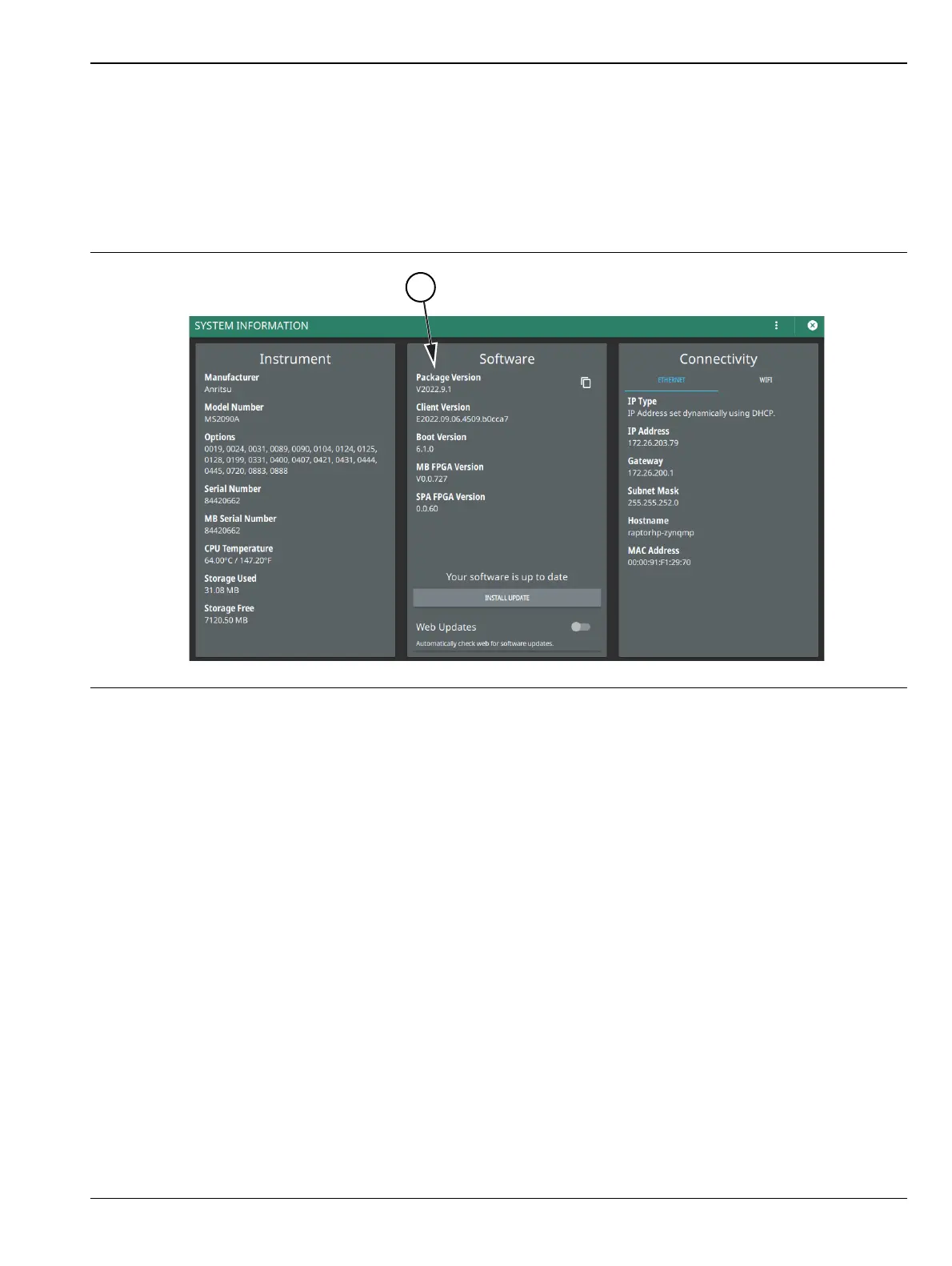
4. Select the System Information Menu menu (see Figure B-2).
5. Verify the software Package Version displayed is the most current version installed.
Figure B-2. System Information













 To Next Page