CHAPTER 6 - Controls and use 51
Instructions for use and warnings
6.2 User interface - Flexibowl® Parameters
The FlexiBowl Parameters program is used to set the movement parameters and the option parameters available. The various
parameters can only be changed via Ethernet communication.
6.2.1 Installing and using the Flexibowl® Parameters program
Proceed as described below to use the program:
Use the program supplied on the USB.
Note: if you have an older version of the program it
must be uninstalled first.
Connect the Flexibowl® with an Ethernet cable.
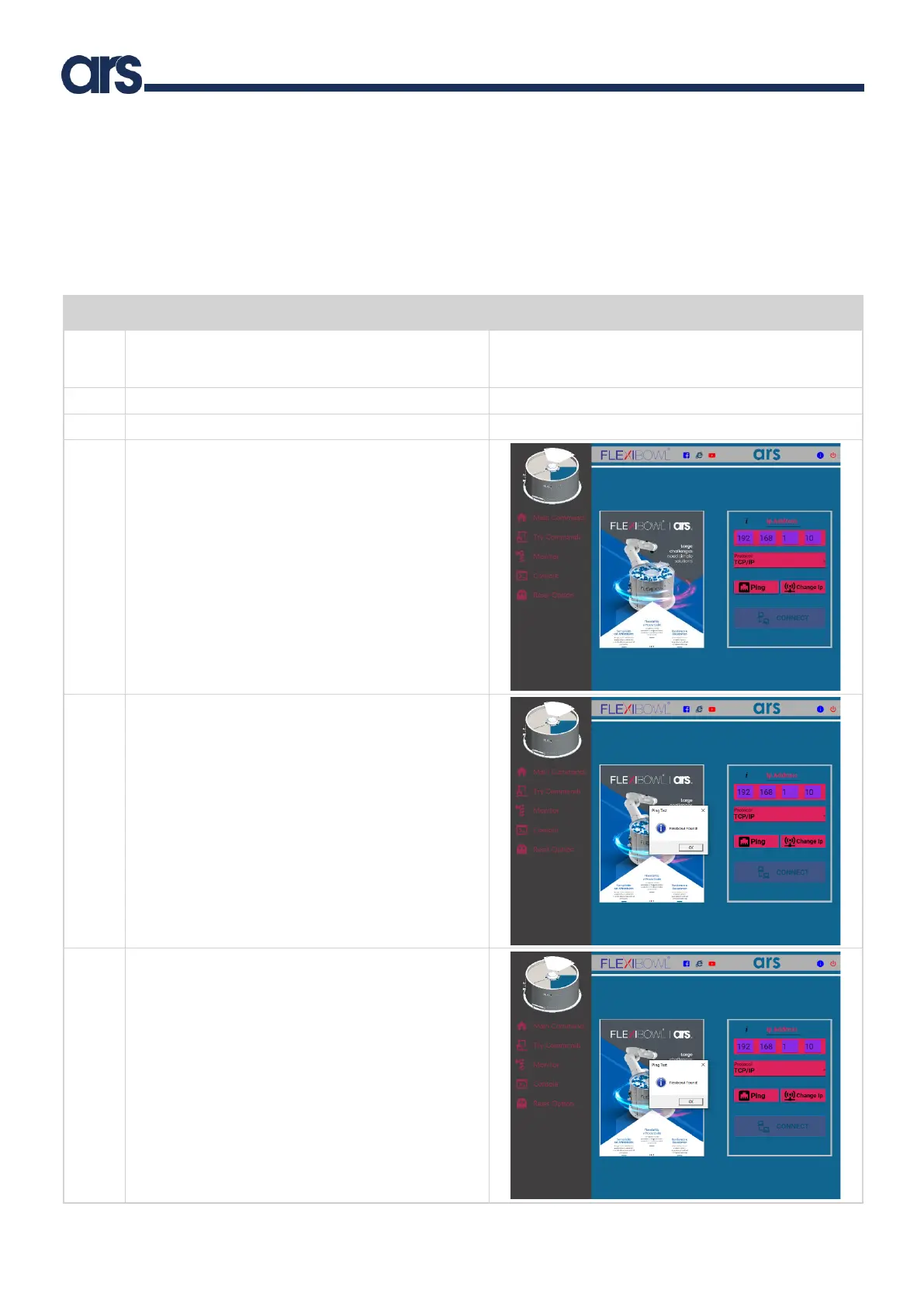
For the connection of the Flexibowl®, enter the
following network address in the “Ip Address” box:
192.168.1.10.
The IP address of the connected PC must necessarily be
set in the same subnet mask in Class B (Subnet Mask
255.255.0.0).
You can now connect to the Flexibowl®. First press Ping (a
pop-up with “Flexibowl® found” will be displayed).
Press “ok” to enable the button “CONNECT” for
connection.
After connecting, the home screen will be displayed.



 To Next Page