CHAPTER 7 - Maintenance 85
Instructions for use and warnings
7.3.2 Replacing the solenoid valve
REPLACING THE SOLENOID VALVE
Mechanical maintenance technician
Allen key; Phillips screwdriver
CAUTION!
Disconnect the power supply before taking the cover off.
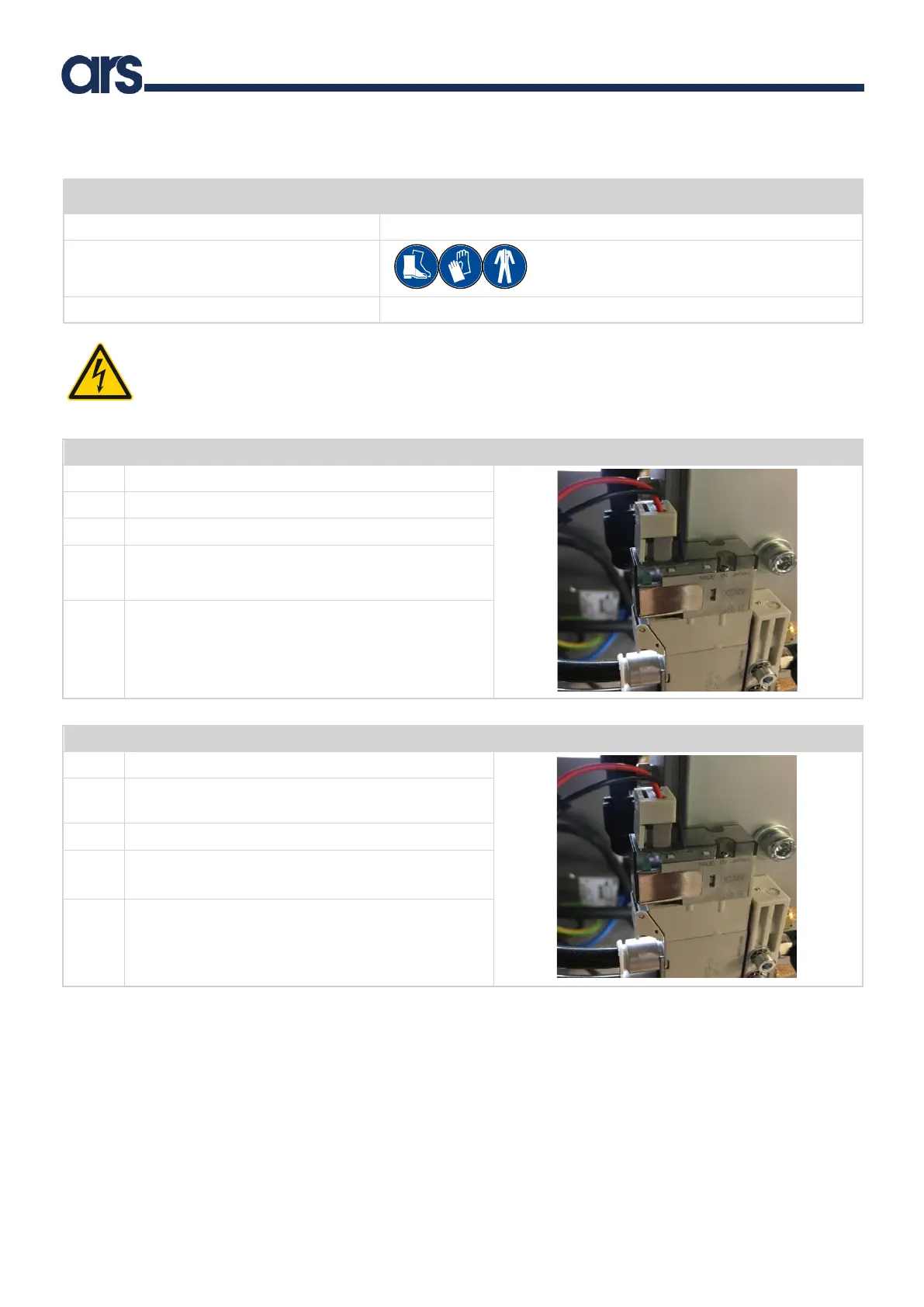
Proceed as follows to replace the solenoid valve on models 200 and 350:
Unplug the power cable from the control panel.
Take the cover off the Flexibowl®.
Remove the solenoid valve power cable.
Unscrew the 2 fixing screws (A).
Note: keep the removed screws for reassembly.
Remove the solenoid valve and replace it with one with
the same characteristics.
Proceed as follows to replace the solenoid valve on models 500, 650 and 800:
Unplug the power cable from the control panel.
Follow the procedure to replace the backlight described
in Chapter 7.3.1 up to point 4
Remove the solenoid valve power cable.
Unscrew the 2 fixing screws (A).
Note: keep the removed screws for reassembly.
Remove the solenoid valve and replace it with one with
the same characteristics.



 To Next Page