13
H. Set-up and attach optional equipment in the appropriate locations in relation to the main unit.
Caution: When using the CS 326 on a mobile cart take care to insure the keyboard and
monitor are not damaged during movement.
MACHINE POWER UP
Turn on the main switch on the right side of the cabinet. The Operator interface (PC) will boot-
up and Windows will start. The ARTOS
CS 326 GUI program will start automatically.
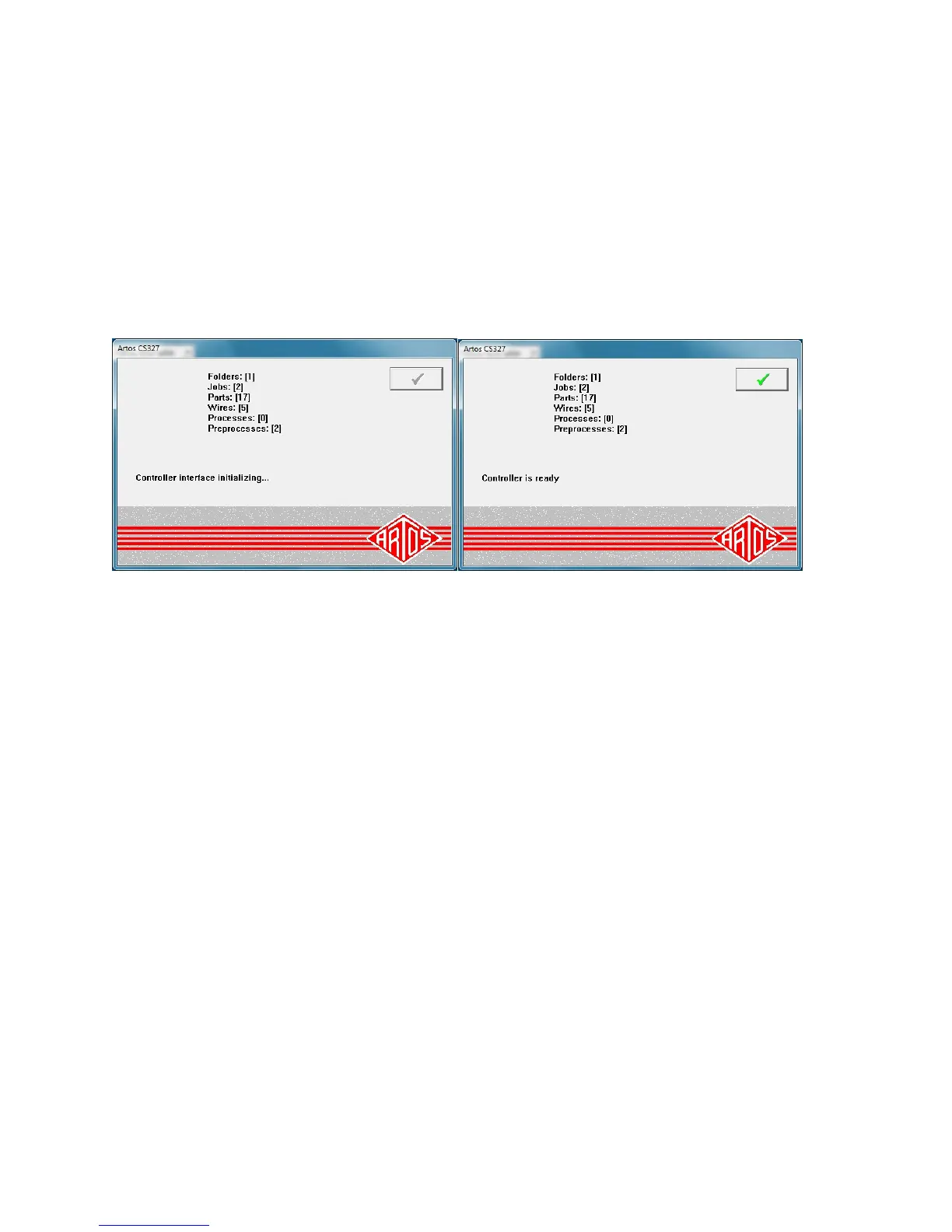
If communications are working these two screens will appear and automatically close.
Close the guard and release the E-Stop button. Pressing the Master Start button (See page 16)
will energize the power system in the machine. Pressing the Cycle Start will initialize the start up
sequence (a series of beeps will start). The Feed system will open and the cutterhead will
reference. When the start up reference is complete, the beeping will stop. Click the check boxes
to clear the dialog windows.
Note: When shutting the machine down follow these steps.
Close the CS 326 software
Shut down the computer by clicking start - shutdown.
When the computer is off turn off power to the machine



 To Next Page