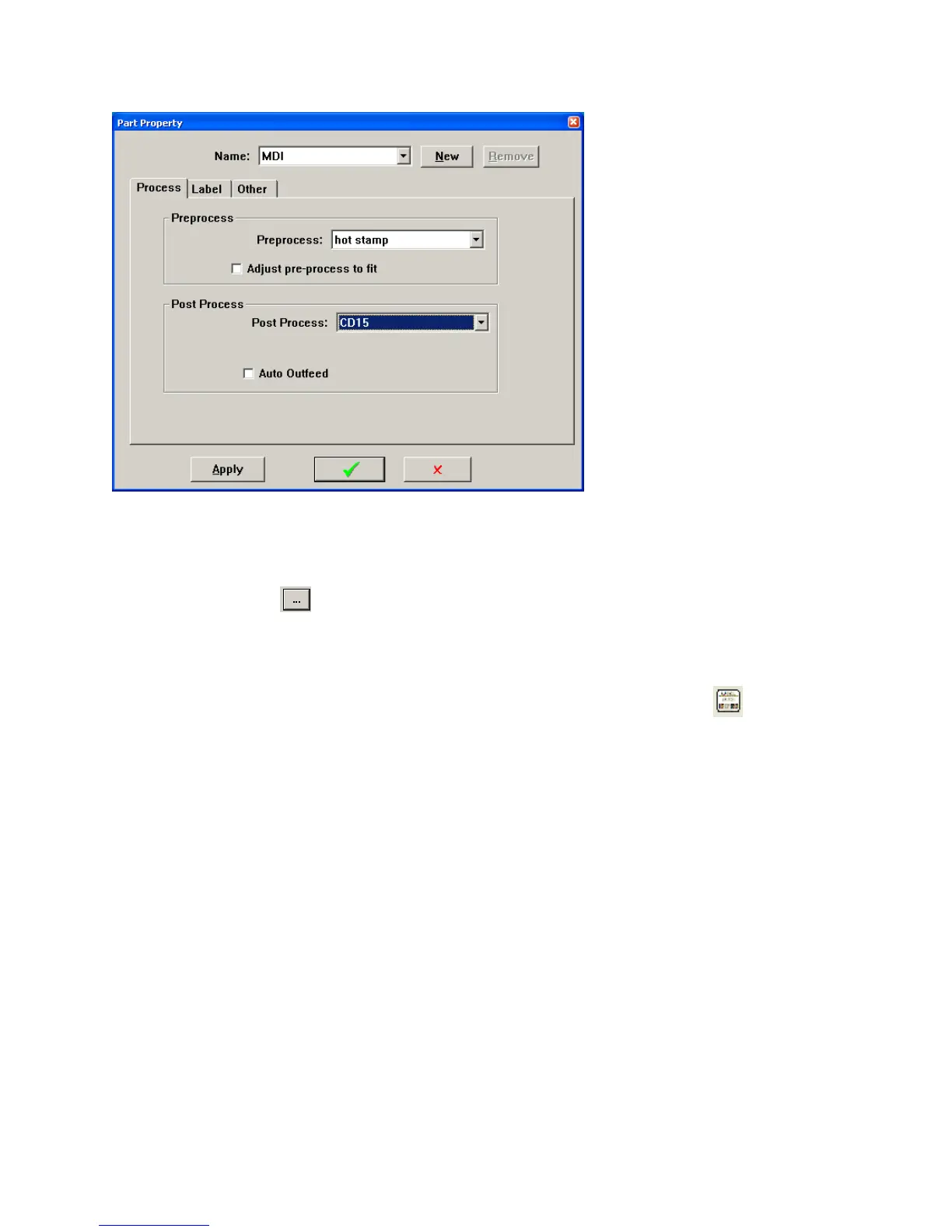
22
LabelTab
The label feature can only be used if the Nicelabel software and printer are installed on the machine. See
section Label printing option (page Error! Bookmark not defined.) for more details.
Click the browse button
. Select the name of that label and click the green check. For information on
creating and editing labels see section CREATING A LABEL on pageError! Bookmark not defined..
Select the Print Timing you want to use,
User Select (The label will print whenever you click on the label icon
)
At each part completion (print a label after each part)
At batch completion (print a label after each batch)
At program completion (print a label after special stripping)
For more information see section PRINT TIMING on page Error! Bookmark not defined..



 To Next Page