33
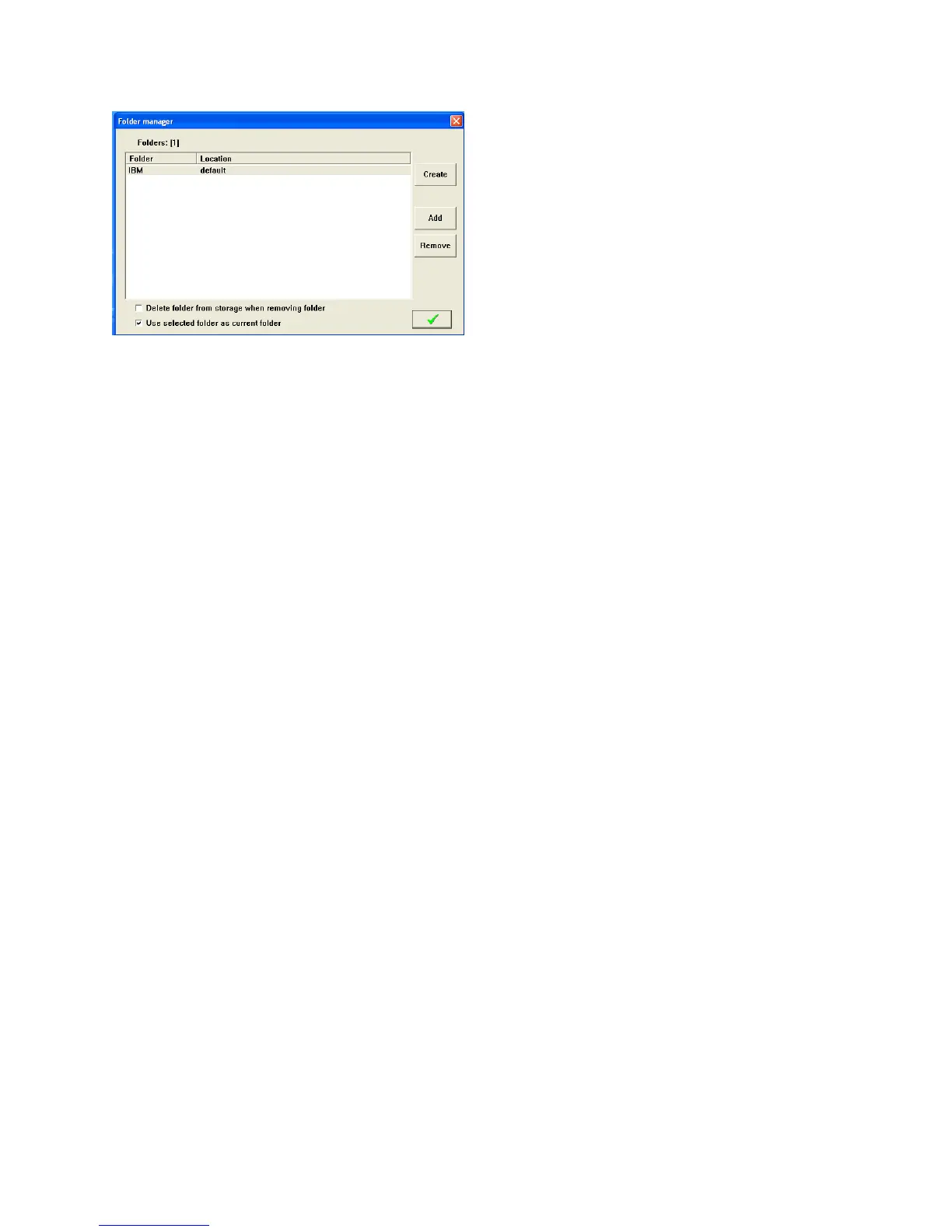
Click on Create to make a new folder or Add to add a folder from another source such as a network.
DATA STORAGE IN CS326
Internally the CS326 uses the following database files to store the job, part, wire and process data. For
each folder the user creates in the CS326 software, there is a set of these files. These folders and files
are stored in C:\program files(x86)\Artos Engineering\CS326GUI\Folders\
Data base name Location in CS326 software to enter a name and program the item.
Assemblies.mtx Part Properties screen
Mtxjobs.mtx Jobs screen
Preprocess.mtx Pre process screen
Wires.mtx Wire Properties screen
These files are in binary format, they are not man readable and they are not compatible with any other
format. The structure of these files can change when upgrading the CS326 software. For these reasons
the files listed above should not be used as a means to transfer data.
To view the folders and the contents of the folders, from the main menu bar click Tools – Data Organizer
DataBackup
There are two methods that can be used to backup the data in the CS326 machine
Manual Method
This method saves all the CS326 parts, jobs, and machine configuration data to a single zipped file.
From the main menu bar click File – Backup



 To Next Page