29
Slip sensitivity is used when the machine is equipped with the “Slip and Snag Detector” option or
this machine is built with a wire measuring encoder. When this is set for 1 or higher the machine
will compare the motion of the wire with the motion of the infeed motor. The slip sensitivity
setting determines the allowable differential. 0 = no detection, 20 = max sensitivity.
MaxSlug.
This is the maximum length of the scrap slug. If the strip length is greater than this setting the end
will be stripped in multiple cuts. This happens when the nibble function is selected in Machine
Configuration.
Color.
This allows the wire image to be display in it actual color. Check “Dual Color” to display a stripe
on the wire. Core or conductor color can also be displayed.
FILE MANAGEMENT
CREATING AND EDITING PARTS
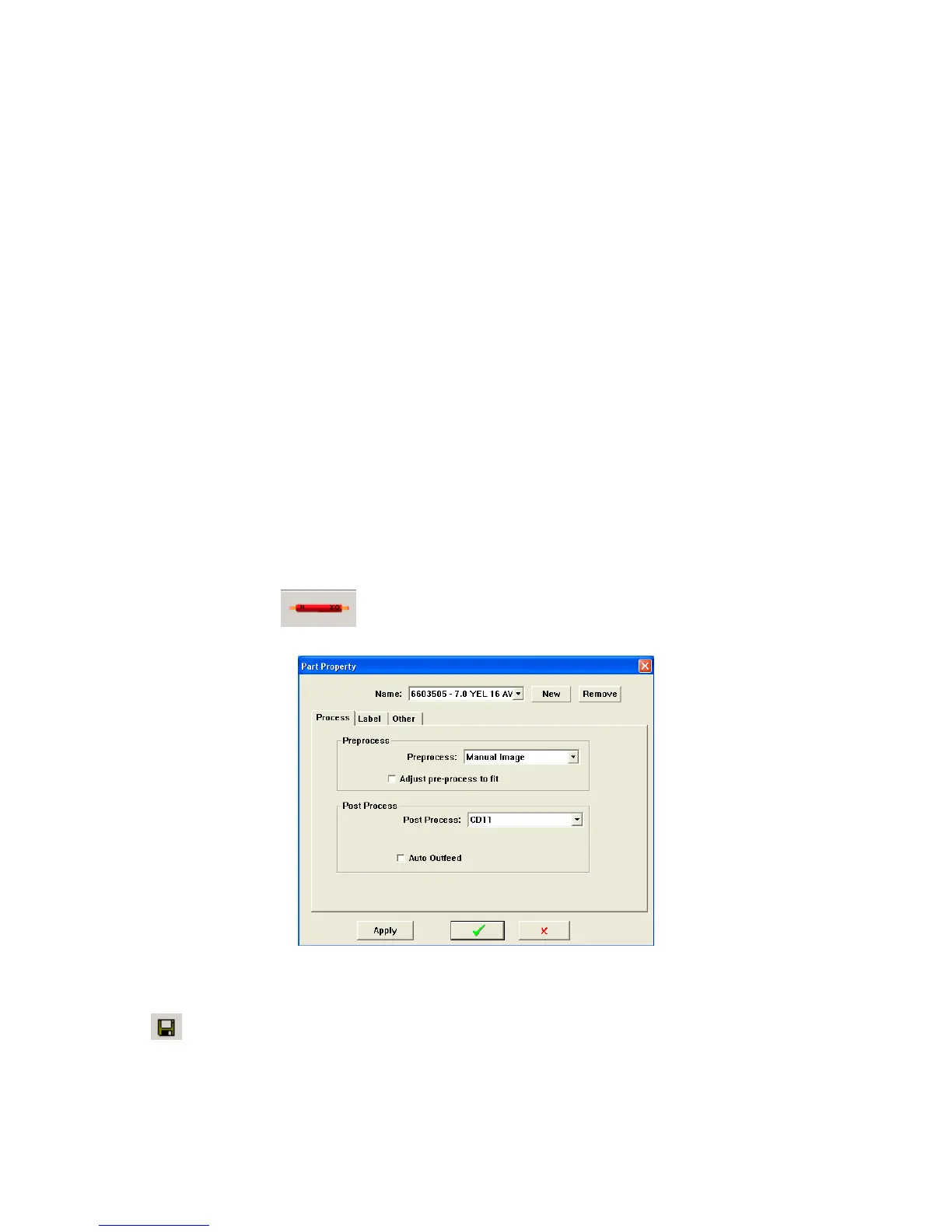
The complete wire file that consists of wire name, wire overall length, strip length, strip stroke and pre
and post process information is called a “PART”. Click on the PART icon to open the “Parts properties”
window to create a part.
Click on New and enter the part identification name in the window. All the information that is
currently on the screen will be associated to that name and saved to it when you click the “File Save”
icon.



 To Next Page