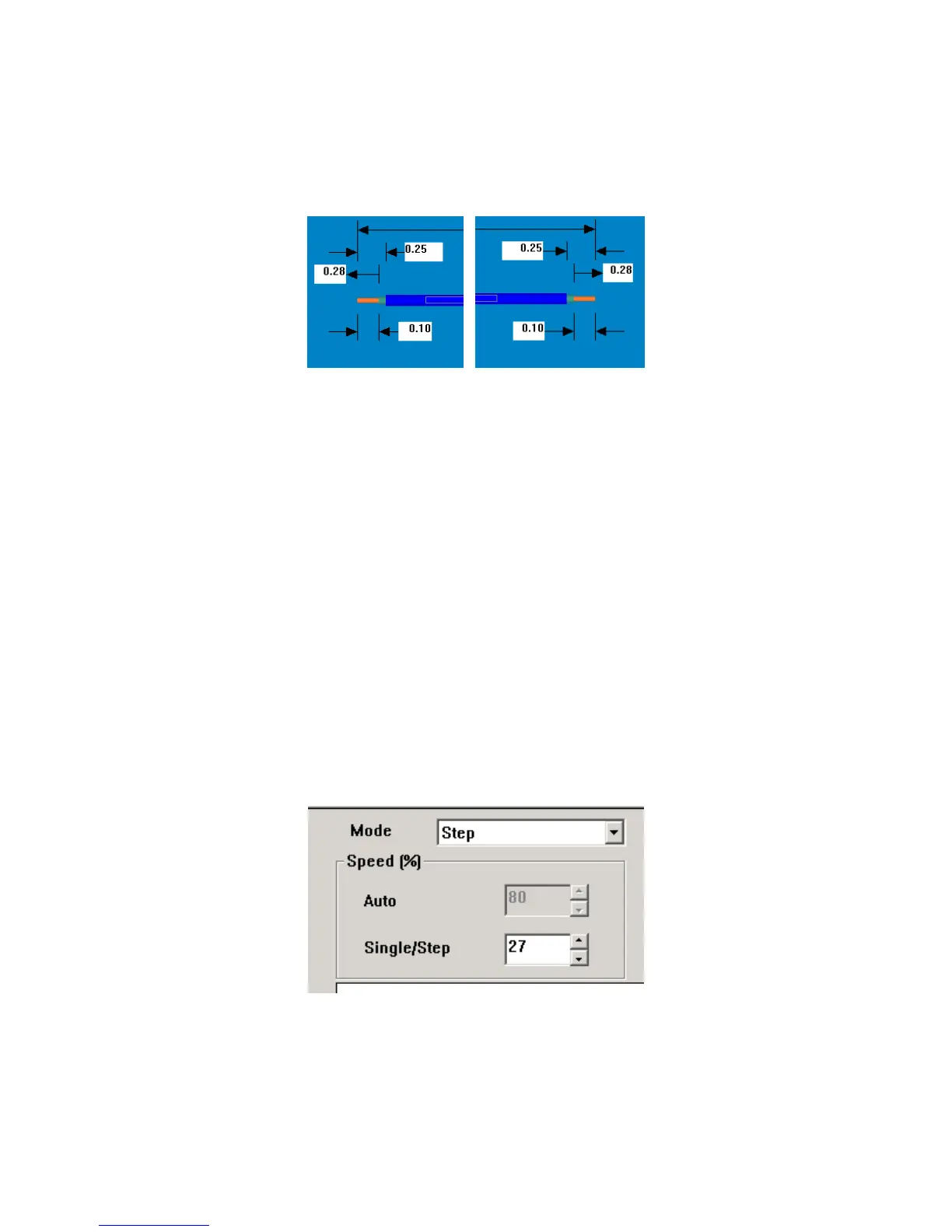
20
diameter) The added windows are the Secondary values. (larger diameter) The Strip
Diameter for the Secondary strip is found in the Wires Properties (#5) The order of the
stripping, inner conductor first or outer conductor first, is selectable through the Machine
Configuration (#23)
STRIP DIAMETER
Strip Diameter is entered by double clicking on the appropriate window (#4), the field will turn blue,
enter the desired values and press ENTER. (Secondary Strip Diameter is found in Wire Properties)
PROGRAM QUANTITIES
TotalParts
Click on “Programmed” window, Enter the total number of pieces to be produced. Press Enter. The
value in “Complete” window will increase until it matches Programmed the value. Then the CS
326 will stop cycling.
BatchParts
Click on “Programmed” window, Enter the total number of pieces to be in a batch. Press Enter. The
value in “Complete” window will increase until it matches the Programmed value. Then the CS
326 will stop cycling.
CYCLE MODES
NOTE: The MASTER START button must be on to activate any cycle mode.
All the machine cycling functions are controlled by the CYCLE START button. To select which
mode is used (AUTO, SINGLE, or STEP) click on the drop down button (#7) and select.



 To Next Page