43
ArtosEngineering
CS327GUI
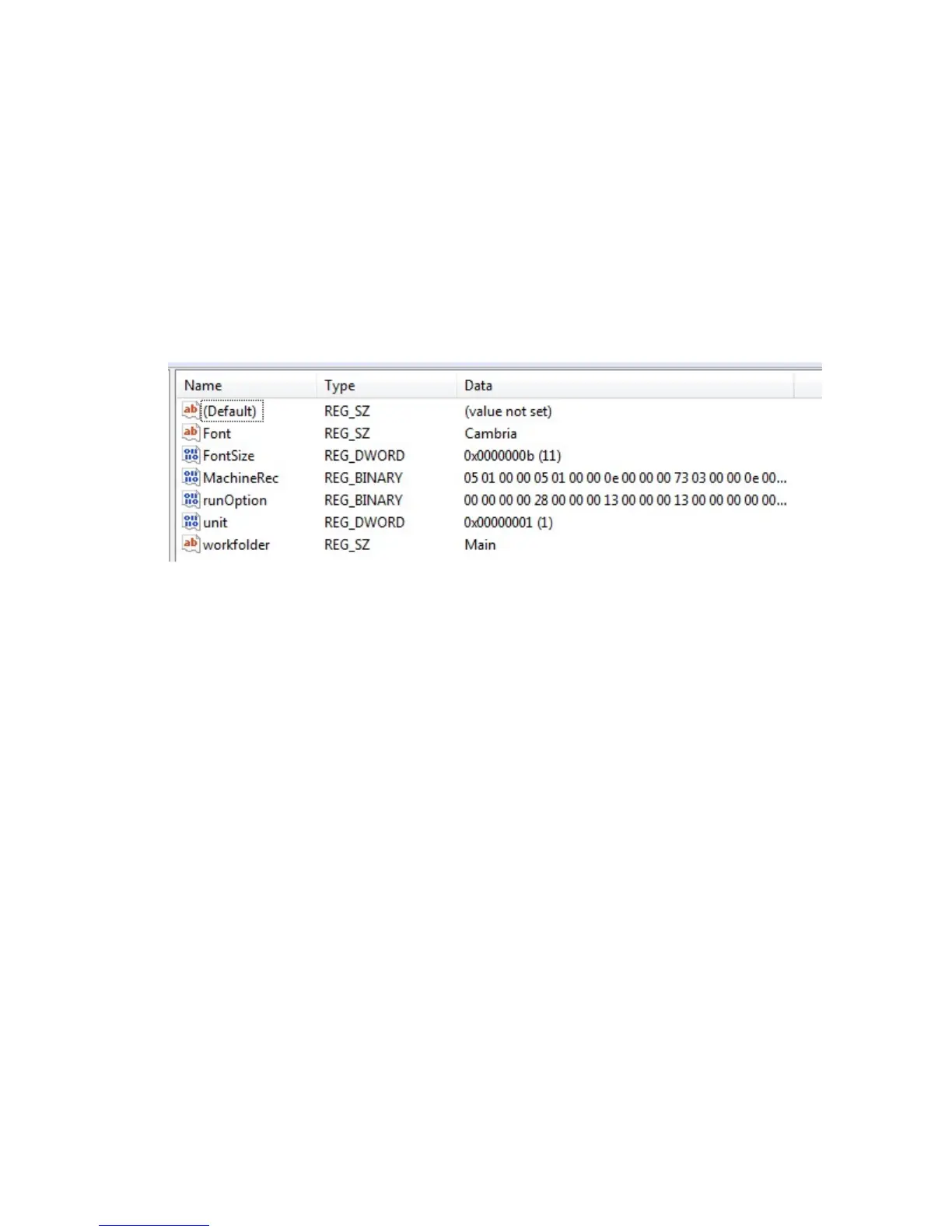
Note:BecauseWindowsplacestheArtosEngineeringkeyunderdifferentdirectorynames
dependingontheversionofWindowsitisbesttodoasearchontheregistryforthekeyname
MachineRec.OncethesearchfeaturefindsitchecktomakesureyouareintheCS327GUI
directory.
IftheCS327GUIdirectoryismissingintheregistryorthekeynameismissingdonotattemptto
addit.TheCS327softwarewillhavetobere‐installedinthecomputer.Theinstallsoftwarewill
andtheregistrykeysandadddriversandpathnamestootherportionsoftheWindows
operatingsystem.
RightclickoverFontanddeletethekey.
RightclickoverFontSizeanddeletethekey.
Maintenance
Machine Settings – This is for the configuration of the machine. See section
“CONFIGURATION”.
IO Status – To display the I/O and Servo motor information. Only used for maintenance of the
machine. See section “I/O status”.
IMAJE test – Diagnostics screen for the Imaje printer. See section “IMAJE TEST”
Counters – Displays the number of parts produced, the number of cycle start hours and master
start hours since machine installation. Also 2 counters for cycle start hours and parts
produced that the customer can reset.
Maintenance schedule – Not available
Maintenance task – Not available
Data Organizer – For coping or removing parts and wires. See section “DATA ORGANIZER”
User Administration – For setting passwords and what function each user has access to. See
section “Adding Users And Passwords”
Cell Manager Config – This feature is for a customer specific application
Cell Mode – This feature is for a customer specific application
Allow Cell control - This feature is for a customer specific application.



 To Next Page