25
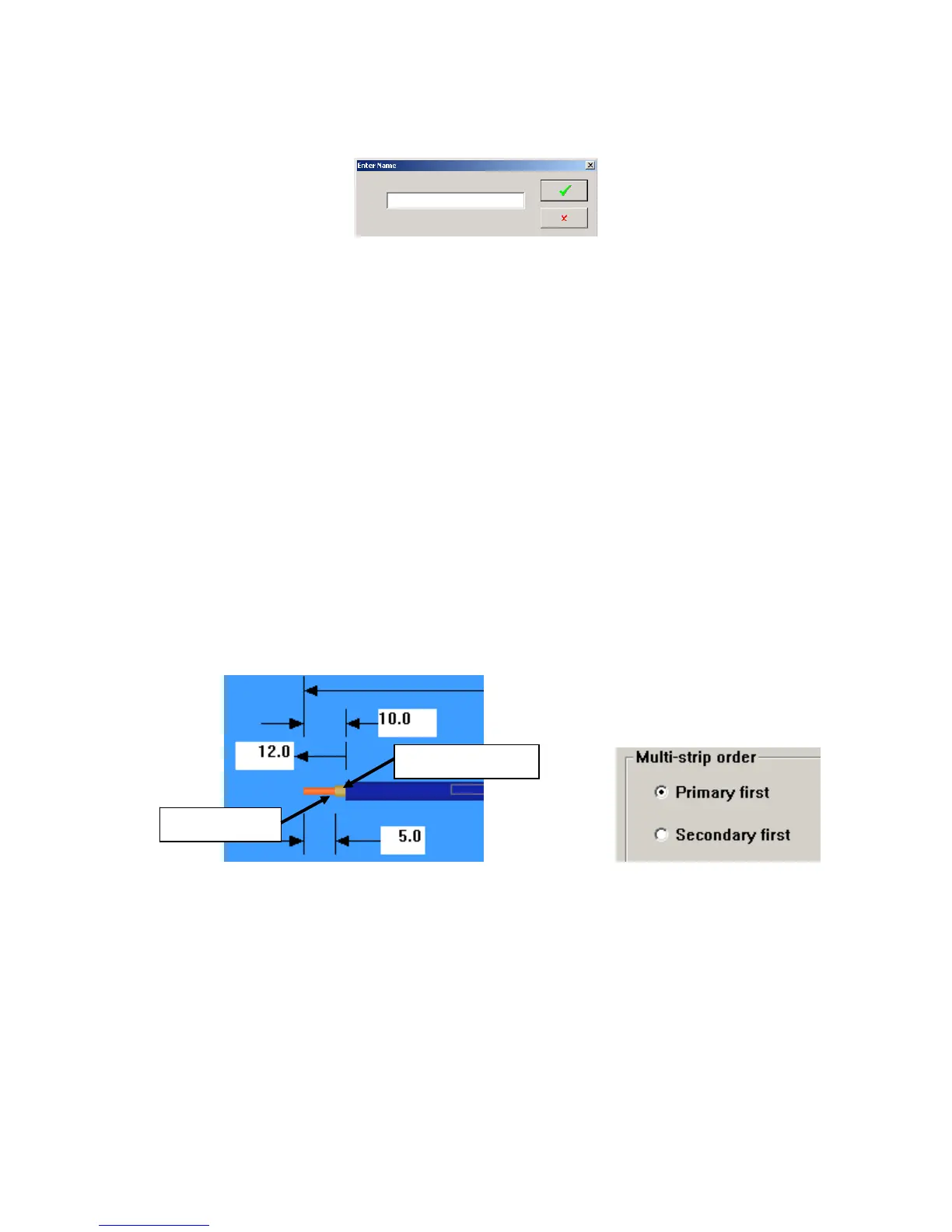
New: Click on this to identify a new wire. Enter the name in the window and click on the green check
box.
Remove. This removes the selected wire from the file if it is not used by a part.
Apply. While making changes in the Wires Properties window click on “Apply” to effect the
change before closing the window. Samples may be run with window open
PrimaryStripDiameter. (0.0 -.500 in. / 0.0 – 12.7mm)
This setting is the distance between the points of the “V” in the stripping blades when they close
to strip. This value is a linear movement and not numerically relative to the gauge or cross
sectional area of the wire conductor. Changing blade types i.e. “V” to Radius will require
different settings for the same gage wire.
NOTE: This value will change with the change of the value in (#4) on the RUN screen.
SecondaryStripDiameter. (0.0 -.500 in. / 0.0 – 12.7mm)
This is the same as the Primary above but used for the secondary strip. Secondary strip is used
in the double strip mode. Note the order of the stripping is programmed in Machine Settings /
Strip.
StripVelocity (1-100%)
This setting is the maximum speed to which the wire will accelerate during the strip portion of the
cycle. Lowering this and/or the strip acceleration may assist in stripping hard to strip materials
by lessening the tendency for the feed to slip.
StripAcceleration. (3-120%)
This is the rate at which the wire accelerates and decelerates during the strip portion of the cycle.
Rates in excess of 100% should only be used when the wire is easily striped. Lowering this and/or
Primary Strip
Secondary Strip



 To Next Page