55
LANGUAGE CONFIGURATION AND TRANSLATION
CONFIGURING THE MACHINE FOR A LANGUAGE
The software gets all the text strings that are shown on the screen from two files.
Language.txt
Language_io.txt
To display a different language you must
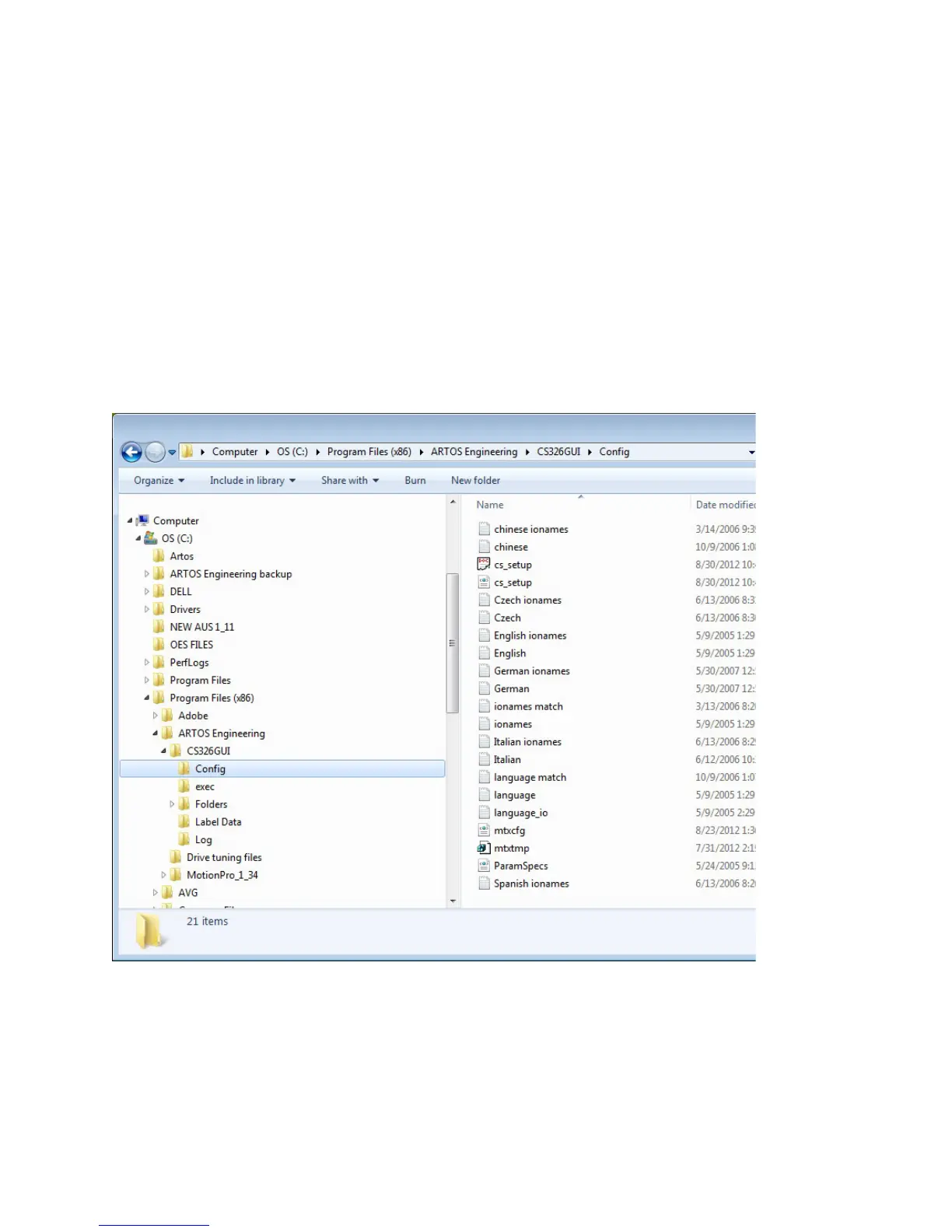
1. Locate the language files.
Use file explorer to navigate to C:\program files(x86)\Artos
Engineering\CS326GUI\Config\. If the directory C:\program files(x86) does not exist
then the location is C:\program files(x86)\Artos Engineering\CS326GUI\Config\.
2. Rename the files language.txt and language_io.txt to
a. Language.txt to language.bak
b. Language_io.txt to language_io.bak
3. Copy the appropriate two language files
4. Rename the two copied files to language and language_io.txt



 To Next Page