14
OPERATION
The following information will allow you to put your CS 326 into production in a minimum amount of time.
Additional features and maintenance functions will be discussed in future sections
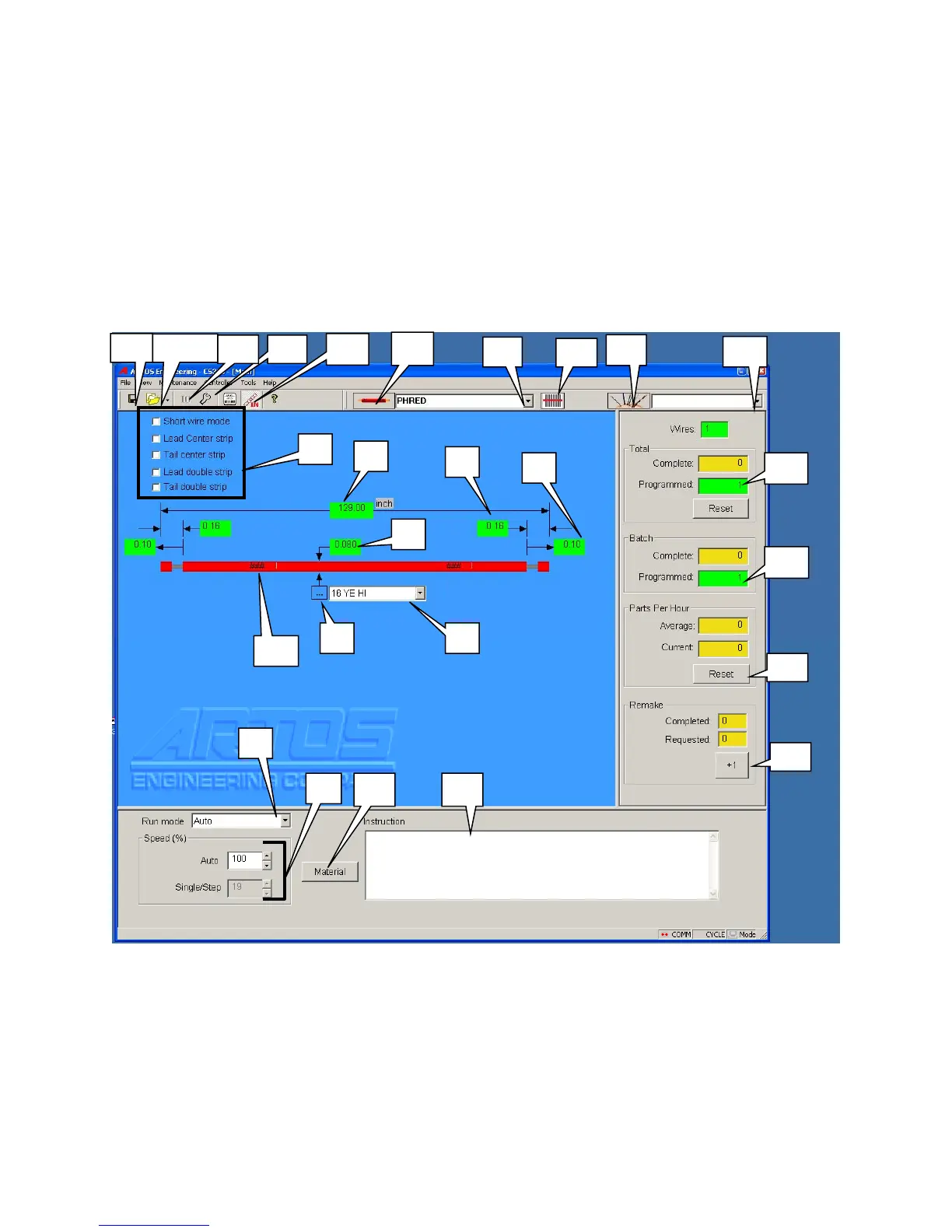
RUN SCREEN
The RUN SCREEN is the primary screen the operator will use to run and program the CS 326 .
SCREEN LEGEND:
THE FOLLOWING ITEM NUMBERS WILL BE REFERRED TO THROUGHOUT THIS
MANUAL
1. Enter - Wire length tip to tip. (See page 18)
2. Enter - Strip length (typical both ends) (See page 18)
12
14
15
16
13
23 22
21
17/18
10
11
20
1
4
5 6
9
2
3
7
8 19
24
25
26
27



 To Next Page