79
- This will produce time stamps on the wire but the lead end of the wire will have a time stamp
appended to the beginning and the end of the message.
Mark from Shoulder
- When this box is checked the dimension you enter will be from the strip should of the wire to the
mark. If this box is not checked the dimension you enter will be from the end of the wire to the
mark.
Marking Formats
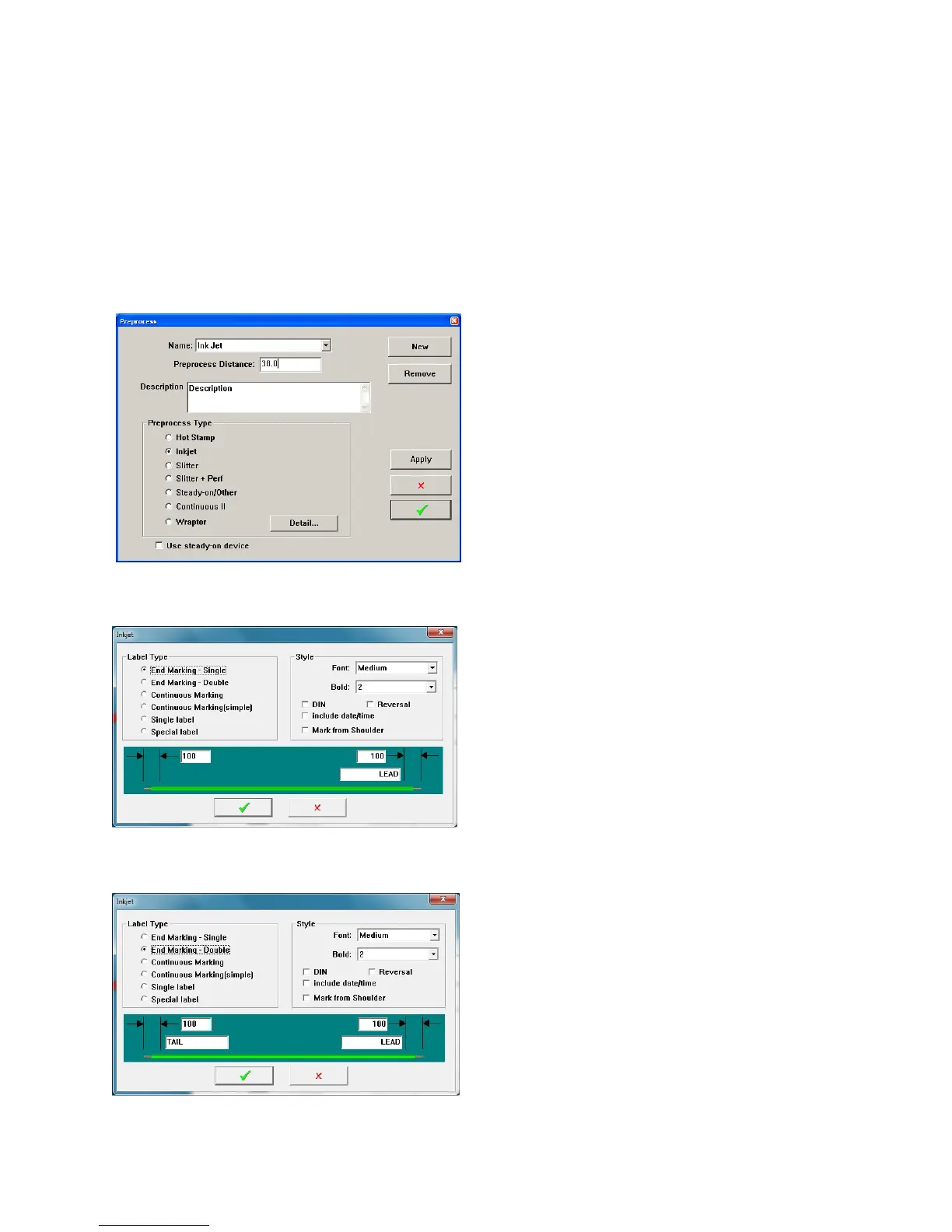
The opening window allows you to determine
the type of marking, set the makers position
relative to the cutting blades (Preprocess
Distance)
Click “Detail” for the further information about
the marking formats
Label Type.
The next window will allow you to select the
marking format as listed. You can also select
Font, Bolderization, Din, or Reversal printing. The
date and time can also be added.
End Marking-Single This will apply the same
mark to both ends of the wire, spaced from the
end as set.
End Marking-double This will apply different
marks to each both end of the wire, spaced from
the end as set.



 To Next Page